
Best Online Copy Paste Tool: What Actually Makes One Worth Using
Search "online copy paste tool" and you will get a wall of nearly identical results — sites that look the same, promise the same thing, and differ mostly in how many ads are wedged between you and the text box. If you are trying to figure out which one is actually worth using, here is what separates a genuinely useful copy paste tool from a page that just happens to have a text box on it.
What an online copy paste tool is actually for
At its simplest, an online copy paste tool lets you move text (and often files) between two devices that are not otherwise connected — your phone and your laptop, your work computer and your personal one, your device and someone else's. Instead of emailing yourself or messaging yourself on WhatsApp, you paste on one screen and see it on the other almost immediately.
The idea is not complicated. What varies enormously is the execution — and that is where most of these tools fall short.
What to actually look for
No account, no email, no phone number
The entire appeal of a copy paste tool is speed. If it asks you to sign up before you can paste a single sentence, it has already failed at the one thing it promised. CopyPaster skips this entirely — open the site on two devices connected to the same Wi-Fi, and they land in the same room automatically.
Real-time sync, not manual refresh
Some tools require you to hit a "sync" or "refresh" button to see what was pasted on the other device. That defeats the purpose. A good copy paste tool updates live, the moment you paste — no button, no waiting.
Files, not just text
Plenty of "copy paste" tools only handle plain text. The more useful ones — CopyPaster included — also let you drag in photos, PDFs, and documents through the same room, so you are not switching to a separate tool the moment you need to send something bigger than a sentence.
Content that actually disappears
Anything you paste into a copy paste tool should not sit there forever. Rooms and files should expire automatically — CopyPaster clears text and files after a set window so nothing lingers as a security risk on a shared or public computer.
No ad clutter around the text box
A lot of copy paste sites are built primarily to run ads, with the actual tool as an afterthought squeezed between banners. It is worth noticing whether a site feels built for the tool, or built for the ads.
How CopyPaster fits this
- Text — paste on one device, see it instantly on any other device sharing your network.
- Files — drag and drop, no size negotiation for everyday files, automatic expiry.
- Private notes — for anything sensitive, a separate encrypted, self-destructing note option.
- No account — open the site and go; nothing to remember, nothing to log into later.
Tip: bookmark the tool on both your phone and your computer so it is one tap away next time you need it, rather than searching for it again.
When a simple copy paste tool is not enough
If you need to keep a running history of everything you have ever pasted, searchable and organized, a dedicated clipboard manager app installed on your device will serve you better than a browser-based tool — that is a different job. Online copy paste tools are built for the moment-to-moment handoff, not long-term storage.
The bottom line
Not every tool that calls itself an online copy paste tool is actually built around making that moment fast. Look for no account requirement, real-time sync, file support, and content that cleans itself up — that combination is what makes the difference between a tool you reach for every day and one you tried once and forgot.
Frequently Asked Questions
QWhat should I look for in an online copy paste tool?
Look for no account requirement, real-time sync between devices, support for files as well as text, and content that automatically expires rather than persisting indefinitely.
QIs an online copy paste tool safe to use?
It depends on the tool. Choose one that auto-deletes content after a short window and avoid pasting highly sensitive information into a shared or public room; use an encrypted private note instead for anything confidential.
QDo online copy paste tools work between any devices?
Yes, browser-based tools like CopyPaster work across any combination of phone, tablet, or computer, regardless of operating system, as long as the devices share the same Wi-Fi network.
Related articles
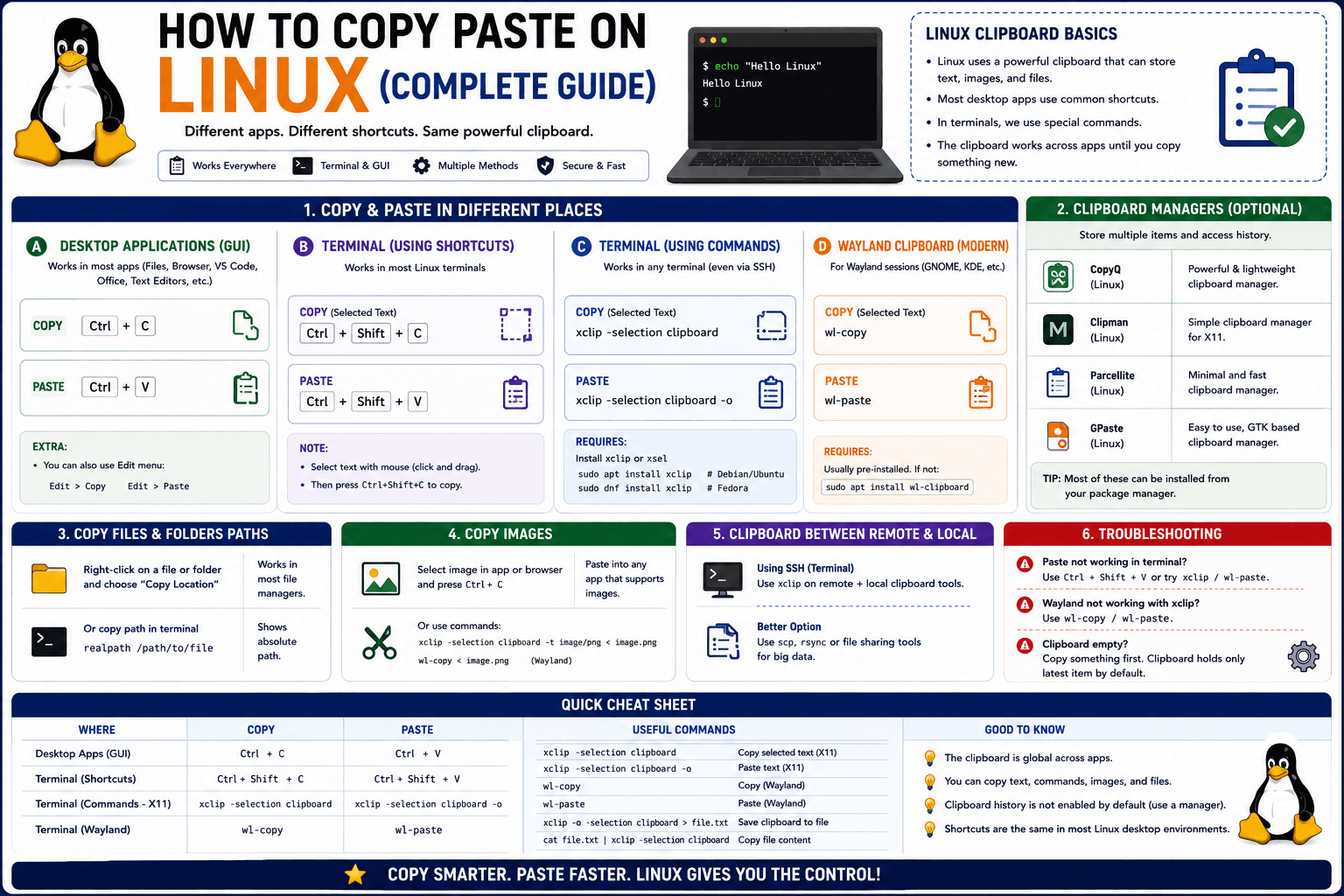
How to Copy Paste on Linux (Complete Guide)
Linux quietly runs two separate clipboards at once. Understanding both explains most copy-paste confusion, plus how to sync with other operating systems.
Read article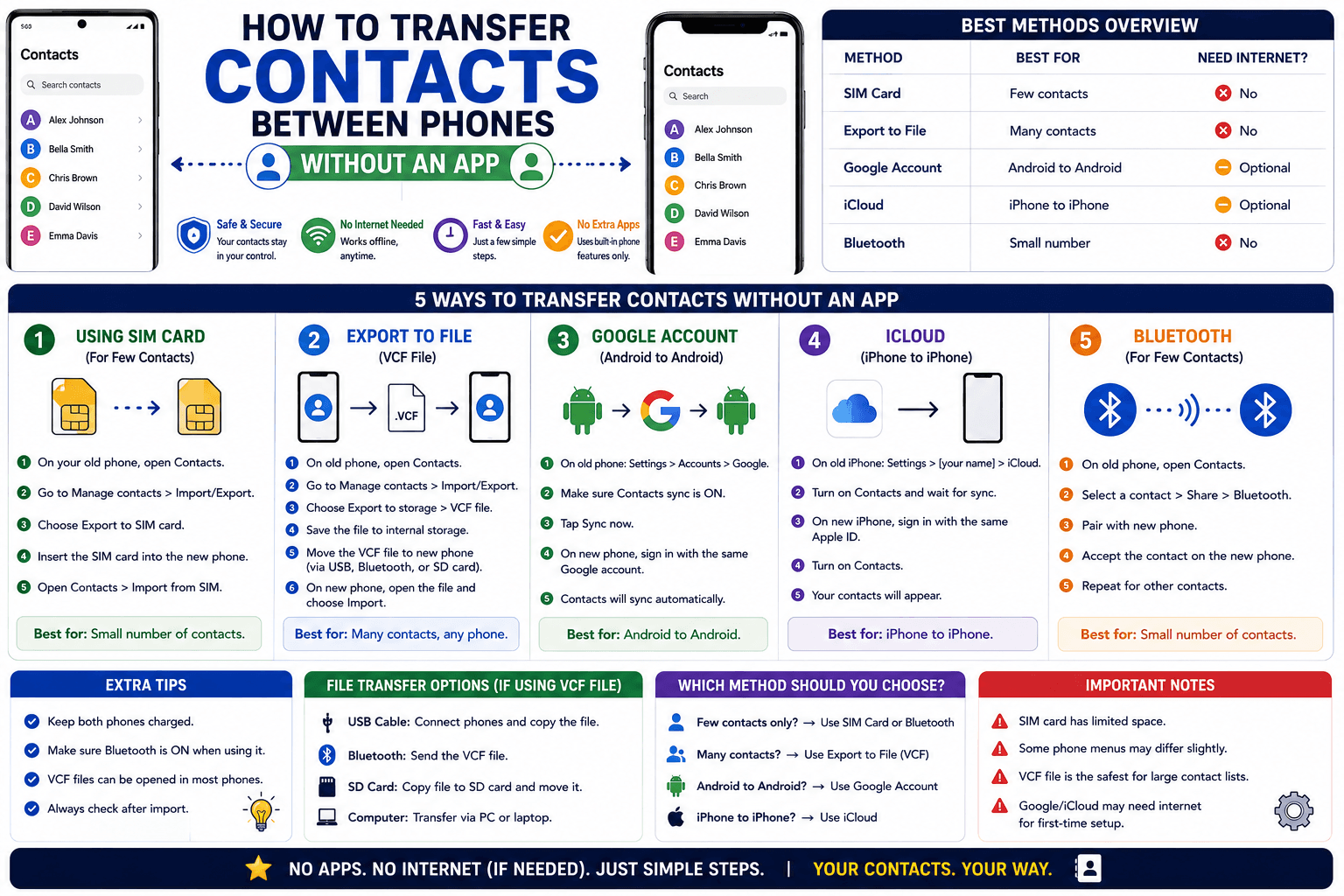
How to Transfer Contacts Between Phones Without an App
Moving to a new phone does not require a third-party transfer app. Here is how to move contacts using built-in sync or a quick vCard file export.
Read article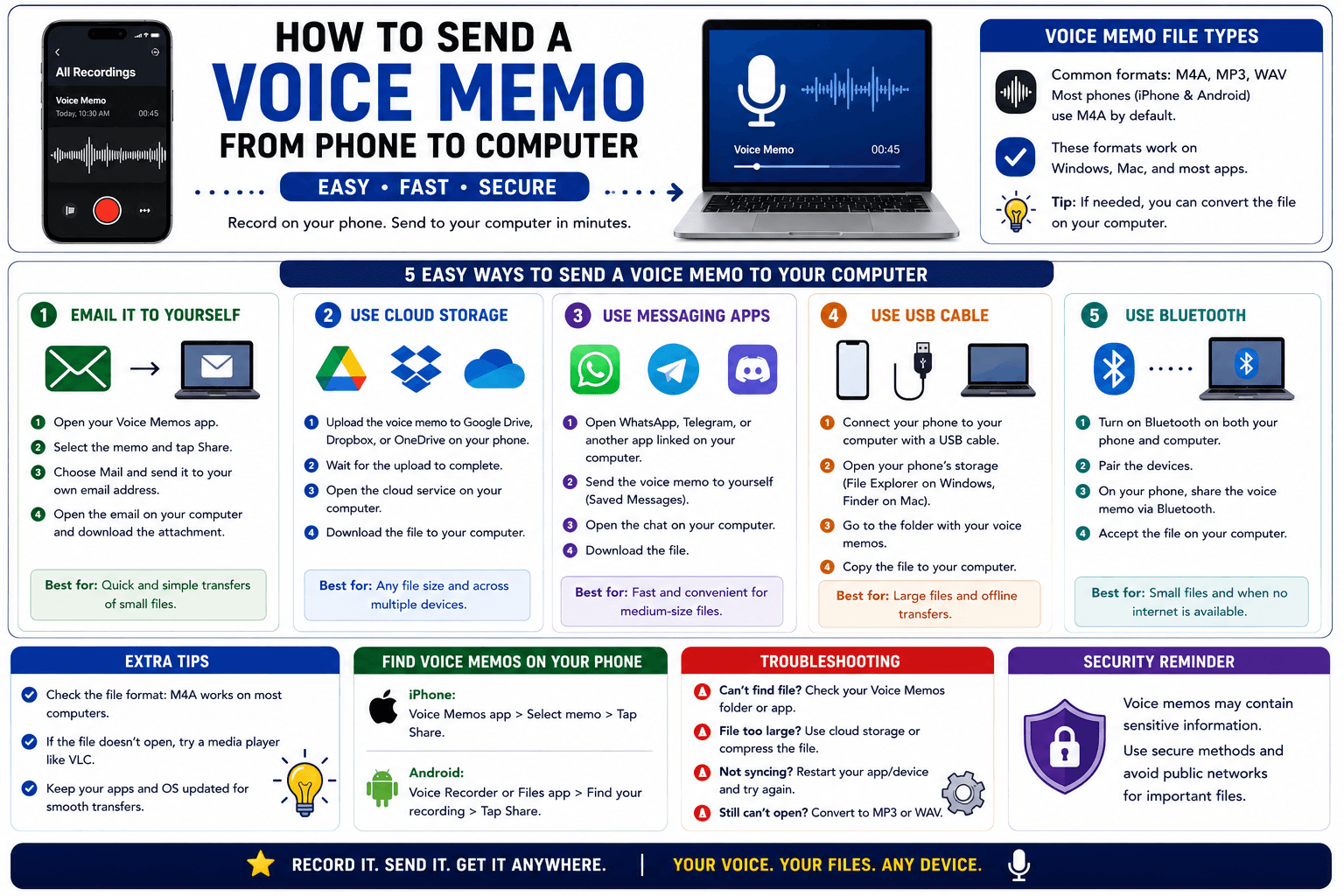
How to Send a Voice Memo From Phone to Computer
Voice memos are locked inside their app until you export them. Here is how to move a recording from your phone to your computer quickly once exported.
Read article