
Best Snapdrop Alternative for Sharing Files Between Devices
Snapdrop has been a go-to for quick, no-login file transfers between devices on the same network for years — simple, free, and it works across platforms. But it is not the only option, and depending on what you need, it might not even be the best fit. Here is how the alternatives compare, and when to reach for something else.
What made Snapdrop popular in the first place
Snapdrop's whole appeal is refreshingly simple: open it on two devices on the same Wi-Fi, and they discover each other automatically, showing up as tappable icons you can drag a file onto. No account, no app, no typing a code. It solved the "why is this so complicated" problem that AirDrop-style tools created for anyone outside a single ecosystem.
Where Snapdrop falls short
- Text is an afterthought. Snapdrop is built primarily for files; sending a quick note or link works, but it is not the smoothest experience for pure text.
- No persistence options. Everything is peer-to-peer and immediate — there is no private, encrypted note feature for anything sensitive you want to send with an extra layer of protection.
- Device discovery can be inconsistent on some networks, particularly ones with client isolation (common on guest Wi-Fi), where devices technically share a network but cannot see each other.
How CopyPaster compares
- Text and files, both built as first-class features — not just files with text bolted on.
- An encrypted, self-destructing private note option for anything sensitive, separate from the general file/text room.
- Same no-login, no-app approach — open the site on two devices on the same Wi-Fi and you are in the same room automatically.
- A QR code option for joining a room without typing anything, useful when device discovery over Wi-Fi alone is inconsistent.
Step by step with CopyPaster
- Open CopyPaster on both devices, connected to the same Wi-Fi.
- Confirm the room key matches on both screens.
- Use the Files tab for files, or the Text tab for notes and links.
- Whatever you send appears on the other device within seconds.
When Snapdrop is still the better pick
If you specifically want peer-to-peer transfer with nothing touching a server in between, Snapdrop's architecture is built around that from the ground up. For pure file-to-file transfers where that distinction matters to you, it remains a solid choice.
Tip: if device discovery is not working on a shared Wi-Fi network, that is often client isolation on the router's side rather than a problem with the tool itself — a room-based approach that does not rely on device discovery, like CopyPaster, sidesteps this issue entirely.
The bottom line
Snapdrop popularized the no-login, no-app file transfer, but it is not the only tool built around that idea anymore. If you need text and files handled equally well, plus an option for sensitive content, it is worth comparing what else is out there rather than assuming the first tool you found is the only one.
Frequently Asked Questions
QWhat is a good alternative to Snapdrop?
CopyPaster offers the same no-login, no-app file sharing over a shared Wi-Fi network, with the addition of first-class text sharing and an encrypted private note feature for sensitive content.
QWhy is Snapdrop not finding my other device?
This is often caused by client isolation on the Wi-Fi router, common on guest networks, which prevents devices from discovering each other even though they share the same network.
QIs CopyPaster better than Snapdrop?
It depends on the need. CopyPaster is better suited for mixed text and file sharing plus sensitive content, while Snapdrop remains a solid choice for pure peer-to-peer file transfers.
Related articles
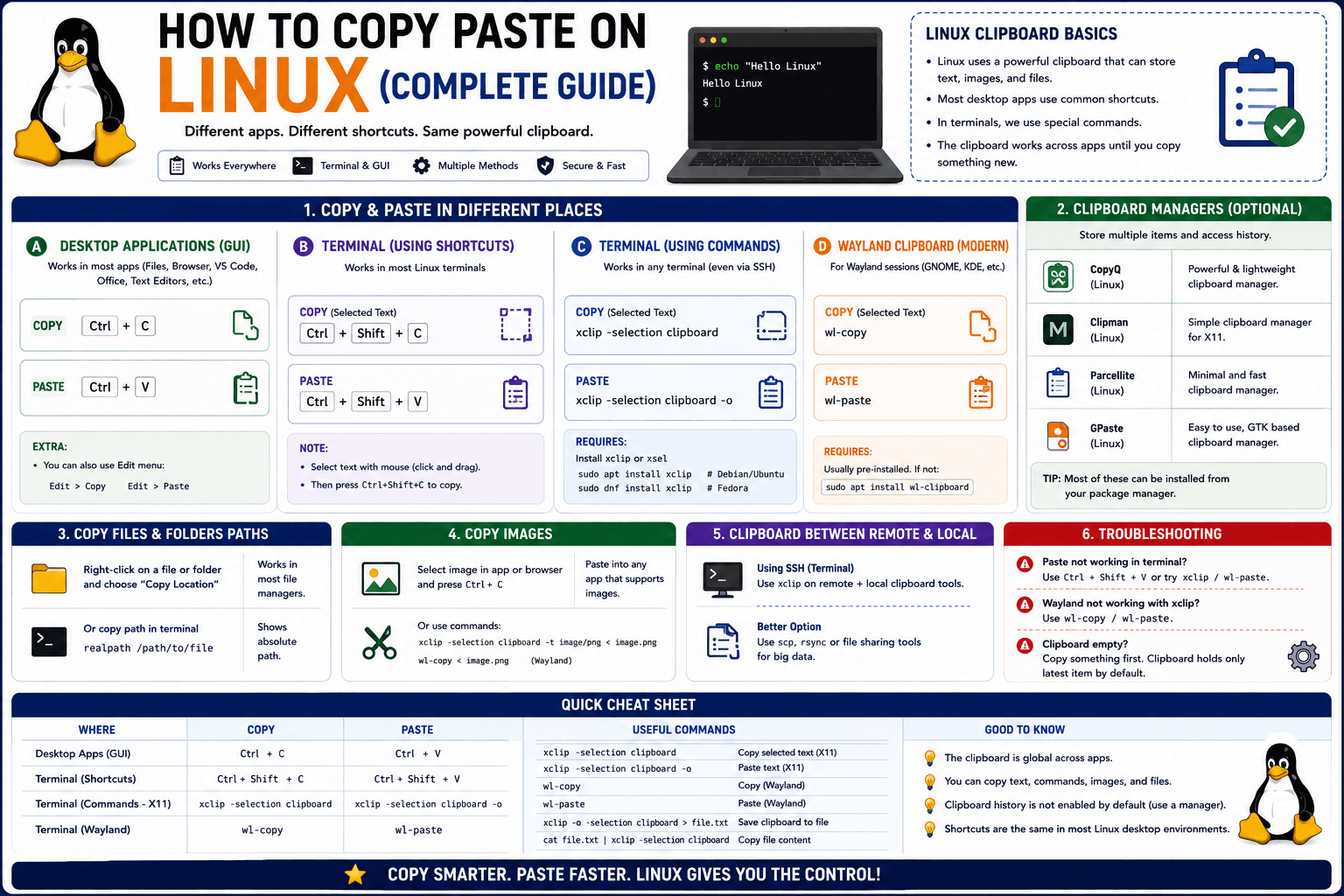
How to Copy Paste on Linux (Complete Guide)
Linux quietly runs two separate clipboards at once. Understanding both explains most copy-paste confusion, plus how to sync with other operating systems.
Read article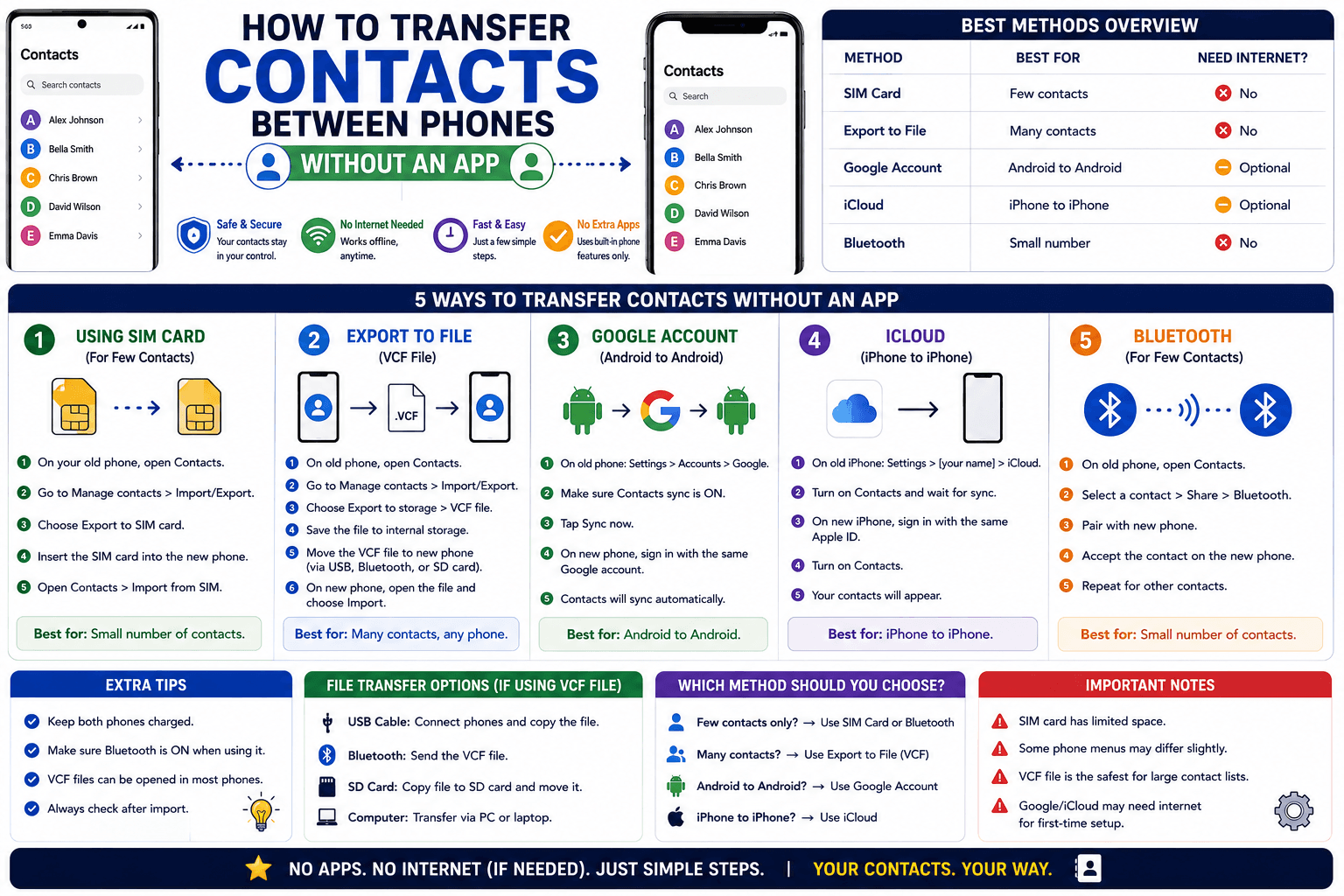
How to Transfer Contacts Between Phones Without an App
Moving to a new phone does not require a third-party transfer app. Here is how to move contacts using built-in sync or a quick vCard file export.
Read article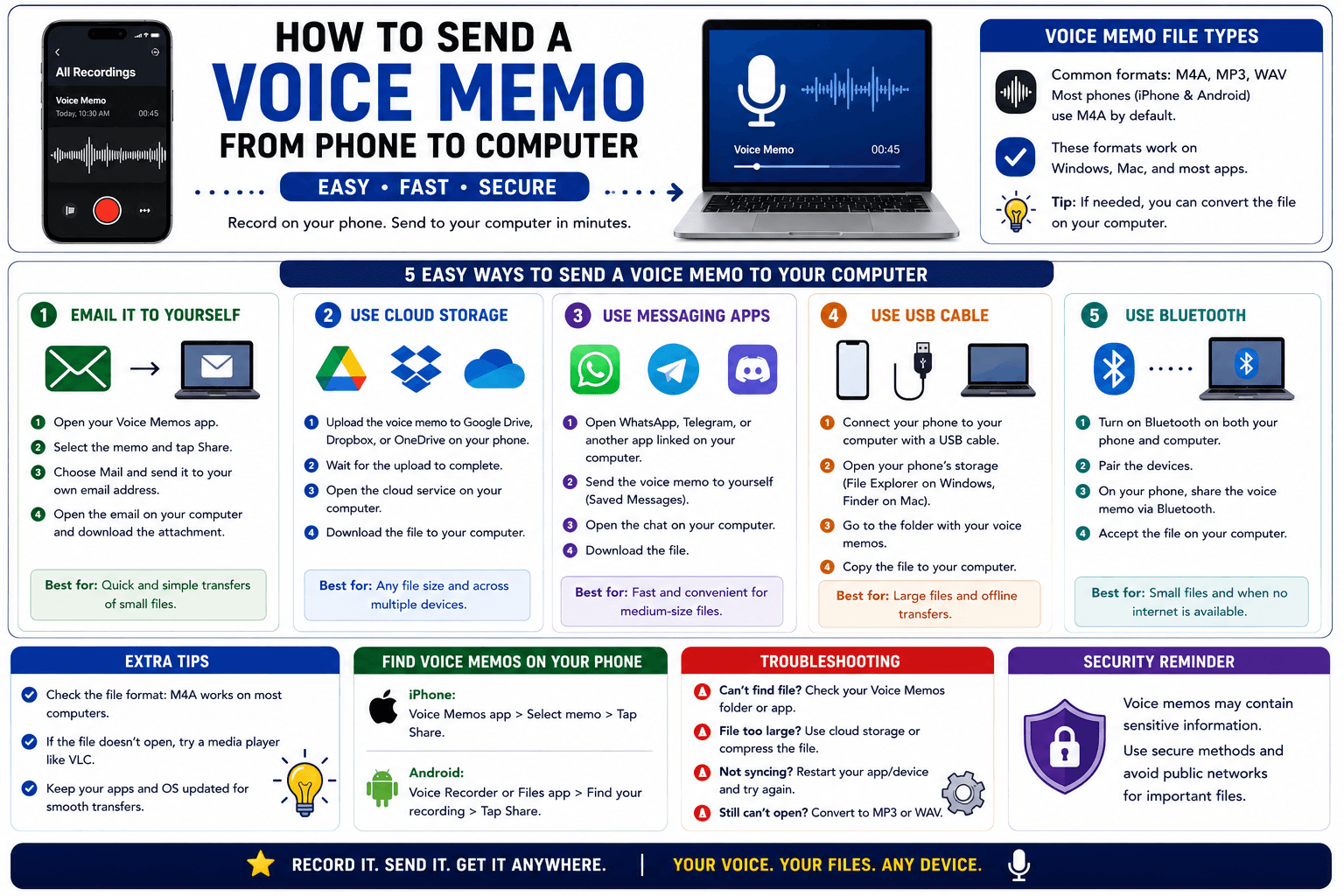
How to Send a Voice Memo From Phone to Computer
Voice memos are locked inside their app until you export them. Here is how to move a recording from your phone to your computer quickly once exported.
Read article