
Clipboard Manager vs Clipboard Sync: What Is the Difference?
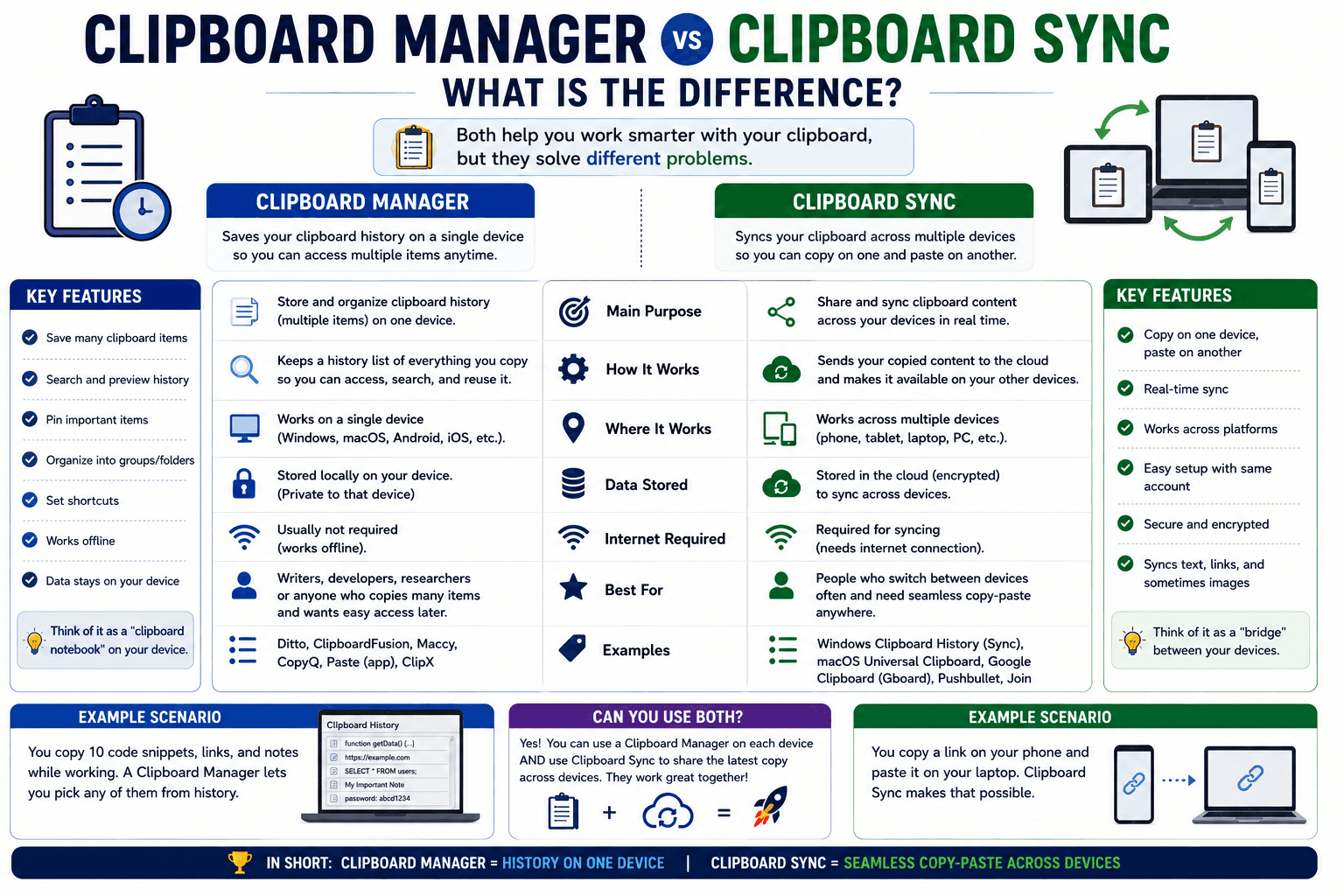
"Clipboard manager" and "clipboard sync" get used almost interchangeably, but they solve two genuinely different problems. Confusing the two is why people sometimes install a clipboard manager expecting it to work across their phone and computer, only to find it only ever shows them history from a single device. Here is the actual difference.
What a clipboard manager does
A clipboard manager runs on a single device and keeps a history of everything you have copied recently — not just the last item, but a scrollable list going back further. Tools like Windows' built-in clipboard history, macOS clipboard managers, or dedicated apps like Ditto and ClipboardFusion all fall into this category. The value is entirely local: you copied five things in a row, and you can still get the third one back.
What clipboard sync does
Clipboard sync solves a different problem entirely: getting something you copied on one device onto a different device. History is not really the point — the point is bridging the gap between your phone and your computer, or between two computers, so a copy on one is available to paste on the other.
Why you might need both, and why one does not replace the other
- A clipboard manager with no sync means your history of five recent copies is trapped on whichever device you copied them on.
- A sync tool with no history means only the most recent thing you copied crosses over — copy something else before pasting on the other device, and the first item is gone, the same limitation as a normal single-item clipboard.
They are solving adjacent but different problems, and a lot of the confusion in this space comes from tools that only do one of the two while implying they do both.
Where CopyPaster's Chrome extension fits
The extension is built specifically as a sync tool — anything copied on one signed-in device becomes available on your other signed-in devices, either automatically written into the clipboard (with auto-copy on) or shown as a click-to-copy list in the popup. It is solving the cross-device problem, not the single-device history problem.
Tip: if you want both — local history on each device, plus syncing between them — pairing your operating system's built-in clipboard history (Windows key + V on Windows, for example) with a sync extension covers both needs without conflicting, since they operate at different layers.
Which one you actually need
- You copy several things in a row and need to grab an earlier one — a clipboard manager, for local history on a single device.
- You copy something on one device and need it on another — a sync tool, for crossing the device gap.
- Both, regularly — use your device's built-in clipboard history for local recall, and a sync extension for crossing devices; they do not step on each other.
The bottom line
"Clipboard manager" and "clipboard sync" sound like they should be the same thing, but they answer two different questions — one about time (what did I copy a moment ago), the other about place (what did I copy on a different device). Knowing which question you are actually asking makes it much easier to pick the right tool.
Frequently Asked Questions
QIs a clipboard manager the same as clipboard sync?
No. A clipboard manager keeps a local history of copied items on one device, while clipboard sync bridges what you copy between different devices.
QCan I use a clipboard manager and clipboard sync together?
Yes, they operate at different layers and do not conflict. Use a local clipboard manager for history and a sync extension for crossing devices.
QDoes CopyPaster's extension keep clipboard history?
The extension is built as a sync tool, moving what you copy between your signed-in devices, rather than maintaining a long local history on a single device.
Related articles
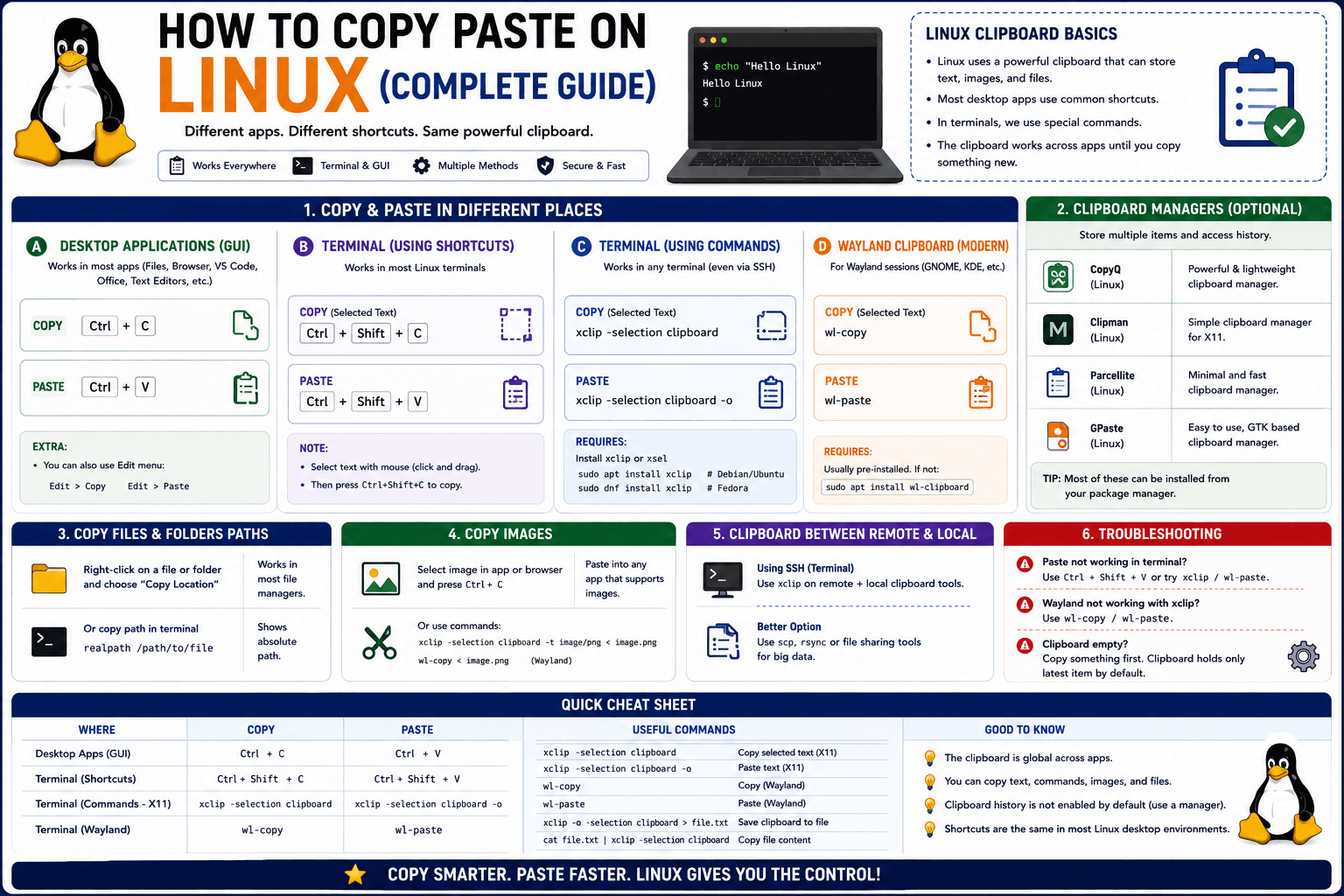
How to Copy Paste on Linux (Complete Guide)
Linux quietly runs two separate clipboards at once. Understanding both explains most copy-paste confusion, plus how to sync with other operating systems.
Read article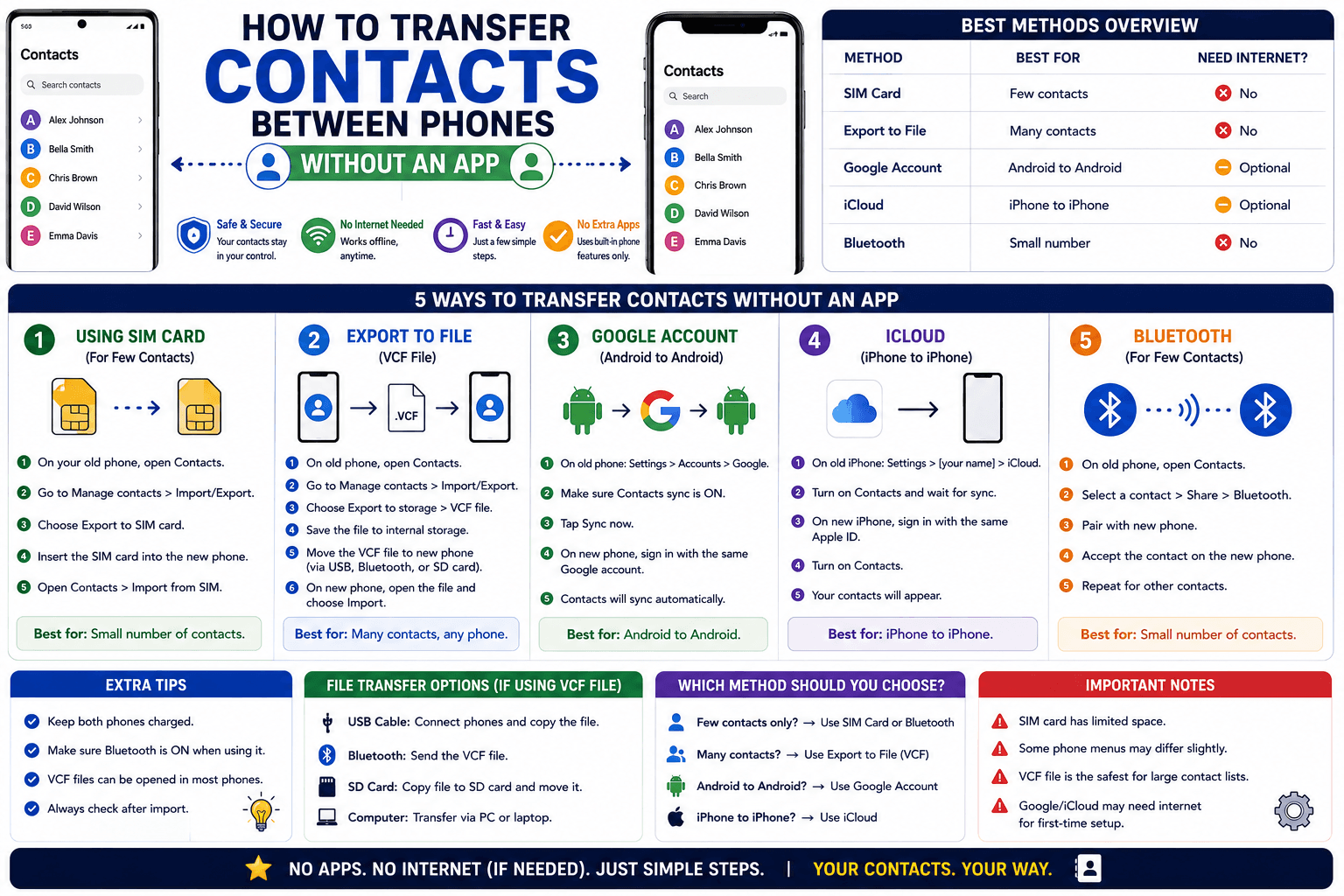
How to Transfer Contacts Between Phones Without an App
Moving to a new phone does not require a third-party transfer app. Here is how to move contacts using built-in sync or a quick vCard file export.
Read article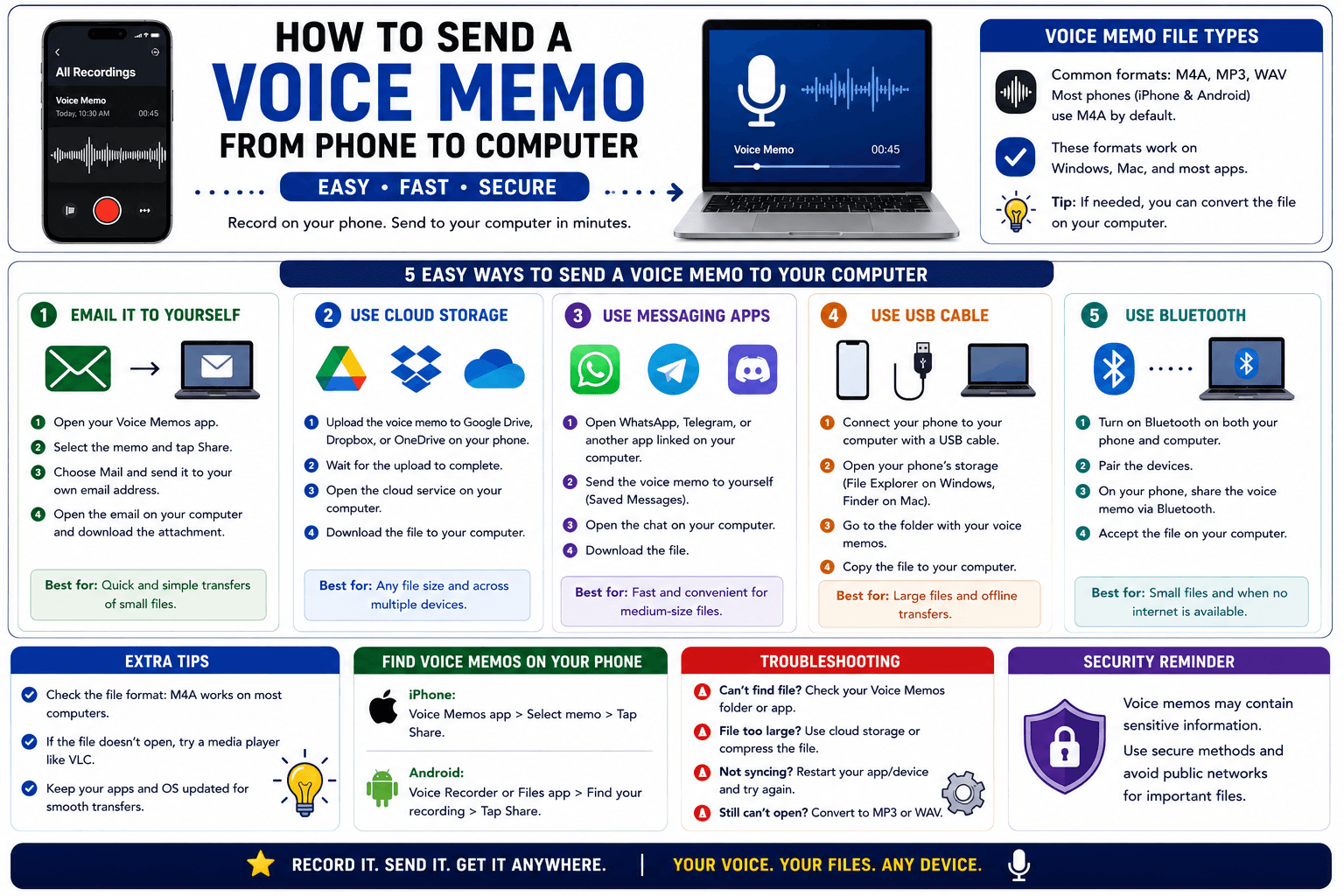
How to Send a Voice Memo From Phone to Computer
Voice memos are locked inside their app until you export them. Here is how to move a recording from your phone to your computer quickly once exported.
Read article