
Clipboard Not Working After a Windows Update? Here Is the Fix
Copy and paste worked fine yesterday. Then Windows updated overnight, and now Ctrl+V does nothing, or pastes something from days ago instead of what you just copied. This is a more common post-update issue than it should be, and the fix is usually simpler than reinstalling anything.
Why a Windows update can break clipboard behavior
Windows' clipboard, especially the enhanced Cloud Clipboard and clipboard history features introduced in recent versions, runs as a background service. An update can restart that service in a broken state, reset a setting that got toggled off in the process, or occasionally conflict with a startup app that hooks into clipboard behavior.
Step-by-step fix
- Restart your computer. This sounds obvious, but a large share of post-update clipboard issues are simply a background service that needs a clean restart, not an actual setting problem.
- Check clipboard history is still enabled. Go to Settings → System → Clipboard, and confirm "Clipboard history" is toggled on — updates occasionally reset this setting.
- Clear the clipboard history and start fresh. In the same Settings page, use "Clear" under Clipboard history to remove anything potentially corrupted, then try copying and pasting something new.
- Check for a second, conflicting clipboard manager. If you have a third-party clipboard tool installed, it can conflict with Windows' native clipboard after an update — temporarily disable it and test again.
- Run Windows Update again. Occasionally a follow-up patch fixes a bug introduced in the previous one; check for and install any pending updates.
If copy works but paste doesn't (or vice versa)
Test in a different application than the one where you first noticed the problem. If copy-paste works fine in Notepad but not in a specific app like Word or a browser, the issue is likely with that specific application rather than Windows' clipboard system itself — check for a pending update to that app.
If nothing above resolves it
- Run the Windows keyboard troubleshooter under Settings → System → Troubleshoot → Other troubleshooters, since some clipboard shortcut issues are actually keyboard input problems in disguise.
- Create a new local user account temporarily and test copy-paste there. If it works fine in a new account, the issue is tied to a corrupted setting in your specific user profile rather than Windows itself.
Tip: if you need to move text between two devices while you are troubleshooting your local clipboard, a browser-based tool like CopyPaster works independently of whatever is broken in Windows' clipboard service, since it operates entirely within the browser tab.
The bottom line
A Windows update breaking clipboard behavior is almost always a background service issue, not permanent damage — a restart resolves the majority of cases, and the settings checklist above covers nearly everything else.
Frequently Asked Questions
QWhy did my clipboard stop working after a Windows update?
Windows updates can restart the clipboard background service in a broken state or reset the Clipboard history setting. A restart resolves the majority of these cases.
QHow do I re-enable clipboard history on Windows?
Go to Settings, System, Clipboard, and toggle on Clipboard history if it has been turned off.
QWhat if restarting does not fix my clipboard?
Check for a conflicting third-party clipboard manager, run the Windows keyboard troubleshooter, or test in a new local user account to isolate whether the issue is profile-specific.
Related articles
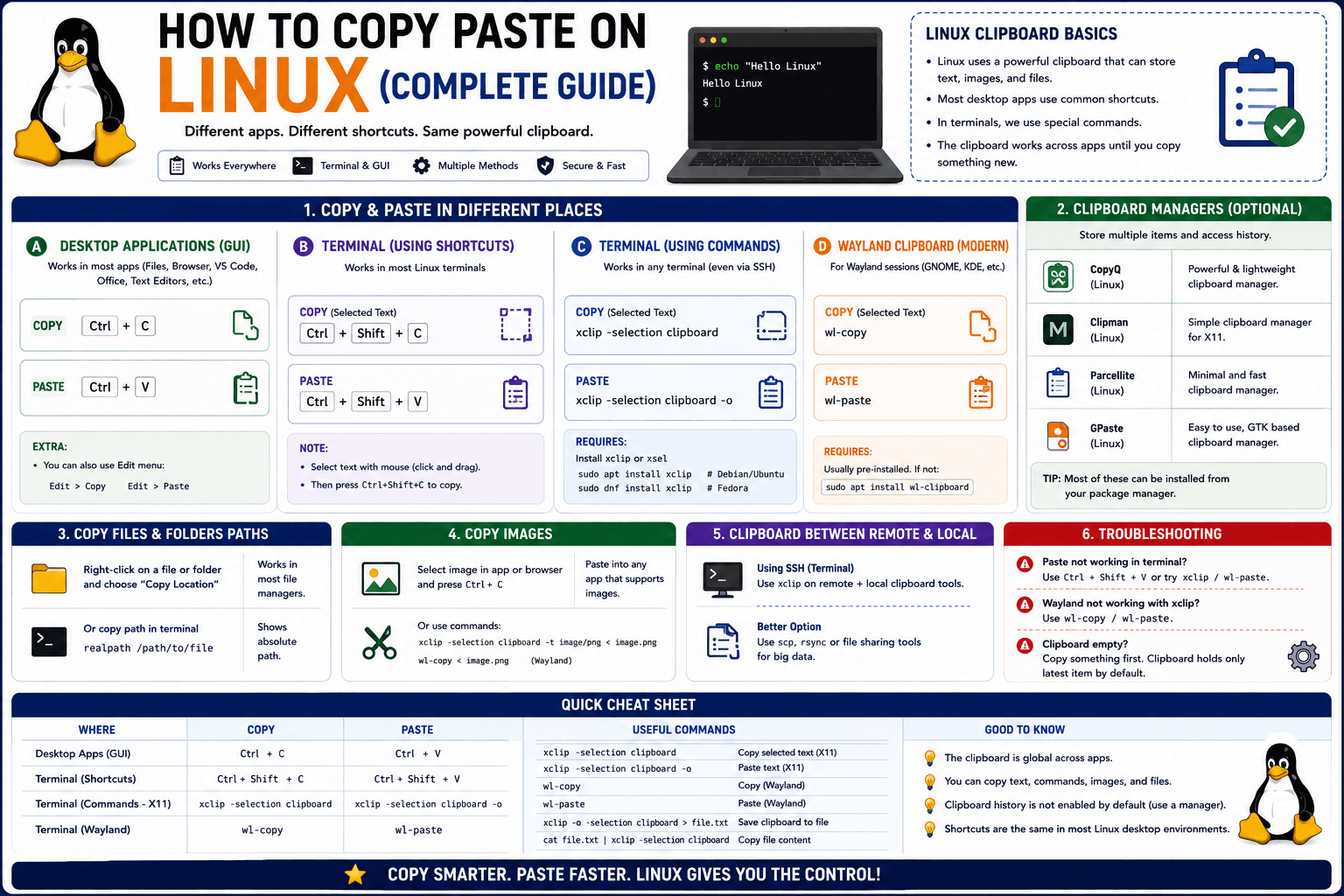
How to Copy Paste on Linux (Complete Guide)
Linux quietly runs two separate clipboards at once. Understanding both explains most copy-paste confusion, plus how to sync with other operating systems.
Read article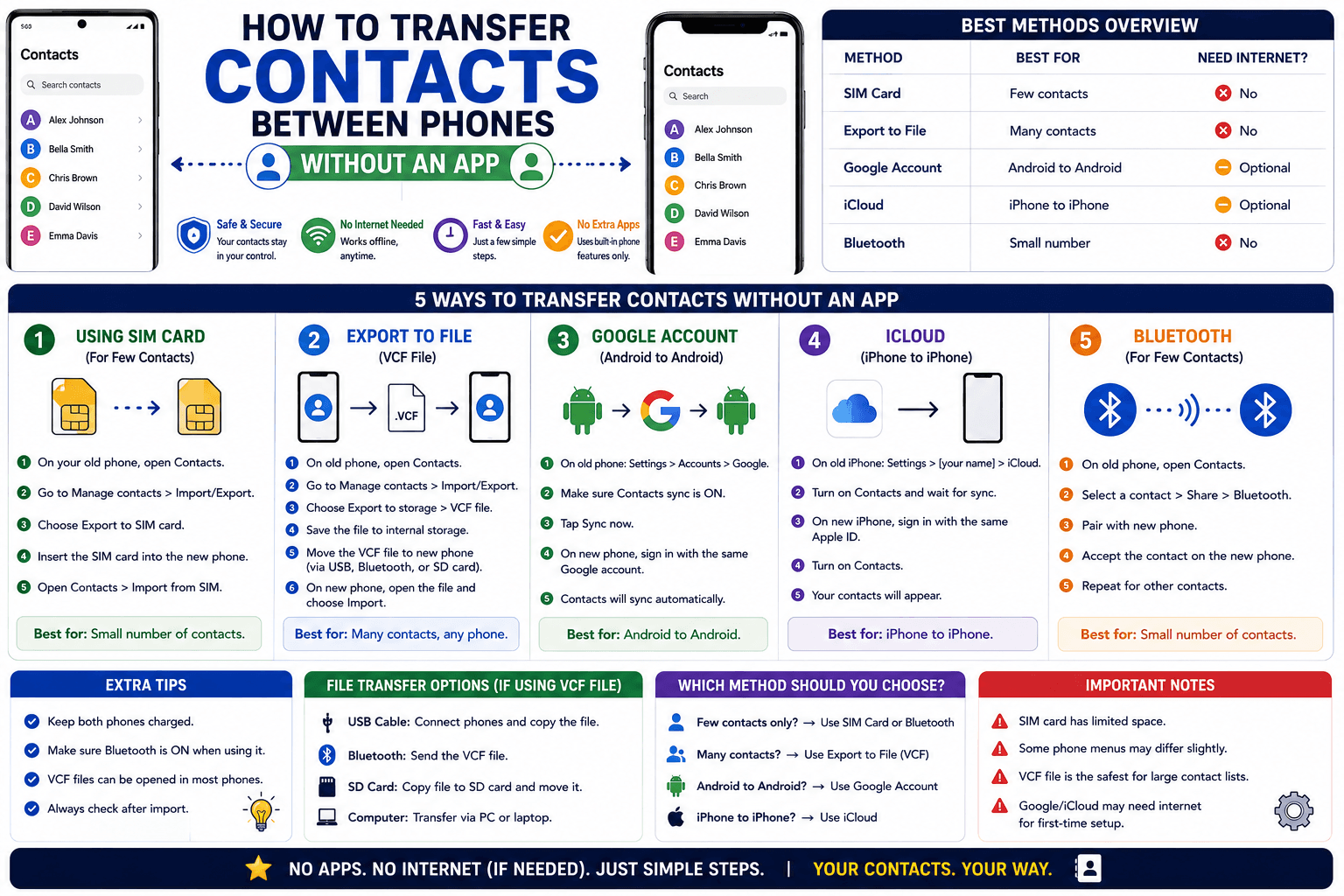
How to Transfer Contacts Between Phones Without an App
Moving to a new phone does not require a third-party transfer app. Here is how to move contacts using built-in sync or a quick vCard file export.
Read article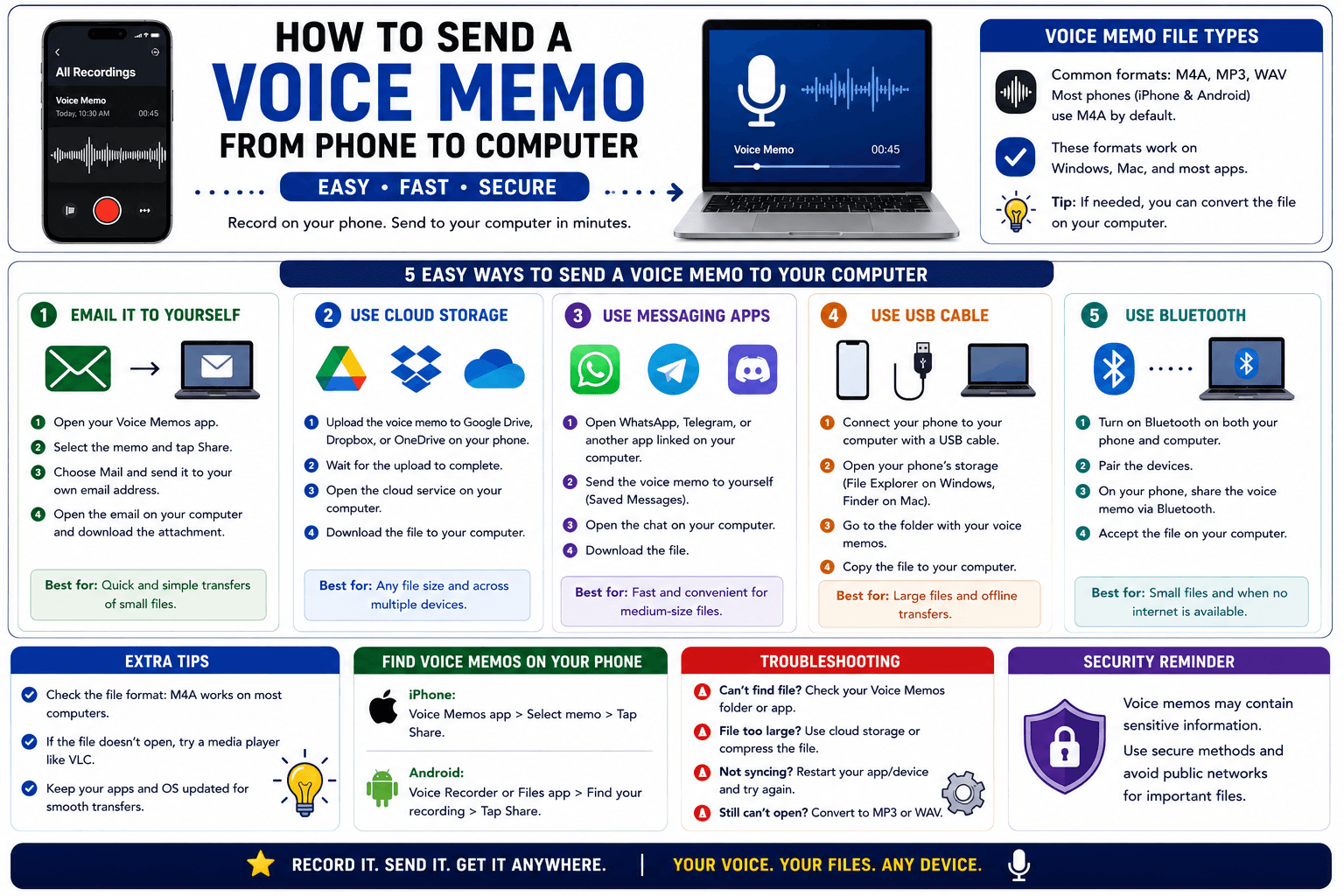
How to Send a Voice Memo From Phone to Computer
Voice memos are locked inside their app until you export them. Here is how to move a recording from your phone to your computer quickly once exported.
Read article