
How to Copy Paste Between a Tablet and a Phone
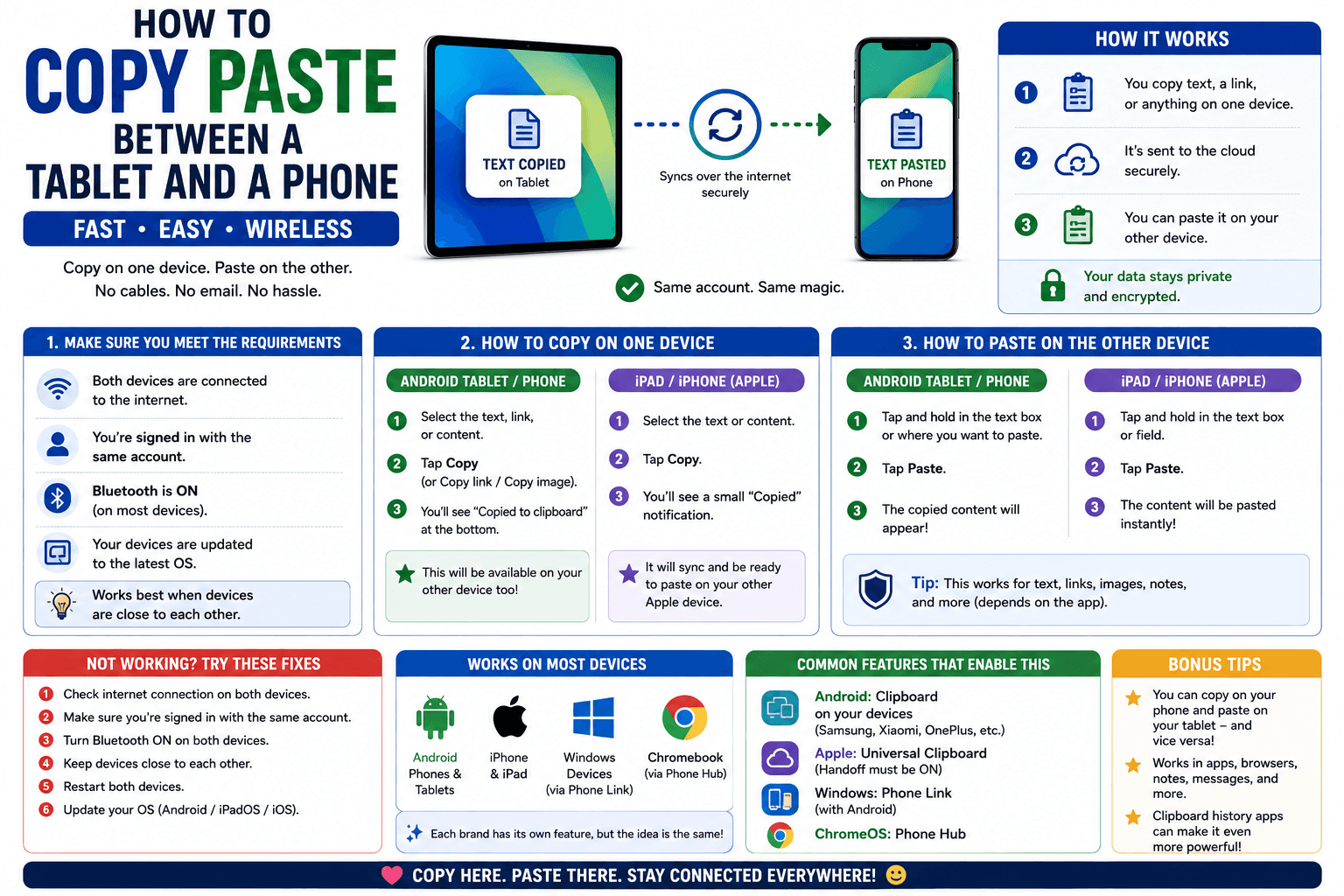
A tablet and a phone feel like they should sync effortlessly — often the same manufacturer, sometimes even the same account already. In practice, copy-paste between the two depends entirely on which ecosystem both devices belong to, and what happens when they don't match is rarely explained anywhere.
Same ecosystem: usually automatic
iPad and iPhone (same Apple ID)
Universal Clipboard covers this natively — copy on one, paste on the other, as long as both are signed into the same Apple ID with Wi-Fi, Bluetooth, and Handoff enabled.
Android tablet and Android phone (same Google account)
This is less consistent than Apple's version. Some Samsung tablet-and-phone combinations support a built-in bridge, but stock Android does not offer a universal clipboard sync the way iOS does, even across two devices signed into the same Google account.
Mismatched ecosystem: an iPad and an Android phone, or similar
There is no built-in bridge at all here, regardless of accounts. A browser-based tool like CopyPaster works consistently across any combination.
Step by step
- Connect both the tablet and the phone to the same Wi-Fi network.
- Open CopyPaster in a browser on both.
- Paste text into the Text tab, or upload a file through the Files tab.
- It appears on the other device within seconds, regardless of manufacturer or operating system.
Why tablet-to-phone specifically causes confusion
People often assume that because a tablet and a phone are "similar" devices, they should sync the same way two phones might. In reality, syncing depends entirely on ecosystem alignment, not device type — an iPad and an iPhone sync easily because they are both Apple, not because they are both mobile devices.
Tip: if you regularly move things between the same tablet and phone, bookmarking a browser-based tool on both turns the whole process into a two-tap habit rather than something to re-figure-out each time.
The bottom line
Tablet-to-phone copy-paste works automatically only within a matching ecosystem — cross the Apple/Android line, or rely on a stock Android tablet without a manufacturer bridge, and a browser-based tool fills the gap reliably either way.
Frequently Asked Questions
QDoes copy-paste work automatically between a tablet and a phone?
Only within a matching ecosystem, such as an iPad and iPhone using Universal Clipboard. Mismatched platforms like an iPad and an Android phone have no built-in bridge.
QHow do I copy paste between an Android tablet and an Android phone?
Stock Android does not offer a universal clipboard sync. Use a browser-based tool like CopyPaster on both devices over the same Wi-Fi instead.
QWhat do I use if my tablet and phone are different platforms?
A browser-based tool like CopyPaster works across any combination of tablet and phone, regardless of manufacturer or operating system.
Related articles
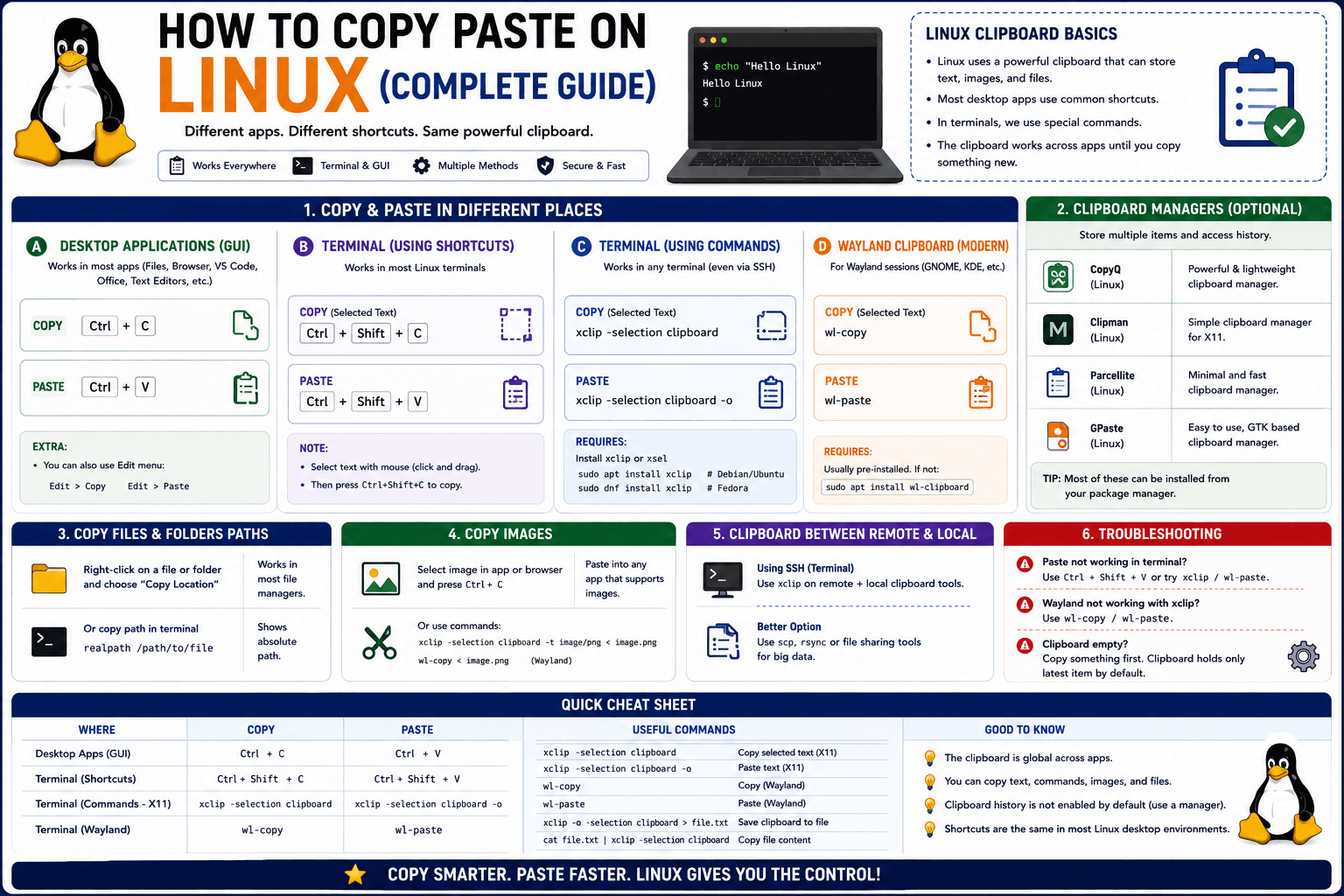
How to Copy Paste on Linux (Complete Guide)
Linux quietly runs two separate clipboards at once. Understanding both explains most copy-paste confusion, plus how to sync with other operating systems.
Read article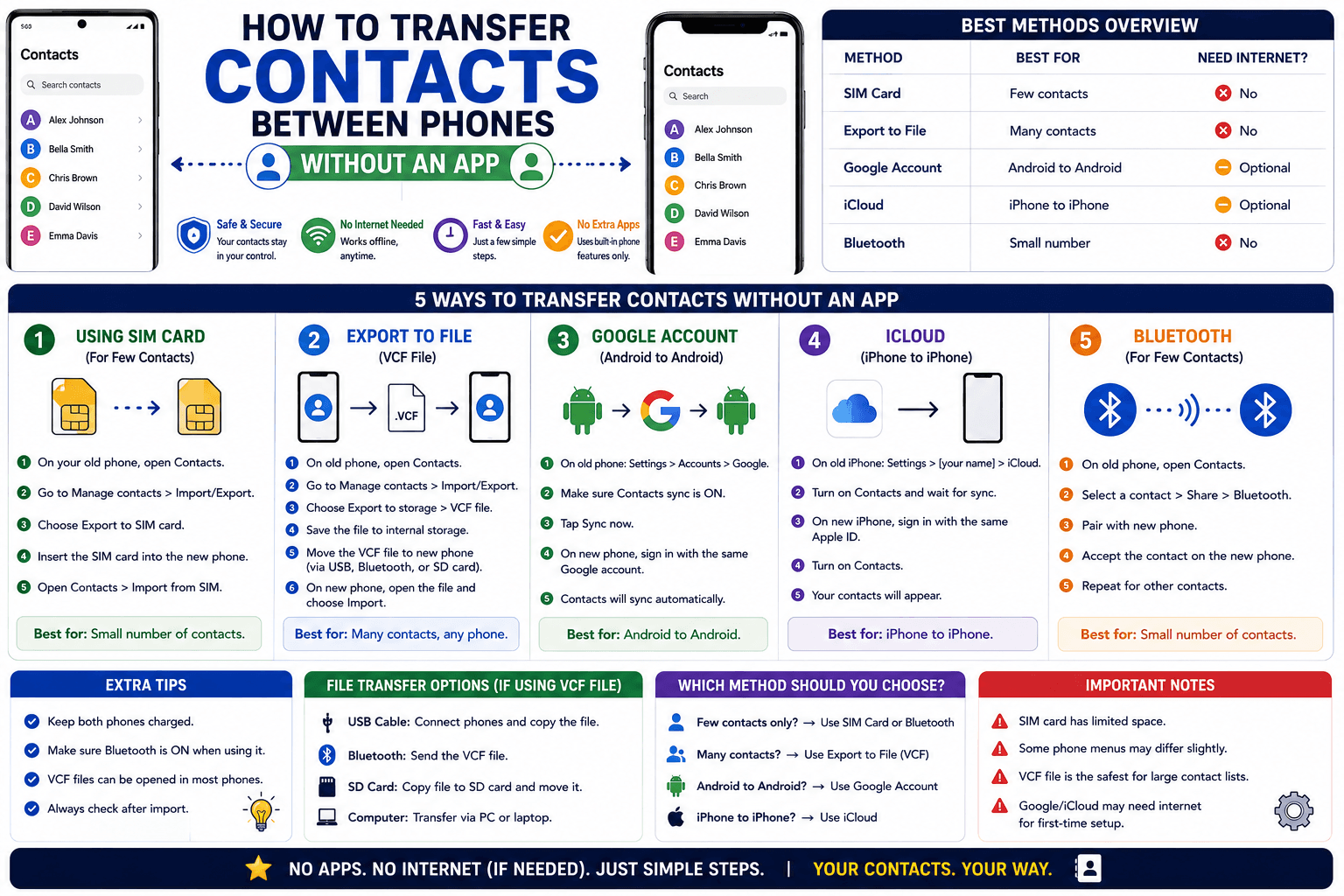
How to Transfer Contacts Between Phones Without an App
Moving to a new phone does not require a third-party transfer app. Here is how to move contacts using built-in sync or a quick vCard file export.
Read article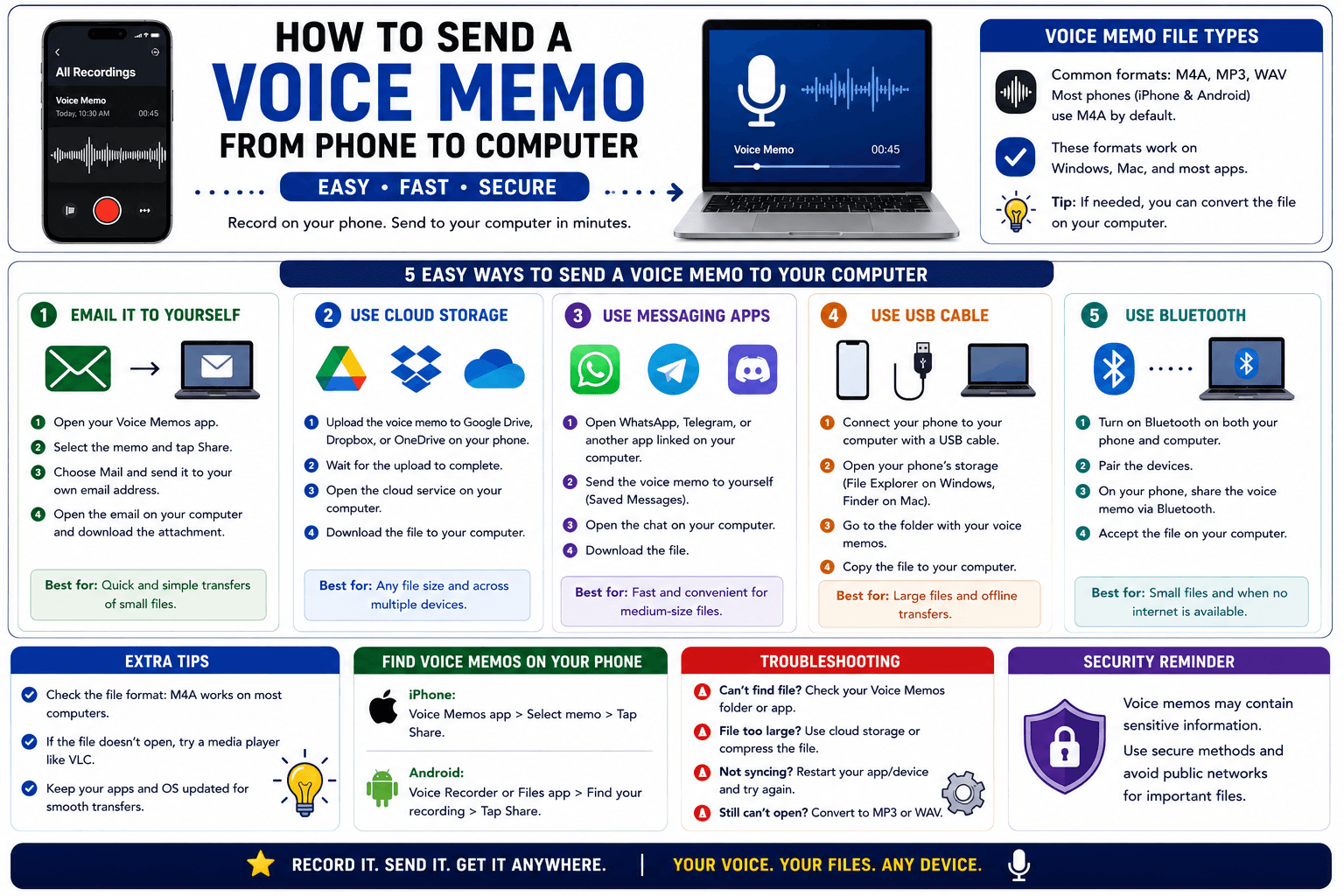
How to Send a Voice Memo From Phone to Computer
Voice memos are locked inside their app until you export them. Here is how to move a recording from your phone to your computer quickly once exported.
Read article