
How to Copy Paste Between Two Windows Computers
Copy and paste within one Windows computer is automatic. Copy and paste between two separate Windows computers — your desktop and your laptop, your work PC and your personal one — is not, unless you set up a specific bridge first. Here is what actually works.
Why two Windows PCs do not automatically share a clipboard
Each Windows installation manages its own clipboard independently, even if both machines are running the same version of Windows and signed into the same Microsoft account for some services. Sharing a clipboard across machines requires a specific feature or tool to bridge that gap — it is not a default behavior.
Option 1: Windows' own Cloud Clipboard (same Microsoft account)
Recent versions of Windows include a Cloud Clipboard feature that can sync copied text across devices signed into the same Microsoft account.
How to set it up
- On both PCs, go to Settings → System → Clipboard.
- Turn on "Clipboard history."
- Turn on "Sync across devices" and confirm both PCs are signed into the same Microsoft account.
- Copy something on one PC, then press Windows key + V on the other to see synced clipboard items.
This works well for text and is one of the more overlooked built-in Windows features, though sync can take a few seconds and does not reliably cover every content type, such as files or complex formatted content.
Option 2: A browser-based tool for anything the built-in sync misses
For files, or when the two PCs are not signed into the same Microsoft account (a personal machine and a work machine, for example), a browser-based tool like CopyPaster works regardless of account setup.
Step by step
- Connect both Windows PCs to the same Wi-Fi network.
- Open CopyPaster in a browser on both.
- Paste text into the Text tab, or upload a file through the Files tab.
- It appears on the other PC within seconds.
Option 3: A shared network folder
If both PCs are on the same home or office network, setting up a shared folder lets you drop a file on one machine and access it directly from the other, without a manual transfer step each time — a good option if you move files between the same two machines regularly.
Which option to use
- Same Microsoft account, just text — Cloud Clipboard, Windows key + V.
- Different accounts, or need files too — a browser-based tool.
- Frequent transfers between the same two machines on your own network — a shared folder, set up once.
Tip: if Cloud Clipboard is not syncing, double check both PCs are actually signed into Windows itself with the Microsoft account (not just a local account with a Microsoft account linked for other services) — this is the most common reason it silently does not work.
The bottom line
Two Windows computers can share a clipboard, but only once something is explicitly set up to bridge them — either Windows' own Cloud Clipboard for text, or a browser-based tool that works regardless of account setup for everything else.
Frequently Asked Questions
QHow do I sync clipboard between two Windows computers?
Enable Clipboard history and Sync across devices under Settings, System, Clipboard on both PCs while signed into the same Microsoft account, then use Windows key + V to access synced items.
QDoes Windows Cloud Clipboard sync files?
Cloud Clipboard is designed primarily for text and does not reliably sync files. Use a browser-based tool like CopyPaster for transferring files between two Windows PCs.
QCan I sync clipboard between two Windows PCs with different Microsoft accounts?
Not through Cloud Clipboard, since it requires the same account. Use a browser-based tool like CopyPaster instead, which works regardless of account setup.
Related articles
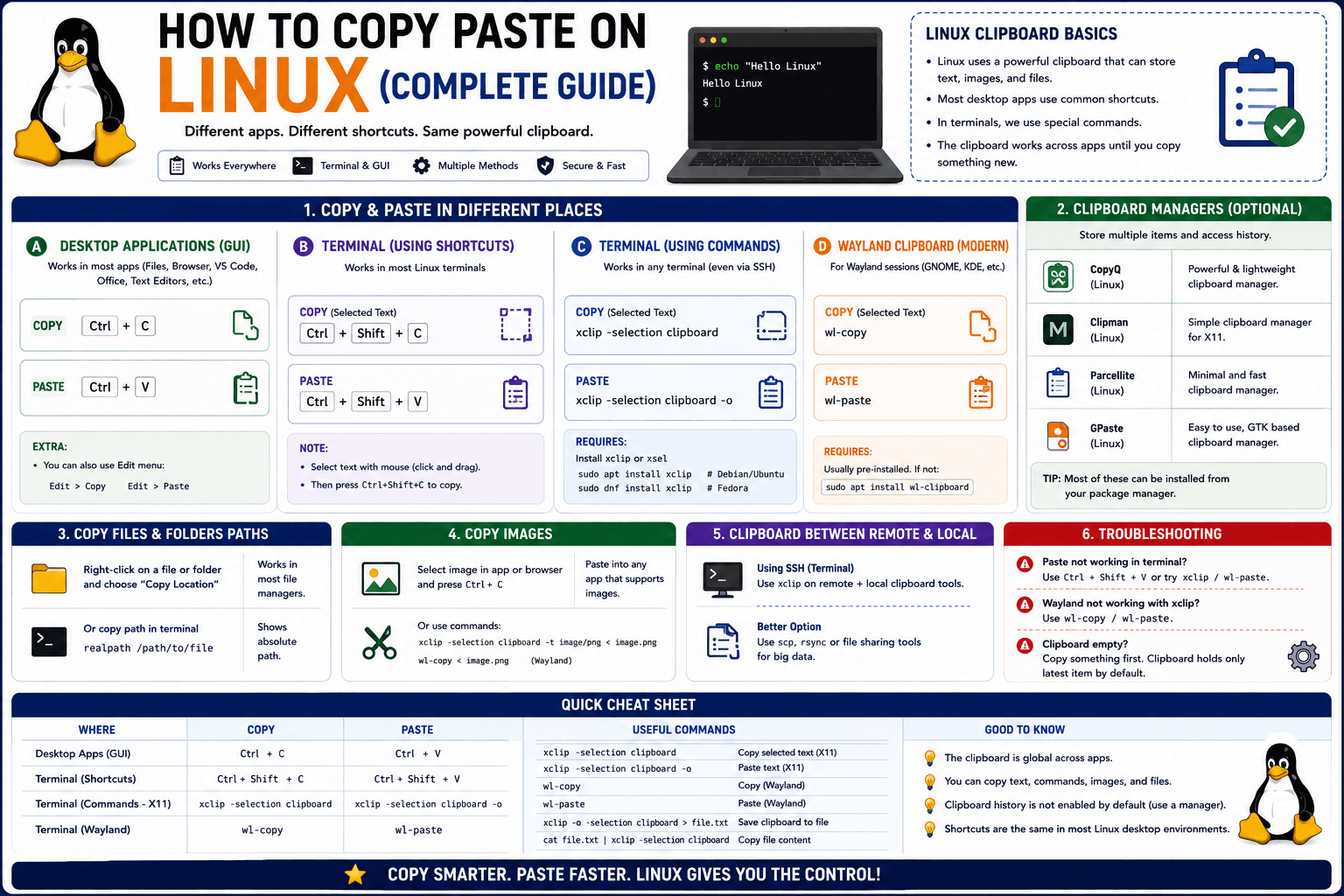
How to Copy Paste on Linux (Complete Guide)
Linux quietly runs two separate clipboards at once. Understanding both explains most copy-paste confusion, plus how to sync with other operating systems.
Read article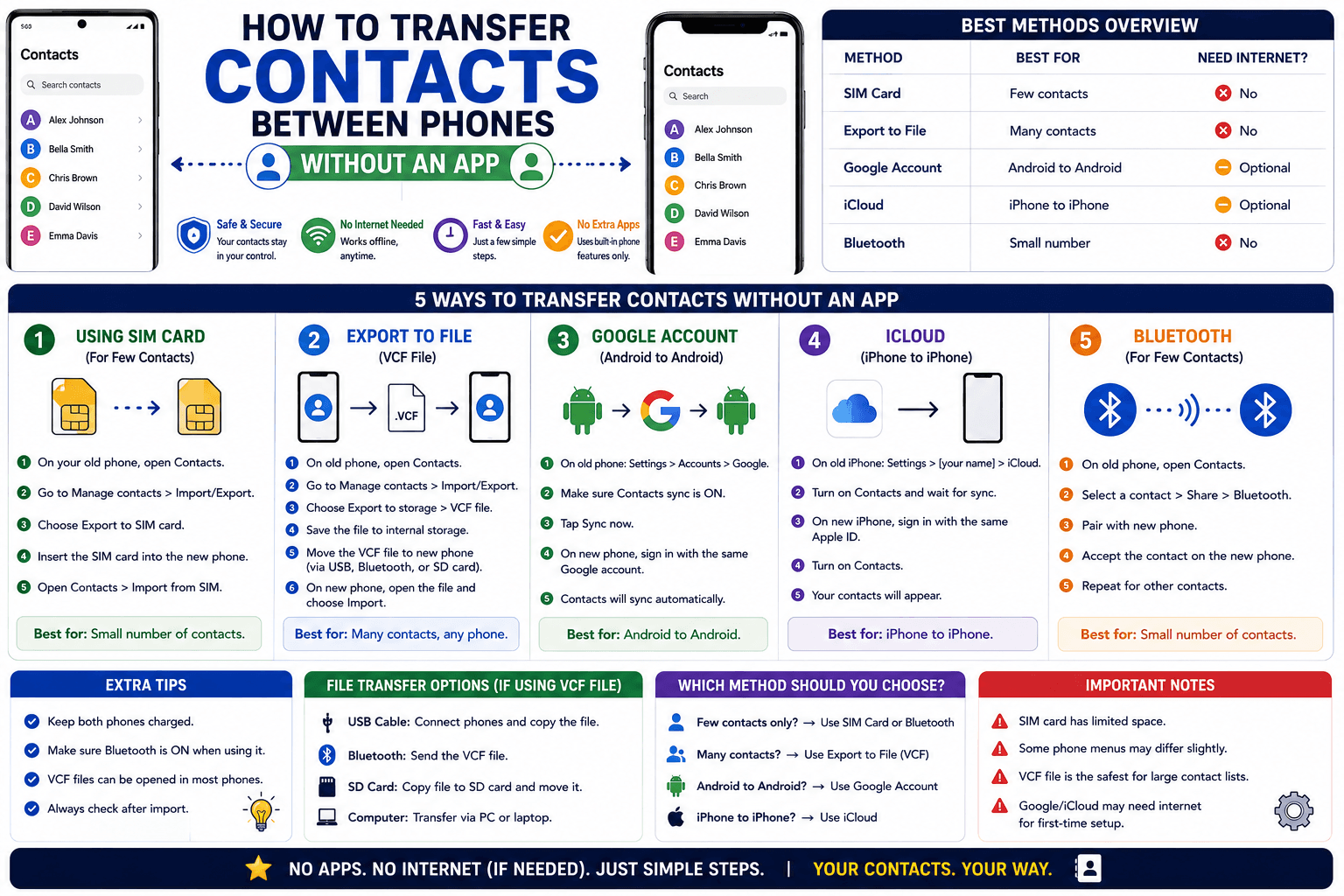
How to Transfer Contacts Between Phones Without an App
Moving to a new phone does not require a third-party transfer app. Here is how to move contacts using built-in sync or a quick vCard file export.
Read article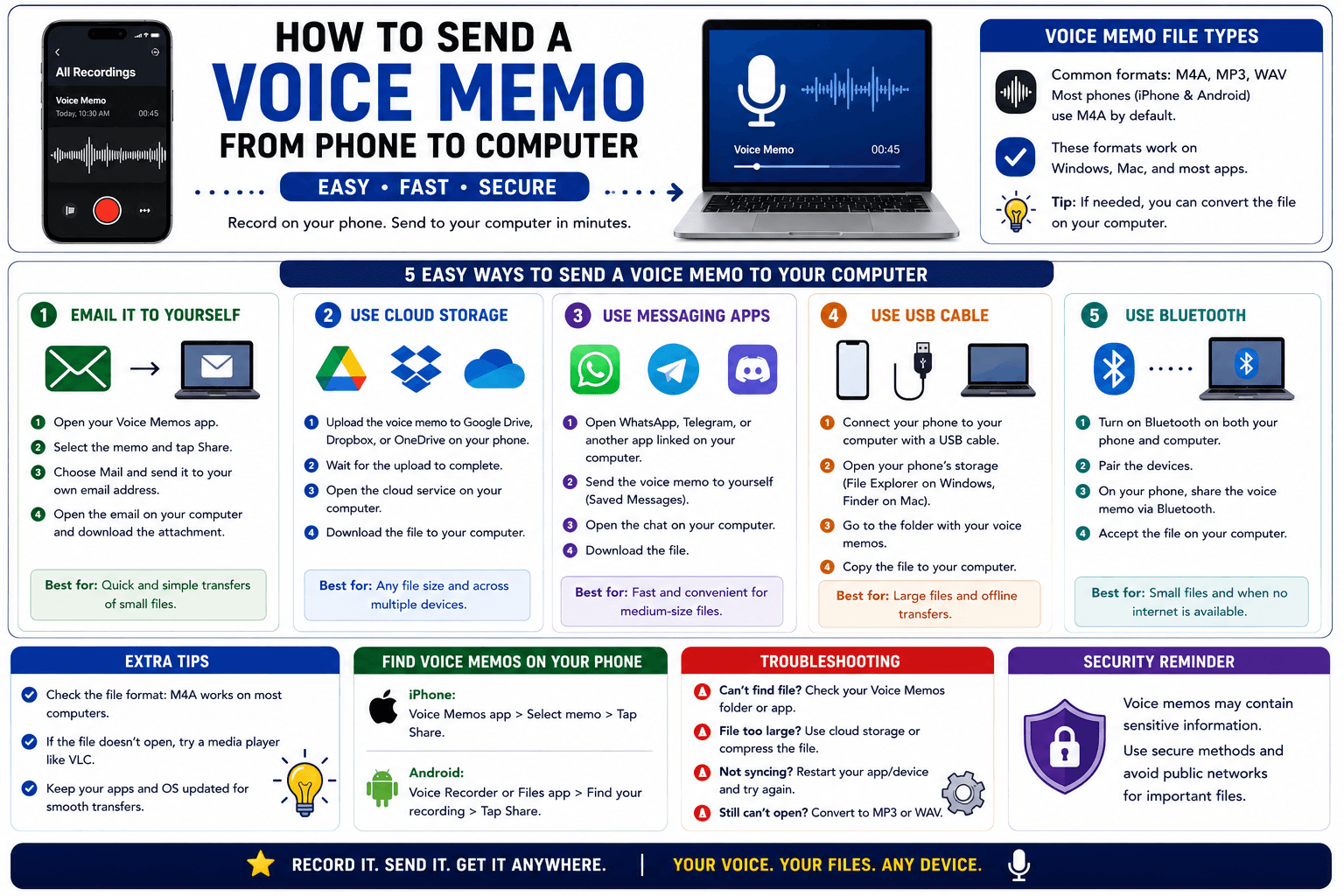
How to Send a Voice Memo From Phone to Computer
Voice memos are locked inside their app until you export them. Here is how to move a recording from your phone to your computer quickly once exported.
Read article