
Copy Paste Not Working Between Devices? Here Is How to Fix It
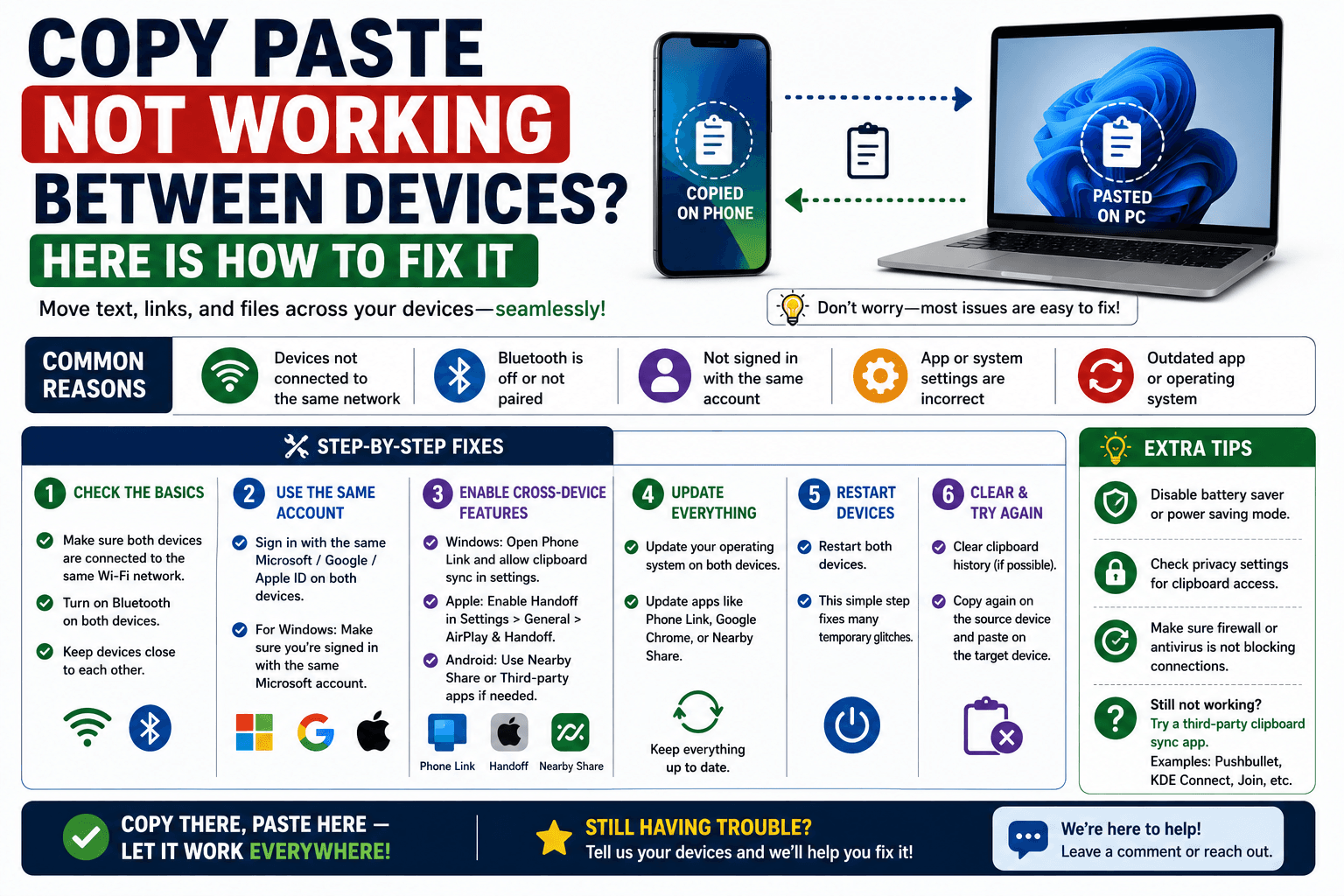
You copy something on your phone, switch to your computer, hit paste — and nothing happens. Or worse, something from three copies ago shows up instead. Copy-paste failing between devices is one of those small frustrations that eats more time than it should, usually because the fix depends on which specific setup is quietly not working. Here is how to actually diagnose it.
First: understand why this happens at all
Copy and paste working seamlessly between two different devices is never automatic — it always depends on some feature or tool bridging the gap in the background. When that bridge breaks, drops the connection, or was never set up correctly, copy-paste appears to "just stop working," even though nothing about copy-paste itself has changed.
If you are using a built-in ecosystem feature
Apple Universal Clipboard not working
- Confirm both devices are signed into the same Apple ID.
- Check that Wi-Fi, Bluetooth, and Handoff are all turned on for both devices — Universal Clipboard needs all three, not just one.
- Make sure both devices are within roughly 10 feet of each other; it relies on Bluetooth proximity as well as Wi-Fi.
- Paste promptly. Universal Clipboard content can expire after a couple of minutes if not pasted.
Samsung Phone Link / Link to Windows not syncing
- Confirm the app is actually running and connected on both the phone and the PC, not just installed.
- Check that both devices are on the same Wi-Fi network — this feature typically will not bridge across different networks.
- Restart the Phone Link app if the connection shows as active but nothing is actually transferring.
If you are using a browser-based tool like CopyPaster
Network-based tools depend entirely on both devices sharing the same public IP address, so almost every sync issue traces back to a network mismatch:
- Check for mobile data. If your phone has silently switched off Wi-Fi and onto cellular data, it will land in a completely different room than your computer. This is the single most common cause.
- Watch for guest network isolation. Some office, hotel, and coffee shop Wi-Fi networks deliberately separate connected devices from each other for security, even though they share the same network name — if room keys do not match here, this is usually why.
- Compare the room key on both screens. If they do not match, the devices are not actually in the same room, regardless of what network name each one shows.
- Refresh both tabs. An old tab left open for a long time can occasionally hold a stale connection — closing and reopening it usually resolves this instantly.
Tip: turn off Wi-Fi calling or any VPN on your phone while troubleshooting — both can quietly reroute your connection through a different network path than the one your computer is using.
A quick way to confirm the problem is really the network
Paste a short, easy-to-spot test phrase — like today's date — on one device. If it does not appear on the other within a few seconds, the sync is broken, not just slow. At that point, check the network match first, since that resolves the large majority of cases before you need to look any further.
When it still is not working
If the network matches, the room key matches, and content still is not syncing, the most reliable fix is simply closing both tabs completely and starting a fresh session on each device — this clears out any stuck connection state without needing to troubleshoot further.
The bottom line
Copy-paste between devices almost never breaks because copy-paste itself is broken — it breaks because the bridge connecting the two devices lost its footing, usually over a network mismatch. Check that first, and most "it just stopped working" moments resolve in under a minute.
Frequently Asked Questions
QWhy did copy paste suddenly stop working between my phone and computer?
The most common cause is a network mismatch, such as your phone switching from Wi-Fi to mobile data, which puts it on a different network than your computer and breaks the sync.
QWhy is Apple Universal Clipboard not working?
Check that both devices are signed into the same Apple ID and have Wi-Fi, Bluetooth, and Handoff all enabled, and paste promptly since copied content can expire after a couple of minutes.
QHow do I know if the problem is my network or the tool itself?
Paste a short, distinct test phrase on one device and see if it appears on the other within a few seconds. If it does not, check that both devices are on the exact same Wi-Fi network before troubleshooting further.
Related articles
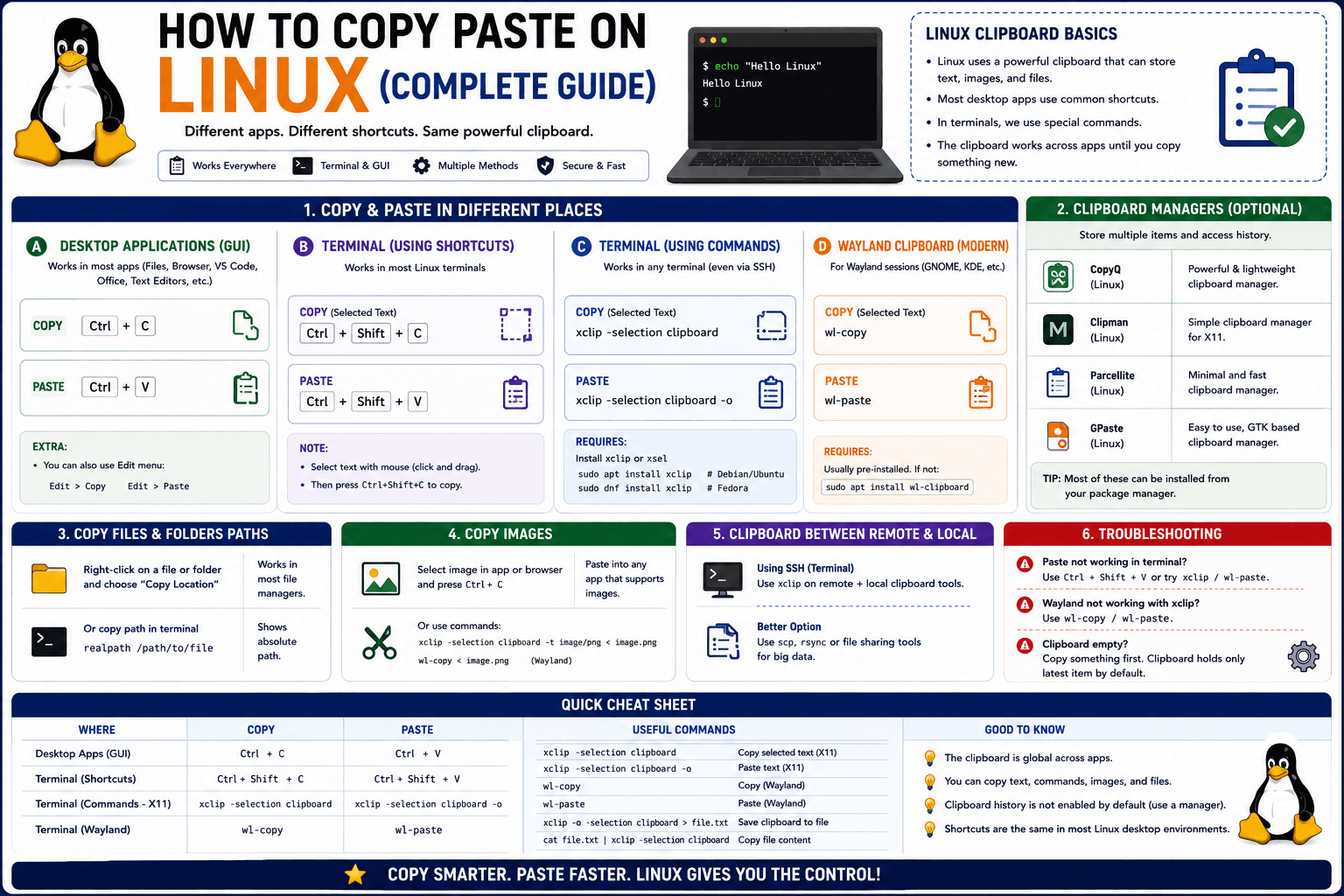
How to Copy Paste on Linux (Complete Guide)
Linux quietly runs two separate clipboards at once. Understanding both explains most copy-paste confusion, plus how to sync with other operating systems.
Read article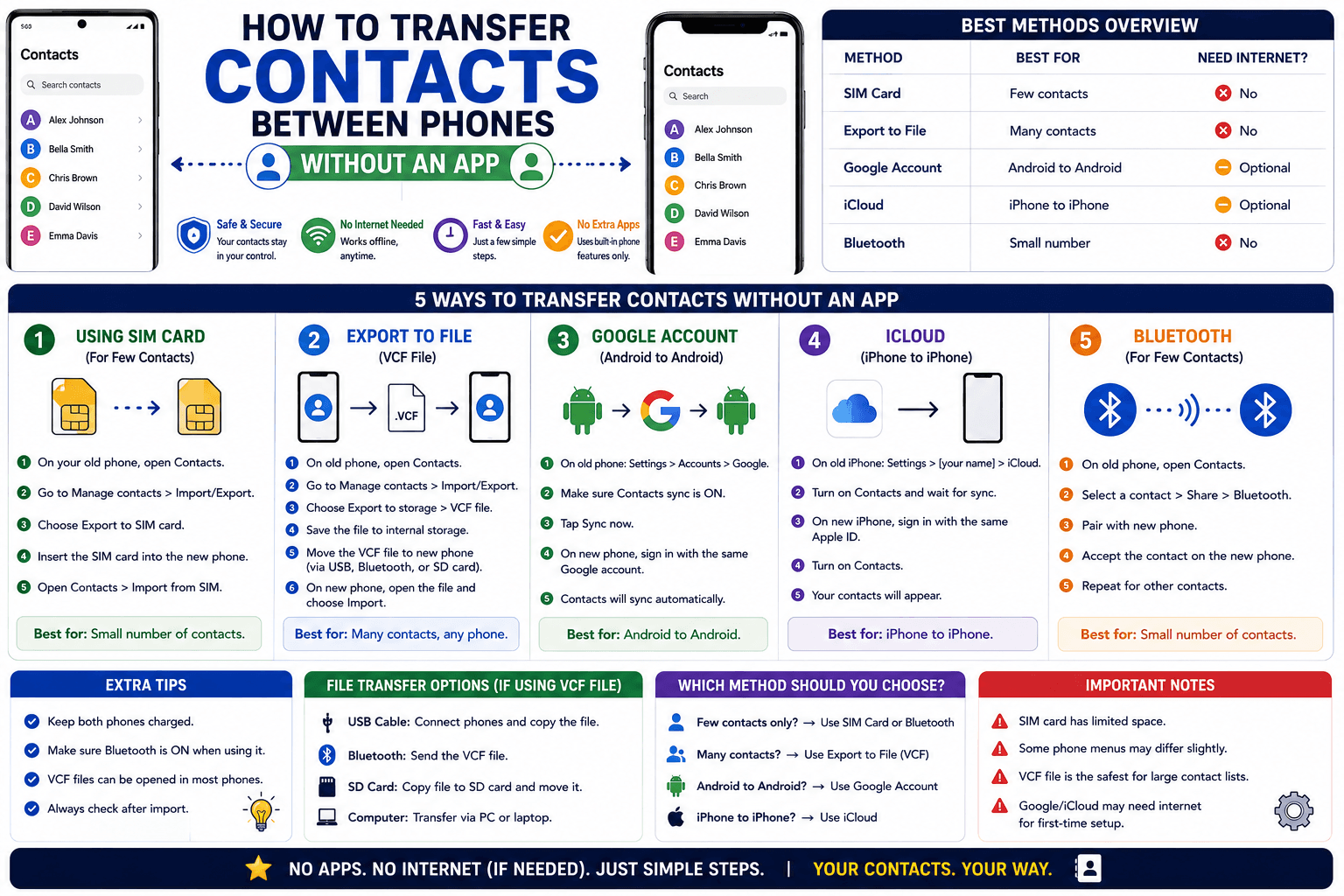
How to Transfer Contacts Between Phones Without an App
Moving to a new phone does not require a third-party transfer app. Here is how to move contacts using built-in sync or a quick vCard file export.
Read article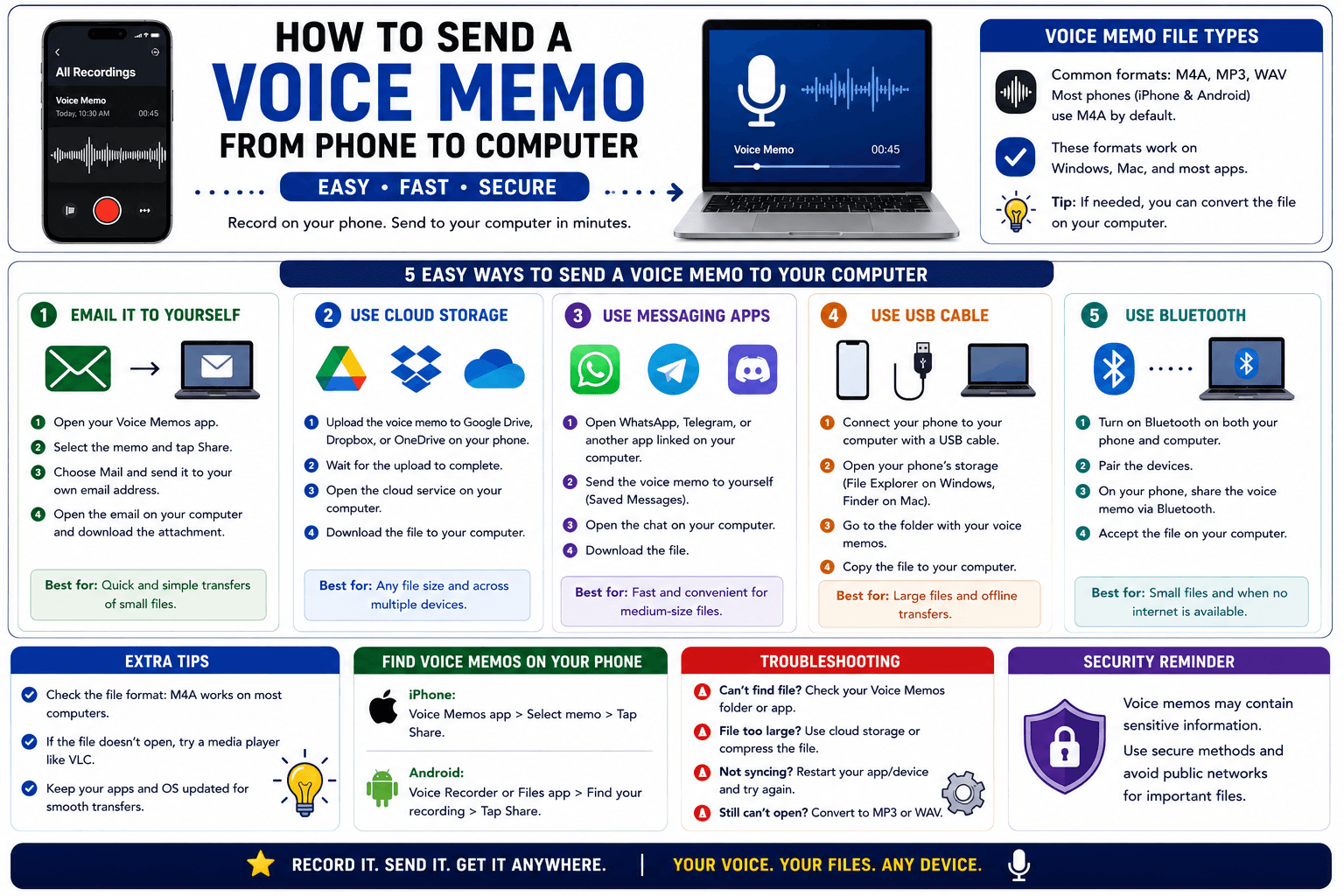
How to Send a Voice Memo From Phone to Computer
Voice memos are locked inside their app until you export them. Here is how to move a recording from your phone to your computer quickly once exported.
Read article