
How to Copy on Your Phone and Paste on Your Computer Automatically
You copy something on your phone throughout the day — a tracking number, a quote from an article, a code someone texted you — and by the time you sit down at your computer, you have either forgotten it or have to go dig it back up. Here is how to make that text just appear on your computer automatically, without a manual transfer step every single time.
Why this keeps happening
Phones and computers do not share a clipboard by default, so anything copied on one simply does not exist on the other unless something is actively bridging the two. Most people solve this the same inefficient way each time — messaging themselves, or re-typing something they already had. It works, but it is the same small tax paid over and over throughout a day.
The fix: an account-based sync that runs in the background
CopyPaster's Chrome extension is built specifically for this pattern. Once installed and signed in on both your phone's browser and your computer's browser, anything you copy on one becomes available on the other without needing to open a dedicated tool each time.
Step by step
- Install the CopyPaster extension in Chrome on your computer and in a Chromium-based mobile browser on your phone.
- Sign in with the same email-code login on both.
- Turn on auto-copy in the extension popup on your computer.
- Copy something on your phone as you normally would.
- On your computer, it is already sitting in your clipboard — press paste, and it is there.
Auto-copy vs. click-to-copy
With auto-copy turned on, incoming clips are written directly into your device's clipboard in the background, so a normal paste shortcut is all you need. With it turned off, incoming clips instead show up as a list in the extension's popup, and you click the one you want to copy it — useful if you would rather review what is coming in before it lands in your clipboard.
What this is best for
- Short pieces of text you copy while out and about, then need at your desk — links, codes, quotes, addresses.
- Working across two computers throughout the day without a dedicated cable or app for each transfer.
- Anyone who finds themselves texting or emailing themselves small snippets regularly.
Tip: if you only need this occasionally rather than as an always-on background habit, the browser-based room tools elsewhere on this site work well too, without needing an account or an extension installed.
The bottom line
Copying on your phone and having it simply appear ready to paste on your computer is not a small convenience — it removes one of the more repetitive small frictions in switching between devices throughout a normal day. Setting it up once means never manually bridging that gap again.
Frequently Asked Questions
QHow do I automatically copy from my phone to my computer?
Install the CopyPaster Chrome extension on both devices, sign into the same account, and turn on auto-copy so anything copied on your phone is written directly into your computer's clipboard.
QDo I need to keep an app open for this to work?
No, the extension runs in the background. A periodic check keeps it caught up even if the browser has suspended it while idle.
QWhat is the difference between auto-copy on and off?
With auto-copy on, incoming clips go straight into your clipboard for a normal paste. With it off, incoming clips appear as a click-to-copy list in the extension popup instead.
Related articles
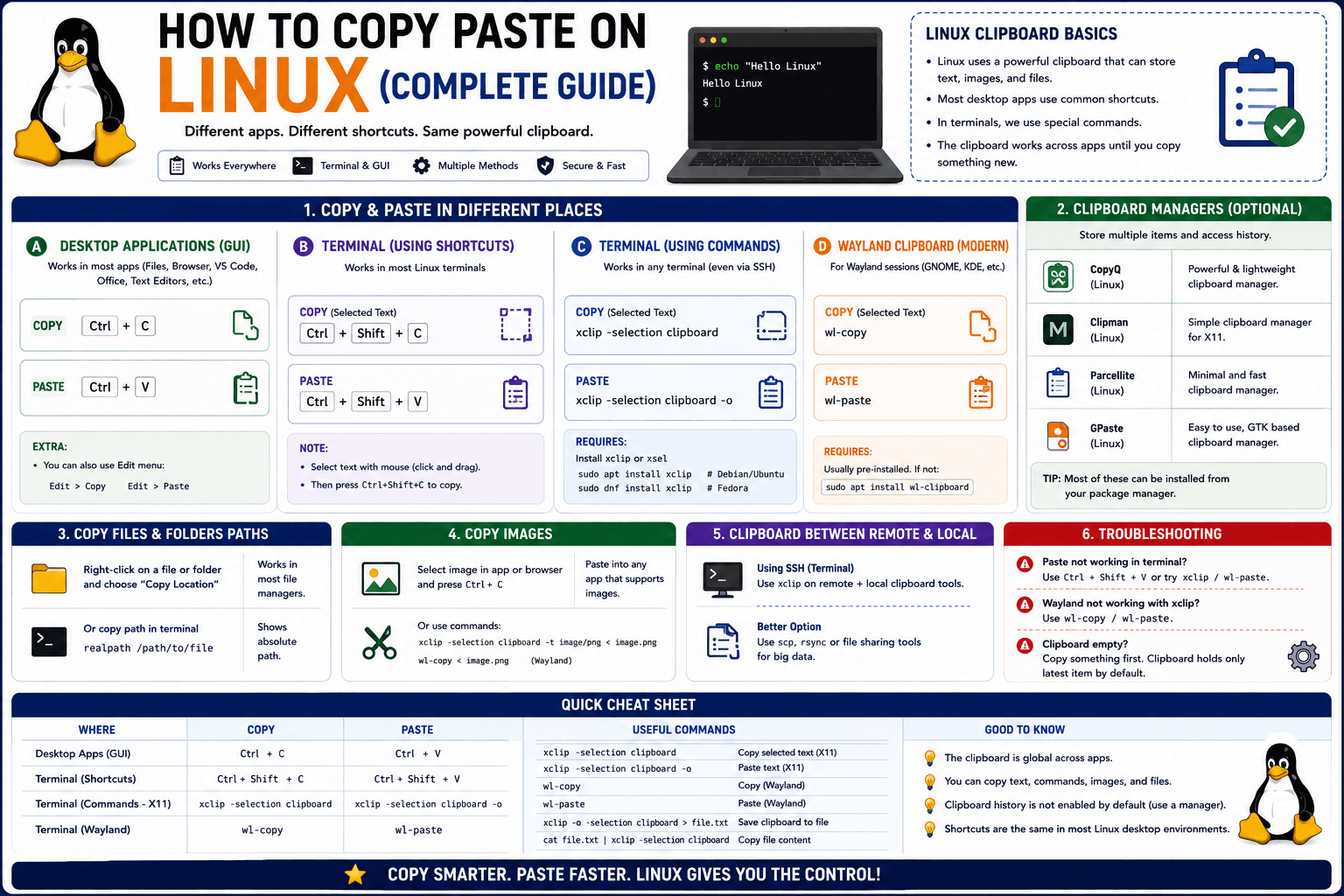
How to Copy Paste on Linux (Complete Guide)
Linux quietly runs two separate clipboards at once. Understanding both explains most copy-paste confusion, plus how to sync with other operating systems.
Read article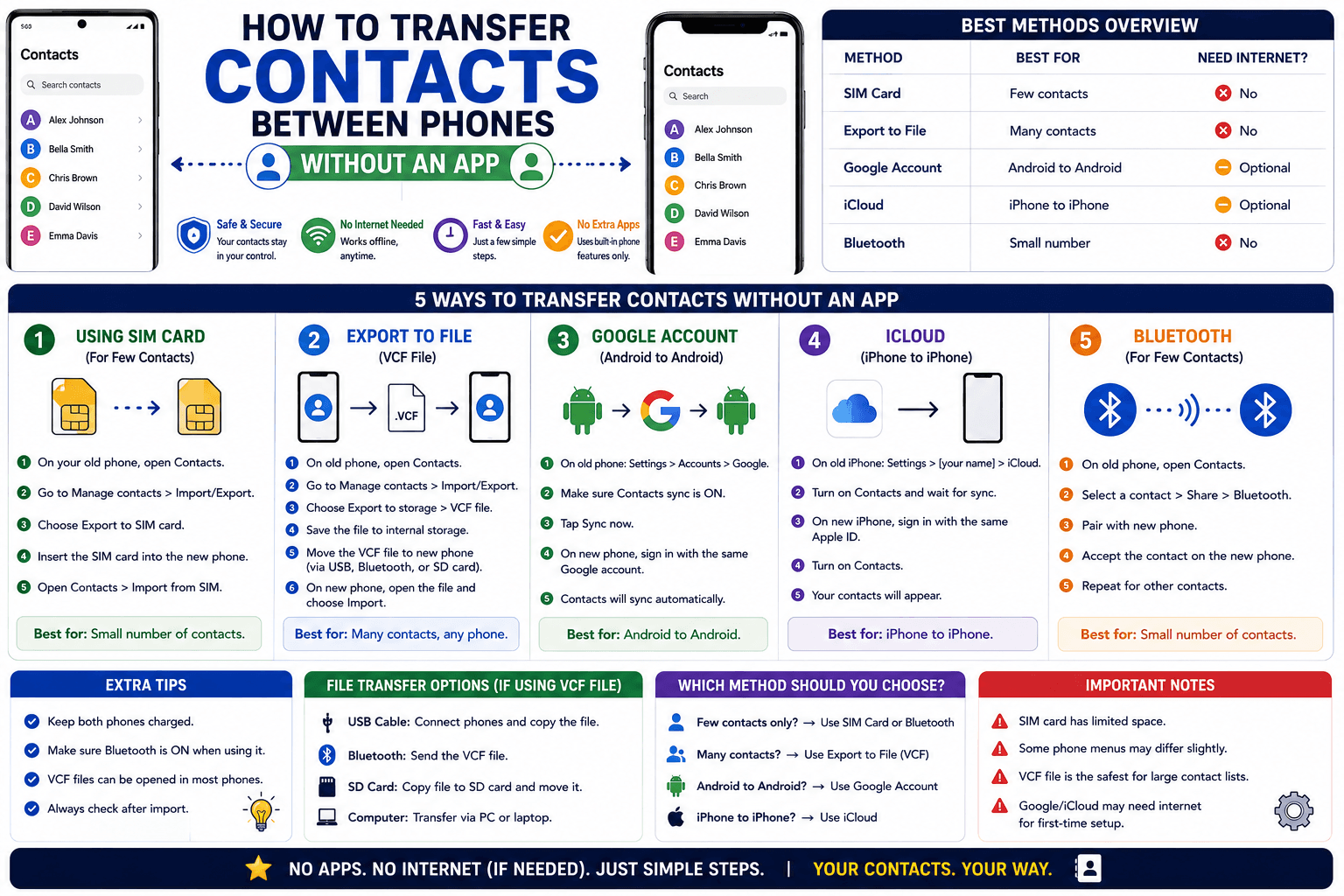
How to Transfer Contacts Between Phones Without an App
Moving to a new phone does not require a third-party transfer app. Here is how to move contacts using built-in sync or a quick vCard file export.
Read article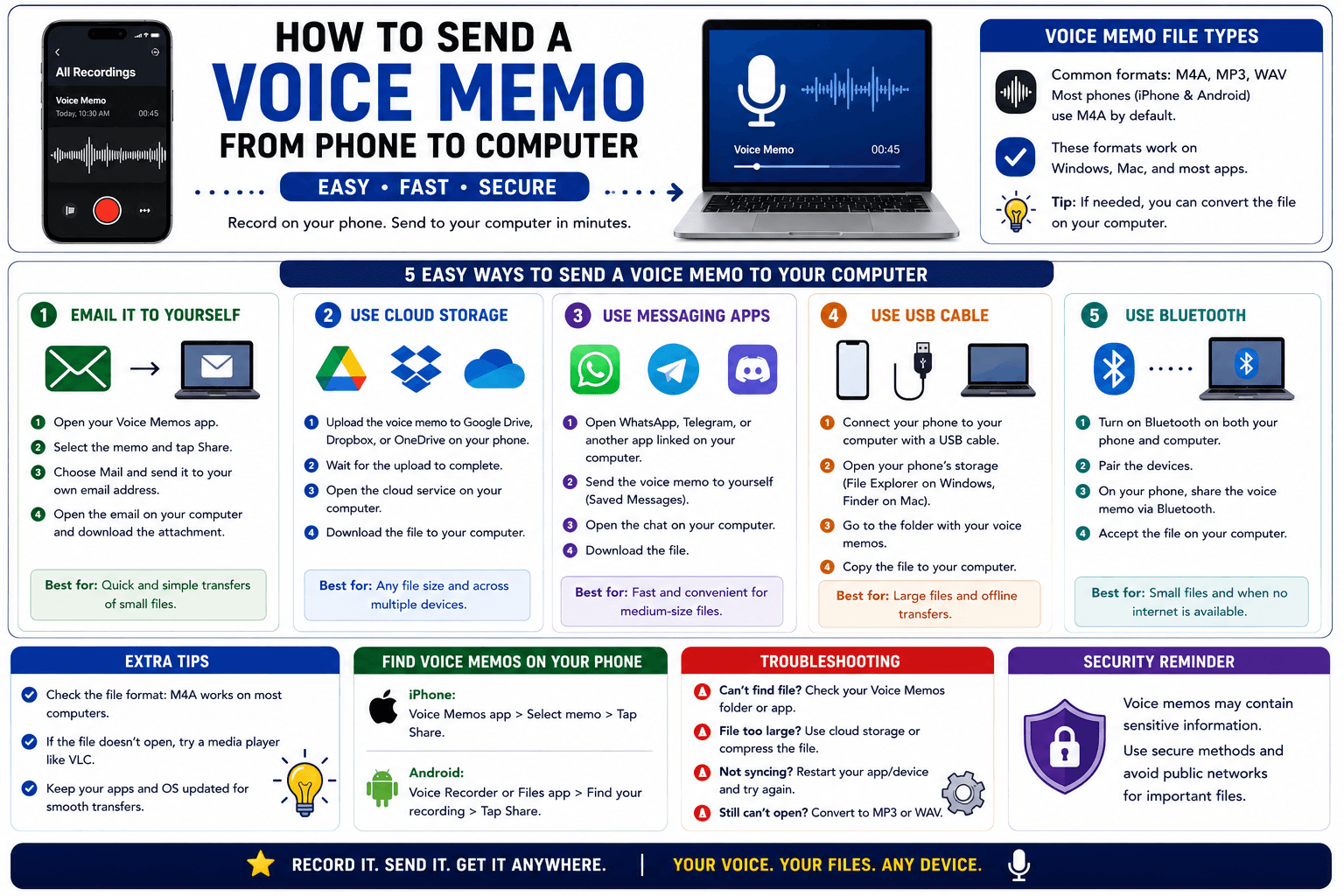
How to Send a Voice Memo From Phone to Computer
Voice memos are locked inside their app until you export them. Here is how to move a recording from your phone to your computer quickly once exported.
Read article