
Why Emojis and Special Characters Break When You Copy Paste
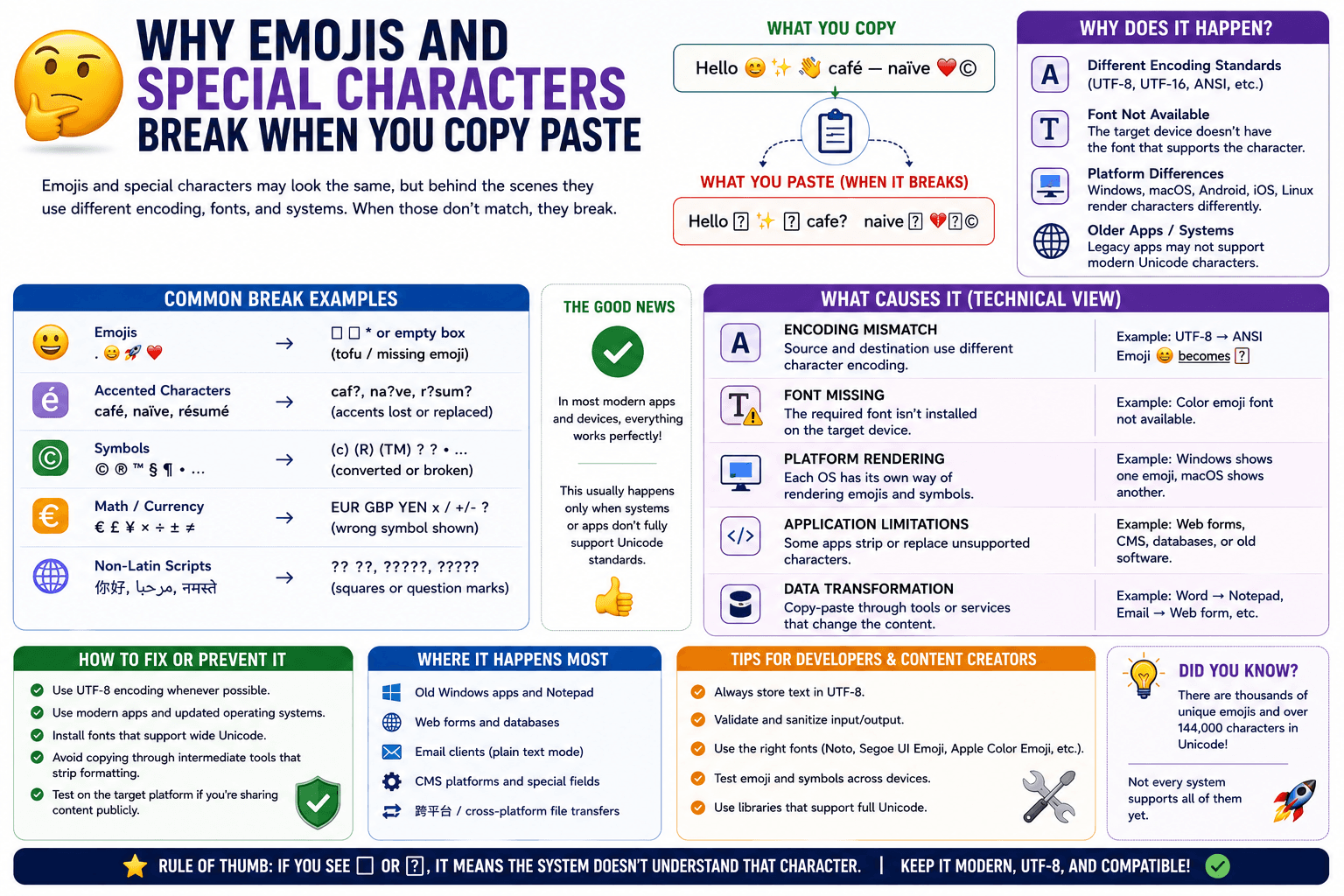
You copy a sentence with an emoji, a curly quote, or an accented character, paste it somewhere else, and it shows up as a broken box, a question mark, or an entirely different symbol. This is one of the more common small annoyances in cross-device text sharing, and it has a specific, fixable cause.
Why special characters break during a copy-paste
Text encoding is the culprit almost every time. Emojis, accented letters, and special symbols are represented differently depending on which character encoding a system uses — modern systems generally use UTF-8, but older or misconfigured software occasionally uses something else, and characters that don't map correctly between encodings show up broken.
Where this most often happens
- Older applications that predate widespread emoji and UTF-8 support.
- Certain plain-text fields in forms or databases that were built to only accept basic ASCII characters.
- Copying from a PDF, where the underlying text encoding can be inconsistent depending on how the PDF was generated.
- Cross-platform transfers where one operating system handles a character set slightly differently from another.
How to fix it
Check the destination app supports UTF-8
Most modern apps do, but if you are pasting into something older or more specialized (certain legacy business software, some command-line tools), check whether it explicitly supports UTF-8 encoding.
Try pasting as plain text first
Occasionally, formatting metadata carried along with rich text interferes with how special characters render. Using a plain-text paste shortcut (Ctrl/Cmd + Shift + V) strips that metadata and can resolve the issue.
Route through a UTF-8 native tool
A browser-based tool like CopyPaster handles text as UTF-8 by default, which covers the vast majority of emojis, accented characters, and special symbols correctly. Pasting text through it as an intermediary step, then copying it back out, can resolve encoding issues that show up when going directly between two mismatched applications.
When the problem is actually the font, not the encoding
Occasionally a character displays as a blank box specifically because the destination app's font doesn't include a glyph for that character, even though the underlying encoding is correct. This is distinct from a true encoding break — switching to a font with broader character support (most modern system fonts cover emoji and common symbols) resolves this version of the problem.
Tip: if a specific emoji or symbol consistently breaks when sent to one particular person or app, but works everywhere else, the issue is very likely on that specific destination's end rather than anything about how you copied it.
The bottom line
Broken emojis and special characters during a copy-paste almost always come down to a text encoding mismatch, not anything wrong with the original text. Trying a plain-text paste, or routing through a UTF-8 native tool, resolves the large majority of these cases.
Frequently Asked Questions
QWhy do emojis turn into question marks or boxes when pasted?
This is usually a text encoding mismatch, where the destination application does not correctly interpret UTF-8 characters like emojis and accented letters.
QHow do I fix broken special characters after pasting?
Try pasting as plain text using Ctrl or Cmd plus Shift plus V, or route the text through a UTF-8 native tool like CopyPaster as an intermediary step.
QIs a blank box the same problem as a broken character?
Not always. A blank box can mean the destination font lacks a glyph for that character even though the encoding is correct, which is a different issue from an encoding mismatch.
Related articles

How to Copy Paste on Linux (Complete Guide)
Linux quietly runs two separate clipboards at once. Understanding both explains most copy-paste confusion, plus how to sync with other operating systems.
Read article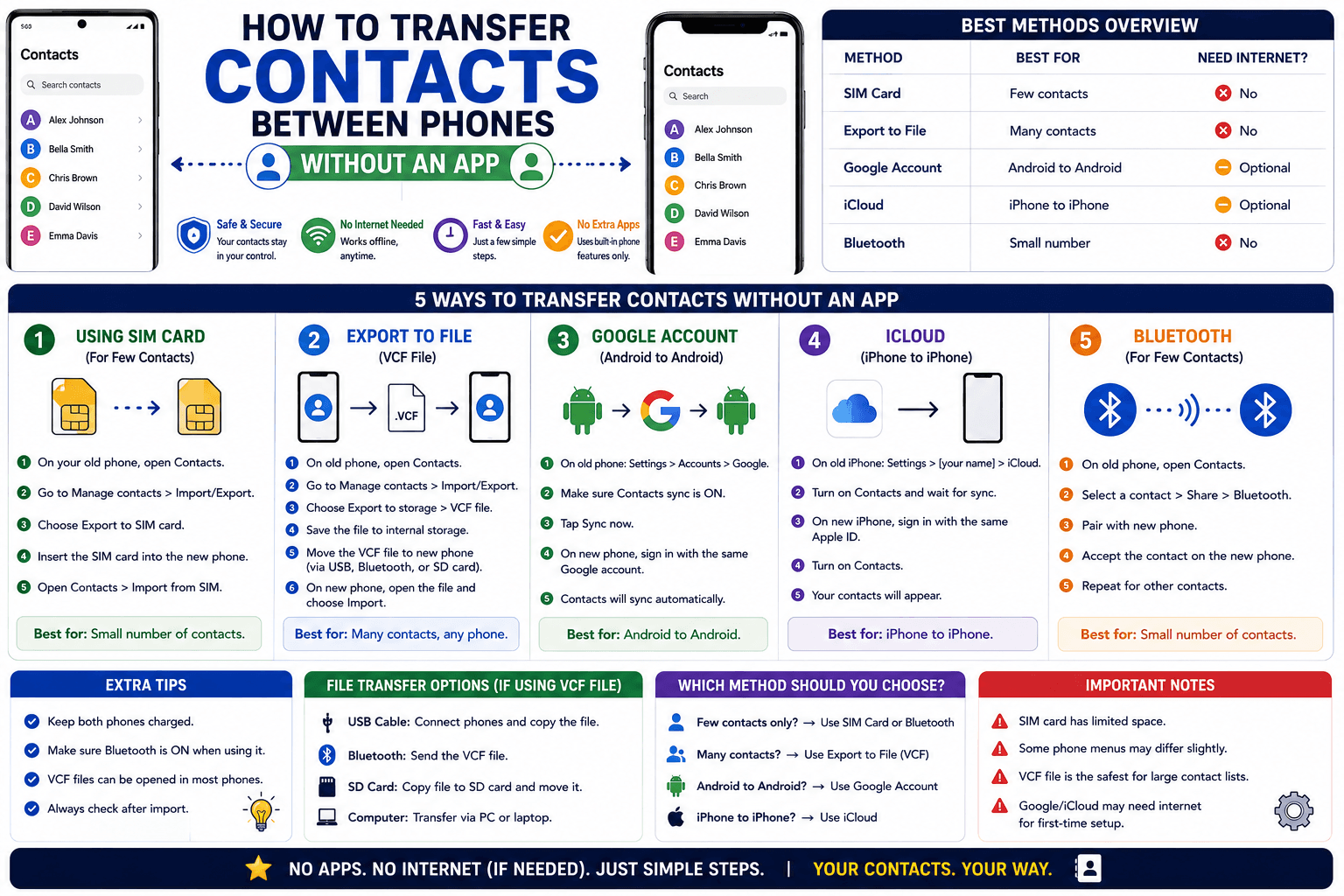
How to Transfer Contacts Between Phones Without an App
Moving to a new phone does not require a third-party transfer app. Here is how to move contacts using built-in sync or a quick vCard file export.
Read article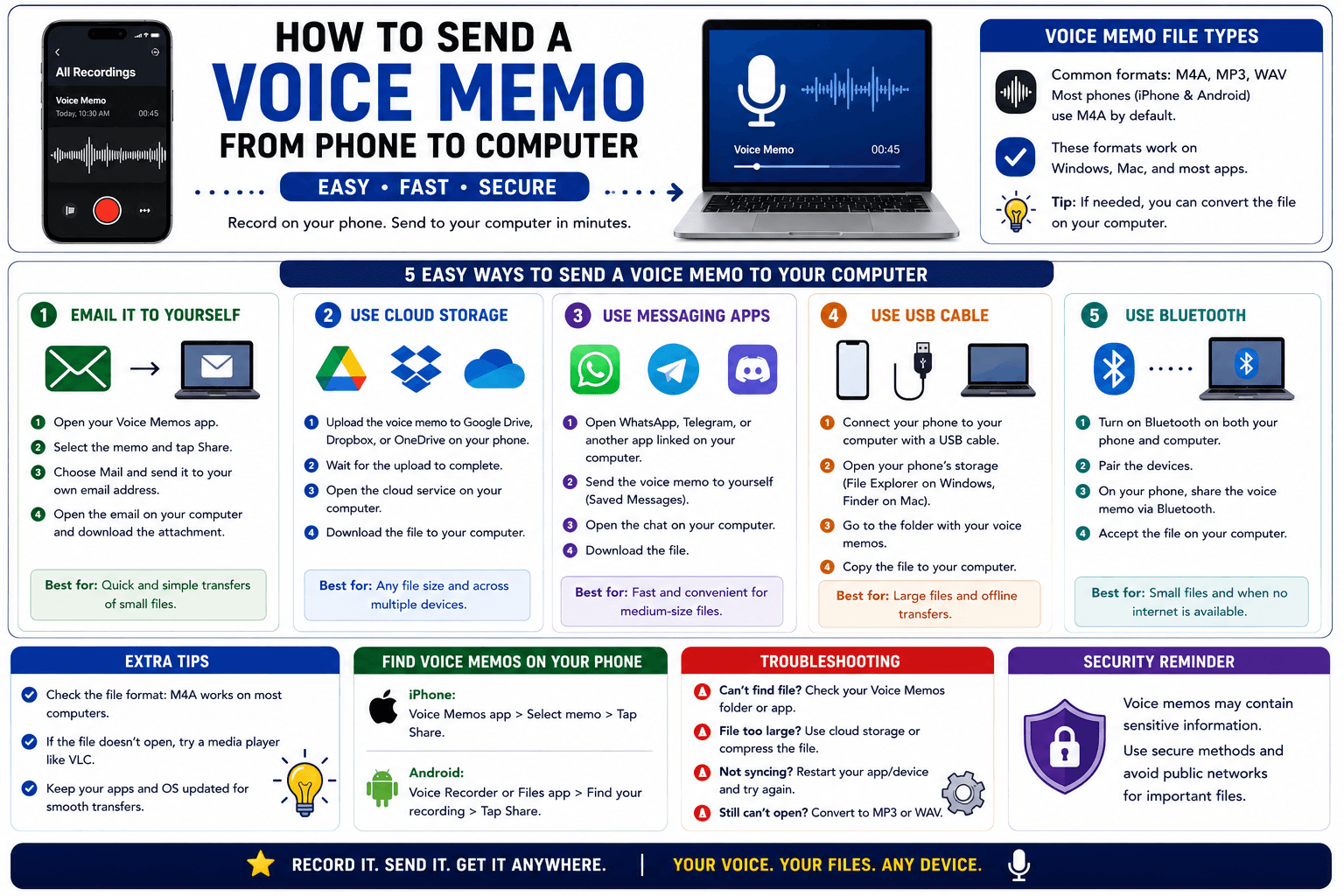
How to Send a Voice Memo From Phone to Computer
Voice memos are locked inside their app until you export them. Here is how to move a recording from your phone to your computer quickly once exported.
Read article