
Encrypted Private Notes: How to Share Passwords and Sensitive Text Safely
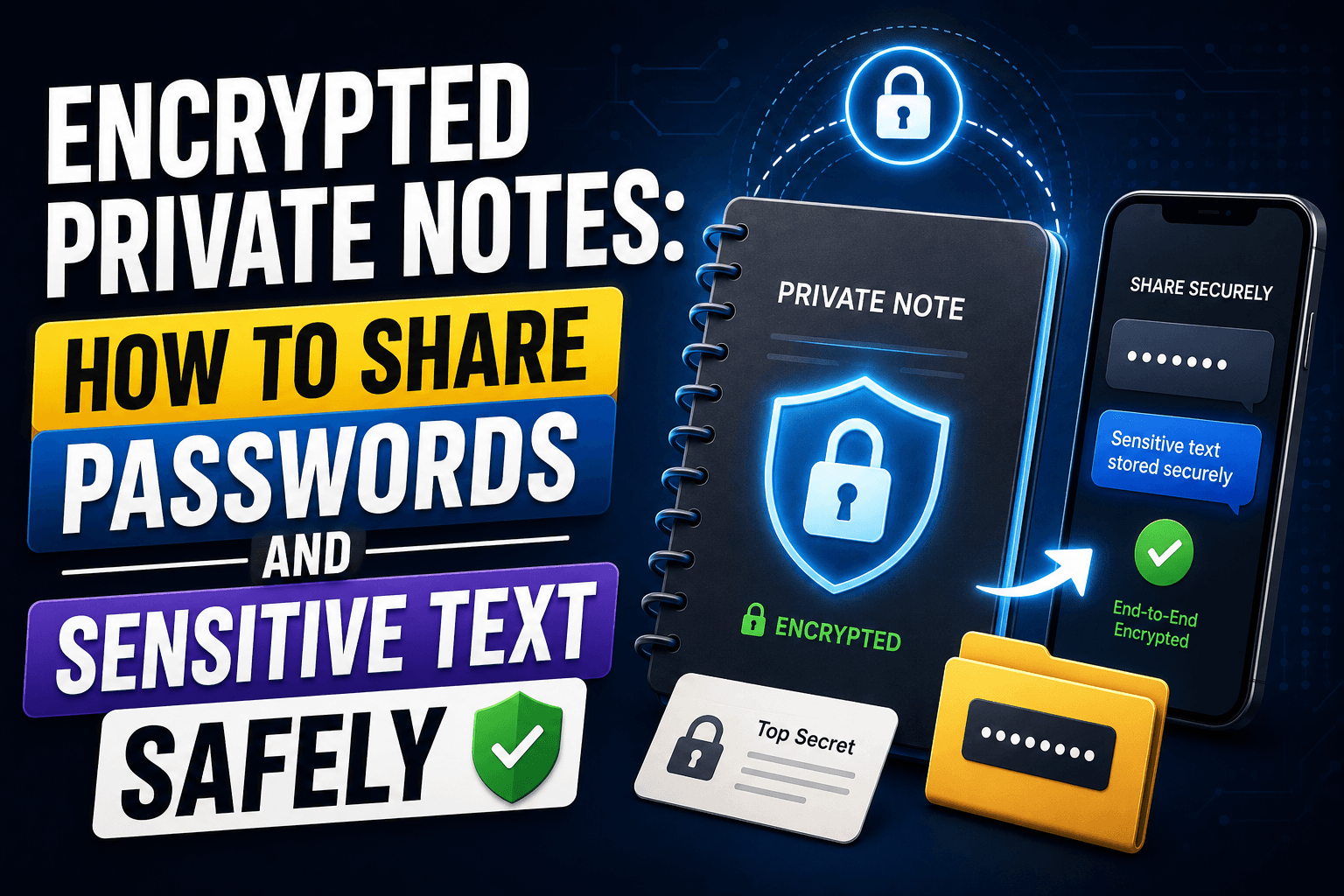
A coworker asks for a Wi-Fi password over Slack. A family member needs your account details to help with a bill. A client asks you to send an API key. Typing sensitive information directly into a chat app leaves it sitting in a message history indefinitely — searchable, backed up, and rarely deleted by anyone. Here is a better way to send passwords and other sensitive text so it does not linger anywhere after the other person has read it.
Why chat apps are the wrong place for secrets
Most messaging apps are built for permanence, not privacy. Messages sync across every device you own, get backed up to the cloud, and stay searchable years later. That is exactly what you want for a conversation and exactly what you do not want for a password, a recovery code, or a set of banking details.
Email has the same problem in a different shape: a password sent by email sits in two inboxes, two sets of backups, and possibly a spam filter's quarantine folder, all outside your control once you hit send.
The alternative: a note that deletes itself after being read
CopyPaster's private note feature is built specifically for this situation. You write the sensitive text, it is encrypted inside your own browser before it ever reaches a server, and the recipient gets a one-time link. Once they open it, the note self-destructs — there is nothing left to find later, on either end.
Step by step
- Open CopyPaster and switch to the Private Note tool.
- Type or paste the sensitive text — a password, a code, an account number.
- Choose whether the note requires a password to open, for an extra layer of protection.
- Generate the one-time link and send it through whatever channel is convenient — text, email, or chat.
- The recipient opens the link once. After that, the note is gone.
Because the encryption happens in the browser before anything is transmitted, the content is unreadable to anyone who does not have the link — including, by design, the service handling the transfer.
What belongs in an encrypted note
- Wi-Fi passwords and shared account logins.
- API keys, tokens, and other developer credentials.
- Bank details or ID numbers you need to share once.
- Any short piece of text you would rather not see sitting in a chat log a year from now.
Tip: send the link and any required password through two different channels — for example, the link by email and the password by text. That way, a single compromised inbox is not enough to expose the note.
Habits that make it safer still
- Set a short expiry. A note that self-destructs on the first read limits exposure far better than a message that sits indefinitely.
- Use the password option for anything high-value. It adds a second barrier if the link is ever forwarded or intercepted by mistake.
- Don't reuse links. Generate a fresh note for each new piece of information rather than sending the same secret repeatedly.
- Confirm delivery, then move on. Once the recipient confirms they have read it, there is no copy left to worry about.
When a password manager is the better tool
A self-destructing note is built for a single, one-time handoff — not for information you both need to reference again later. For a login you share with a partner or a team on an ongoing basis, a proper password manager with shared vaults is the right tool. Use the encrypted note for the moment of transfer, and store anything long-term somewhere built to keep it.
The bottom line
Sensitive information does not need to sit in a chat thread forever just because that was the easiest place to type it. A one-time encrypted note gets the information across and then removes itself, which is exactly the behavior a password or account number deserves. Next time someone asks you for a code over chat, send a link instead.
Frequently Asked Questions
QWhat is the safest way to send a password to someone?
Use a private note that encrypts the text in your browser and self-destructs after the recipient opens it once, rather than typing it directly into chat or email.
QCan the service read my encrypted note?
No. The content is encrypted in your browser before it is sent, so it is unreadable to anyone without the link, including the service handling the transfer.
QWhat happens after the recipient reads the note?
The note self-destructs immediately after being opened, so there is no lingering copy left on the server or in a message history.
Related articles

How to Copy Paste on Linux (Complete Guide)
Linux quietly runs two separate clipboards at once. Understanding both explains most copy-paste confusion, plus how to sync with other operating systems.
Read article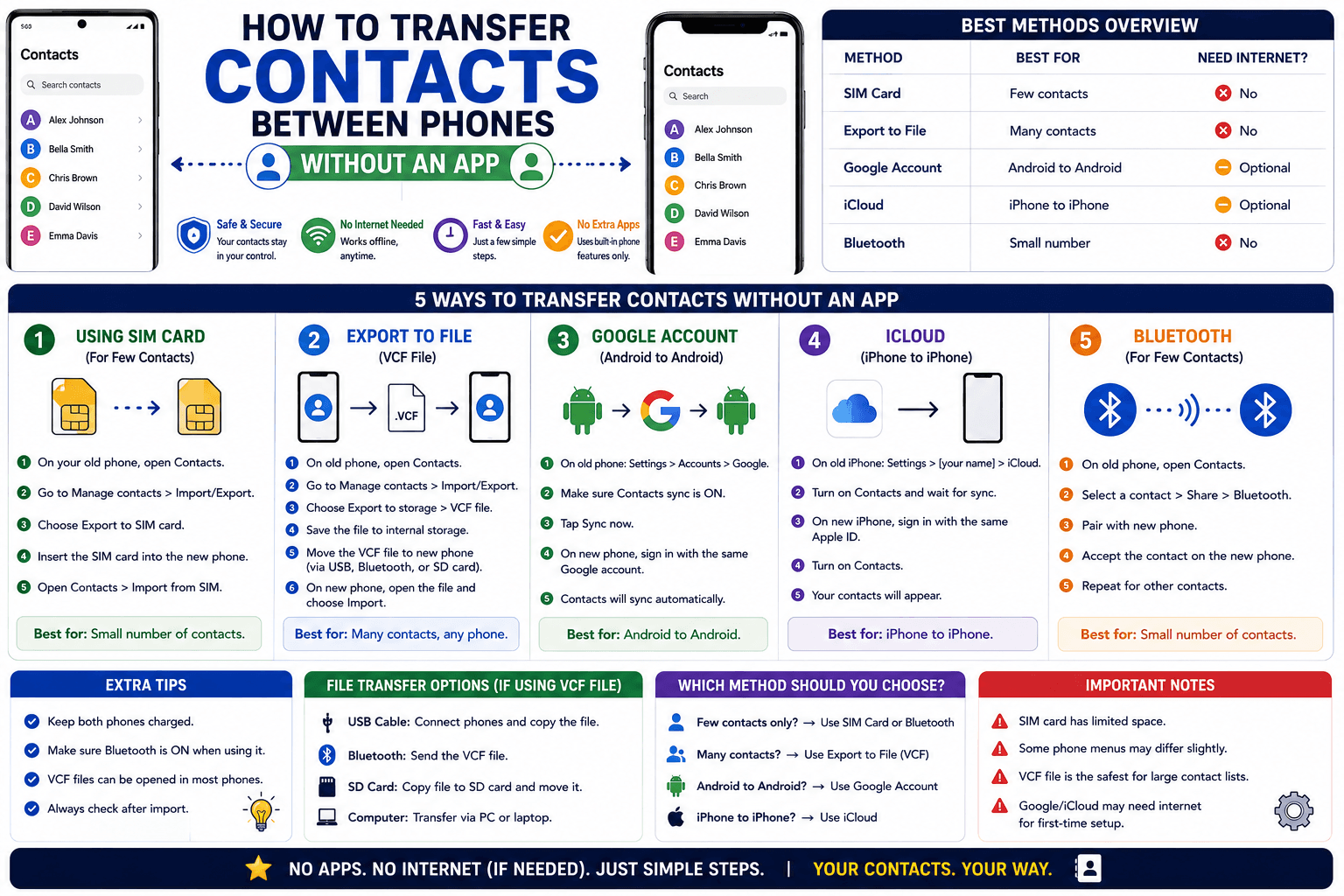
How to Transfer Contacts Between Phones Without an App
Moving to a new phone does not require a third-party transfer app. Here is how to move contacts using built-in sync or a quick vCard file export.
Read article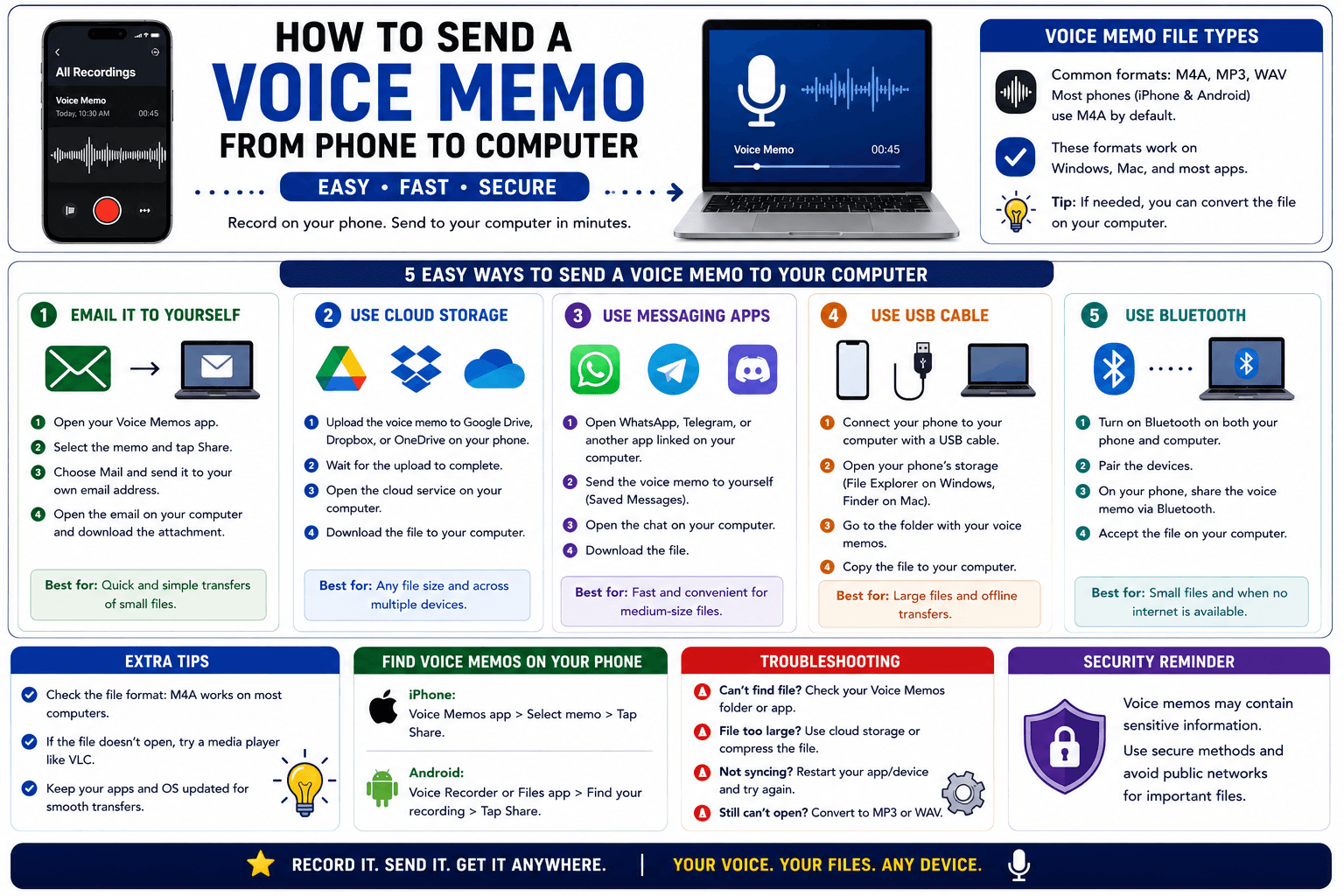
How to Send a Voice Memo From Phone to Computer
Voice memos are locked inside their app until you export them. Here is how to move a recording from your phone to your computer quickly once exported.
Read article