
File Too Big to Email? Here Is What to Do Instead
You attach a file to an email, hit send, and get bounced back with some version of "attachment too large." Most email providers cap attachments around 25MB, which sounds generous until you try to send a handful of photos, a short video, or a design file. Here is what to do instead.
Why email has a size limit at all
Email was designed decades before video files and high-resolution photos were common, and the underlying protocol was never built to move large binary data efficiently. Providers cap attachment size partly for that legacy reason and partly to keep inboxes and servers from filling up with massive files that most people do not need to store long-term.
Option 1: A cloud storage link instead of an attachment
Uploading the file to Google Drive, Dropbox, or OneDrive and sharing a link instead of the file itself is the most common workaround — it works for any file size your storage plan allows, and the recipient does not need an account to open a shared link in most cases.
Option 2: A browser-based transfer, no upload wait
If the recipient is nearby and on the same Wi-Fi — a coworker, a family member — a tool like CopyPaster skips both the size limit and the upload-then-download round trip entirely.
Step by step
- Connect both devices to the same Wi-Fi network.
- Open CopyPaster in a browser on both.
- Upload the file through the Files tab.
- The recipient downloads it directly — no email size cap applies, since it never goes through email at all.
This is particularly useful for photos and everyday files where waiting for a cloud upload to finish feels like overkill for something you could hand off directly.
Option 3: A dedicated large file transfer service
For sending a large file to someone who is not nearby, services built specifically for big transfers (rather than cloud storage meant for long-term keeping) are a good middle ground — upload once, share a link, and the file is typically available for a limited window before it expires.
Which option to use
- Recipient nearby, same Wi-Fi — a browser-based tool, fastest option with no size cap to worry about.
- Recipient elsewhere, want it available for a while — a cloud storage link.
- Recipient elsewhere, one-time large file, do not want it archived anywhere long-term — a dedicated large-file transfer service with automatic expiry.
Tip: if you frequently hit this limit sending the same few files, keeping them in a cloud folder with a standing shareable link saves you from re-uploading each time you need to send them again.
The bottom line
Email's attachment limit is a protocol-level constraint, not something that is going to change — the fix is routing around it, not working within it. For anything nearby, a direct browser-based transfer is the fastest way past the size cap entirely.
Frequently Asked Questions
QWhy does email say my attachment is too large?
Most email providers cap attachments around 25MB due to legacy protocol limitations and to prevent inboxes and servers from filling up with large files.
QWhat is the fastest way to send a large file to someone nearby?
A browser-based tool like CopyPaster transfers files directly over the same Wi-Fi network, bypassing email entirely and avoiding any size cap.
QHow do I send a large file to someone who is not nearby?
Use a cloud storage link from a service like Google Drive or Dropbox, or a dedicated large-file transfer service designed for one-time delivery with automatic expiry.
Related articles
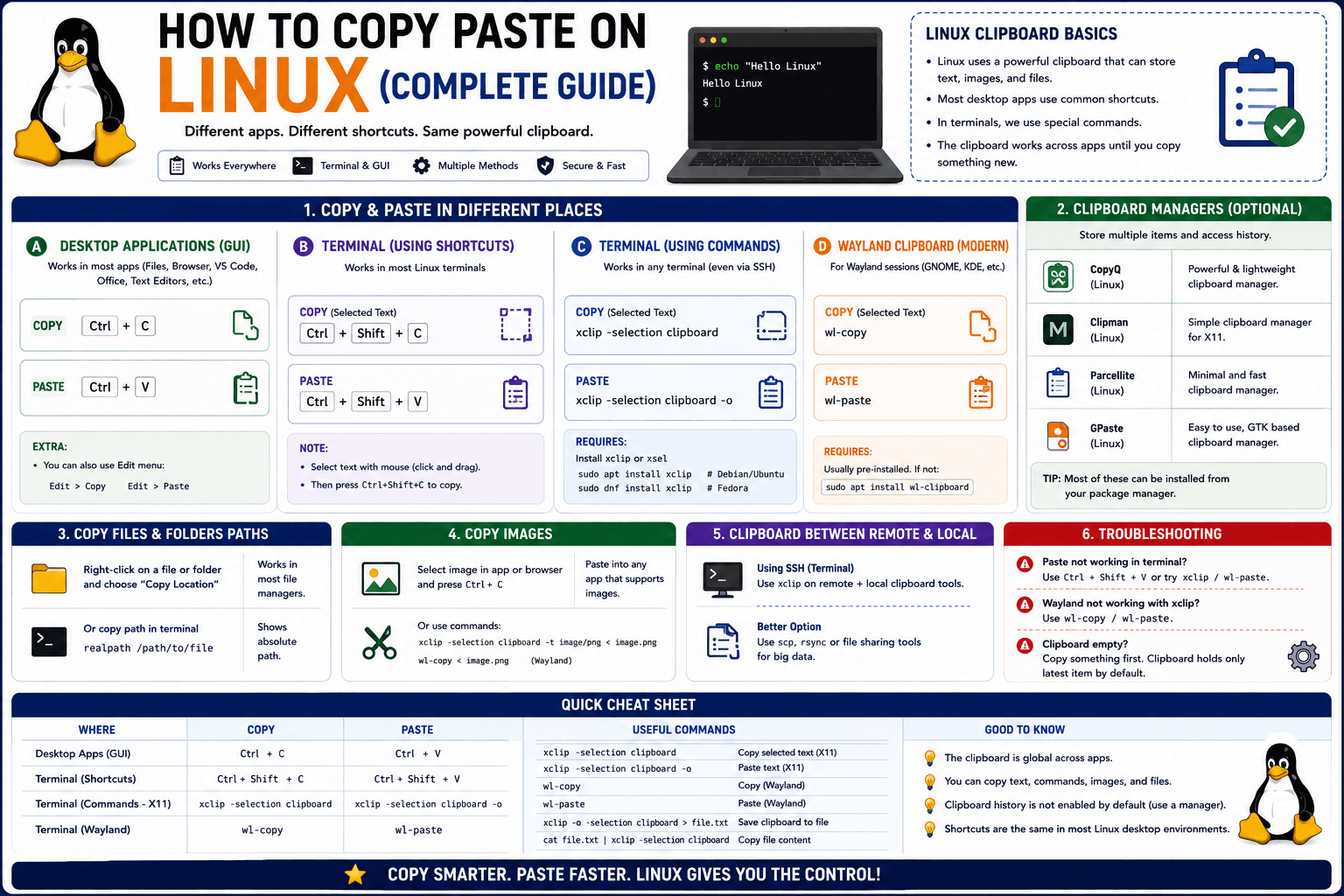
How to Copy Paste on Linux (Complete Guide)
Linux quietly runs two separate clipboards at once. Understanding both explains most copy-paste confusion, plus how to sync with other operating systems.
Read article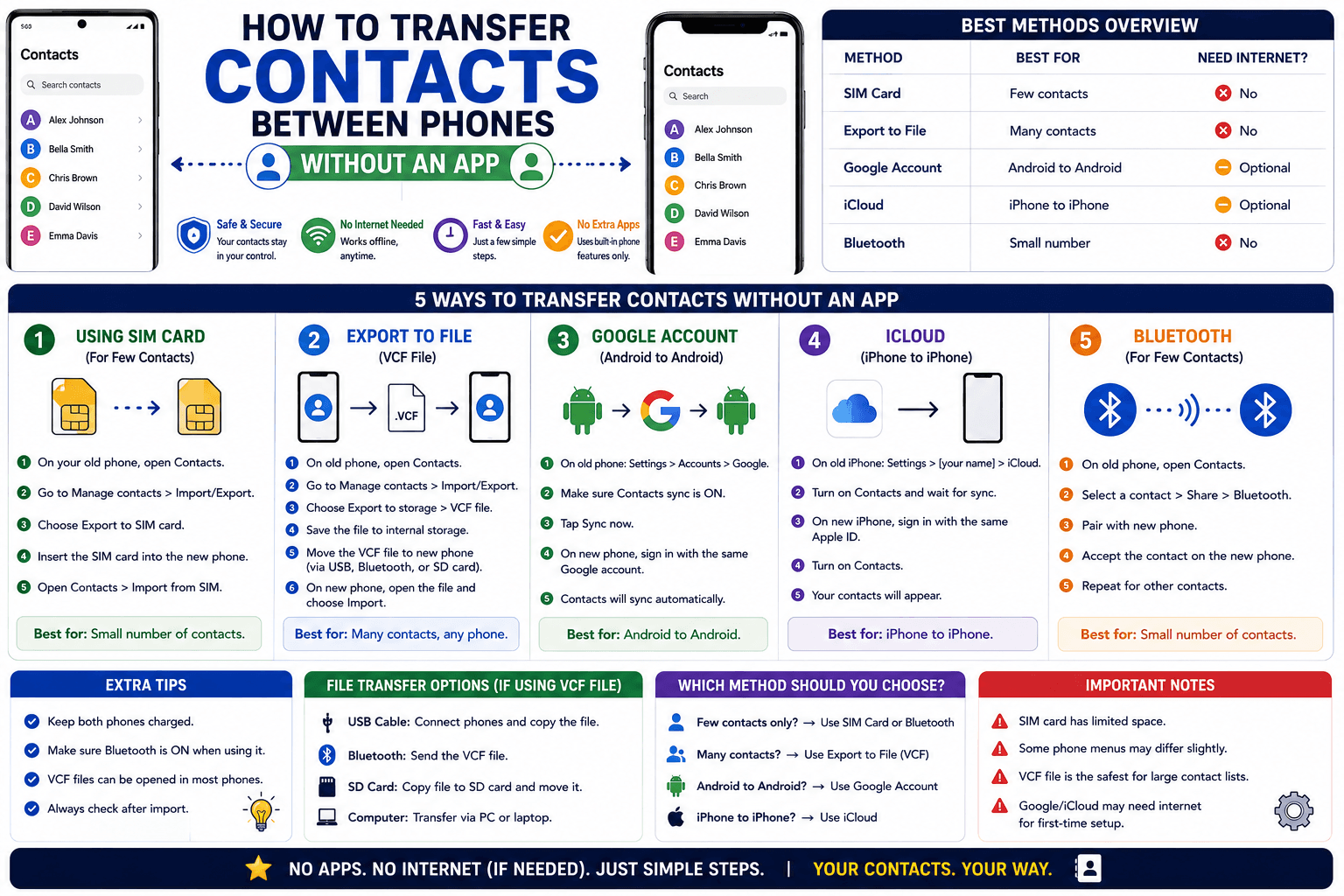
How to Transfer Contacts Between Phones Without an App
Moving to a new phone does not require a third-party transfer app. Here is how to move contacts using built-in sync or a quick vCard file export.
Read article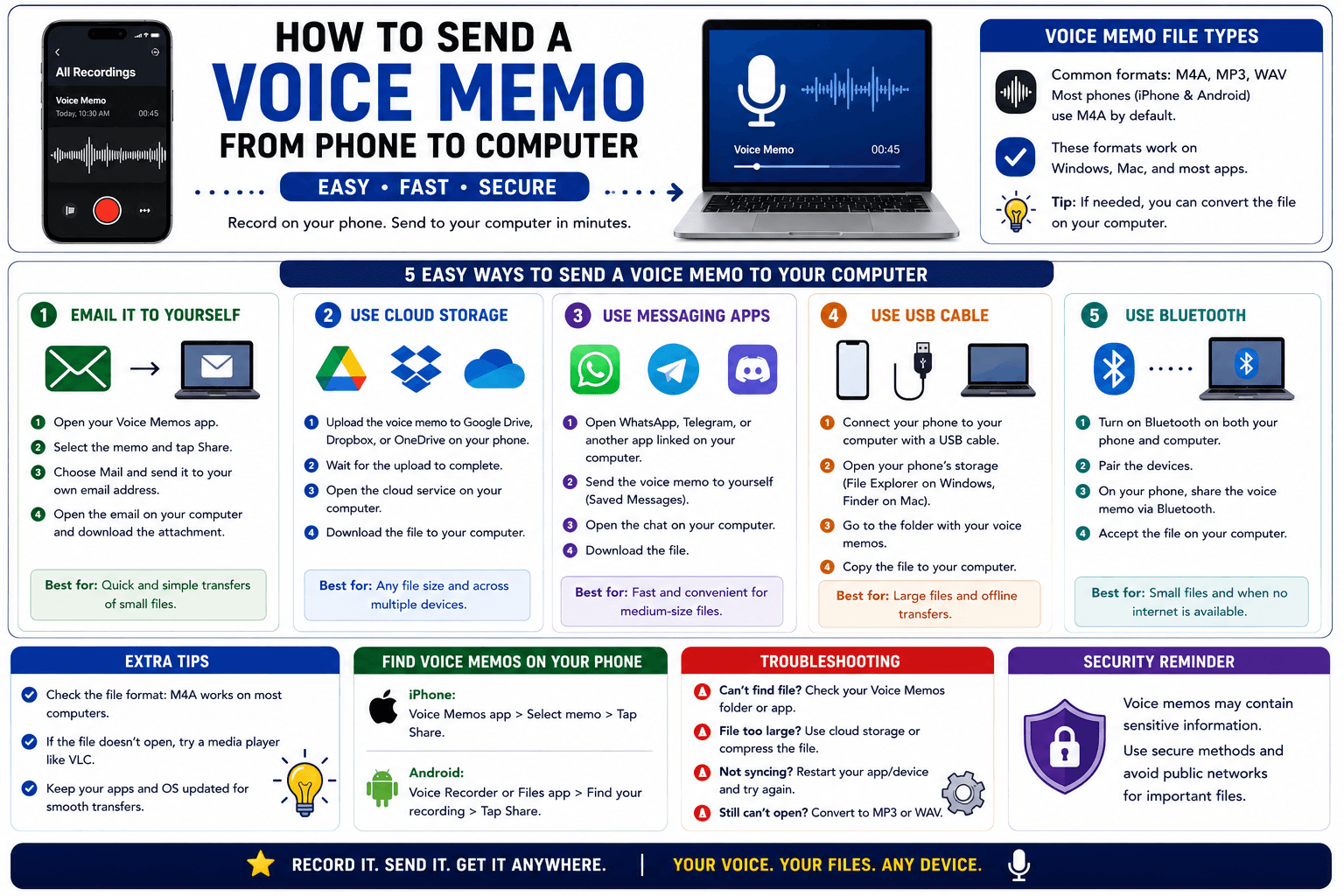
How to Send a Voice Memo From Phone to Computer
Voice memos are locked inside their app until you export them. Here is how to move a recording from your phone to your computer quickly once exported.
Read article