
How to Fix Clipboard Sync Delay or Lag Between Devices
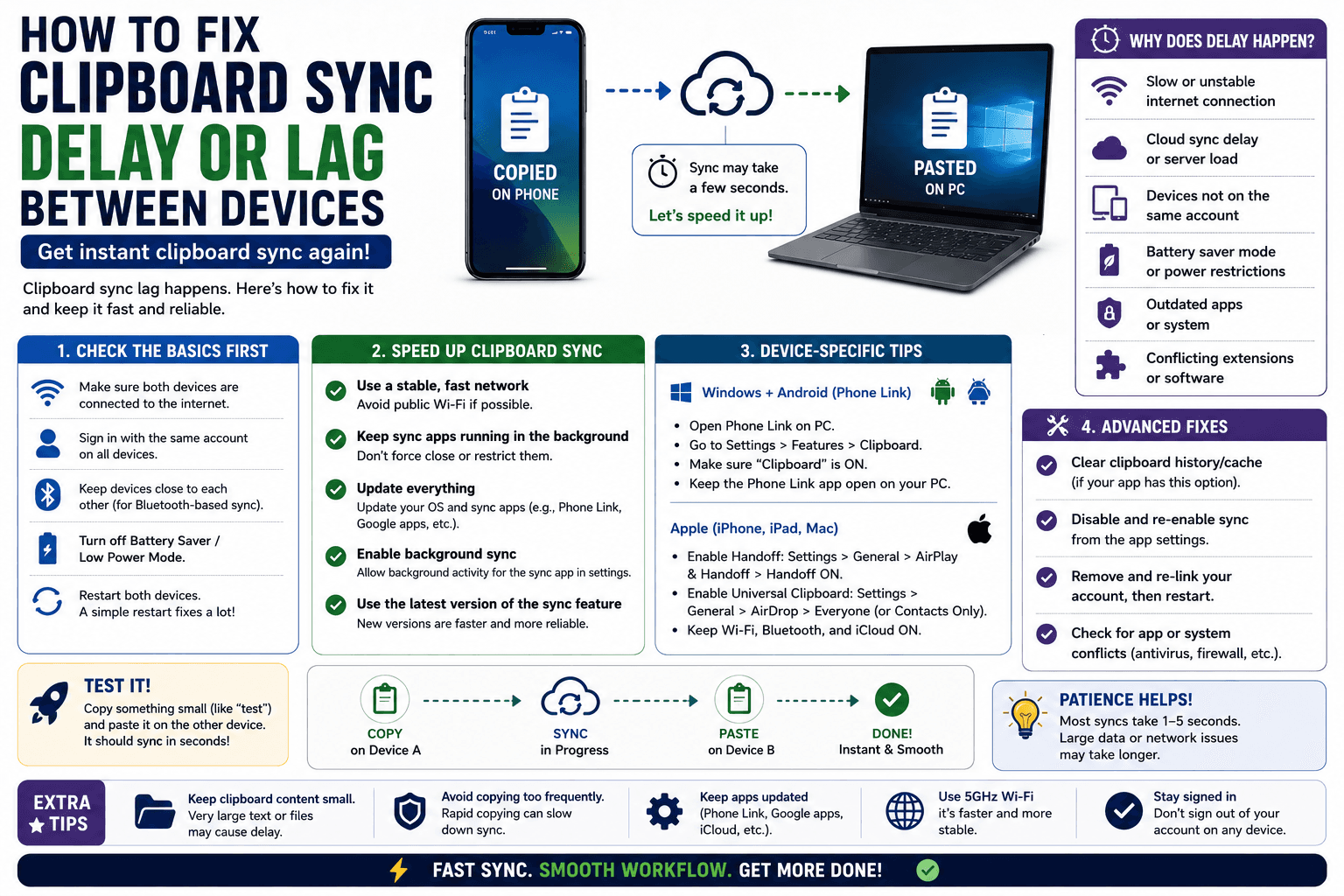
Clipboard sync that technically works but takes ten or twenty seconds to actually show up defeats a lot of its own purpose. This is a different problem from sync failing outright — the connection is working, it is just slow — and the causes are usually specific enough to actually fix rather than just live with.
Why clipboard sync lags instead of failing outright
A slow sync usually means the underlying connection is working but is being throttled, queued, or is checking in on an interval rather than updating instantly. This is different from a broken connection, which typically fails to sync at all rather than syncing late.
Common causes and fixes
Weak or congested Wi-Fi
If either device is on a weak signal or a network under heavy load (lots of other devices streaming or downloading), sync delay is often just general network congestion rather than anything specific to the clipboard tool. Moving closer to the router or switching to a less congested network usually resolves this.
Background app suspension
On both mobile and desktop, browsers and extensions are sometimes suspended when idle to save battery or memory, which delays background sync until the app is reactivated. Opening the app or extension popup manually typically triggers an immediate catch-up rather than waiting for the next automatic check.
A periodic check interval rather than instant push
Some sync mechanisms check for updates on a set interval (once a minute, for example) rather than pushing changes instantly. This is a deliberate trade-off to conserve battery and background resources — if a tool behaves this way, the lag is expected behavior rather than a malfunction, and opening the app manually skips the wait.
VPN or proxy overhead
Running a VPN adds a routing hop that can measurably slow down anything relying on quick network round-trips, including clipboard sync. Temporarily disabling the VPN to test is a quick way to confirm whether it is the cause.
What genuinely fast sync looks like
A well-functioning same-network room tool, like CopyPaster's browser-based text and file rooms, typically syncs within a second or two under normal conditions, since it doesn't rely on a periodic check — updates push through as soon as they happen while both tabs stay open.
Tip: if sync is consistently fast on one network but slow on another, the network itself is very likely the bottleneck rather than the tool — test on a different Wi-Fi network to confirm before troubleshooting further.
When to stop troubleshooting and just refresh
If a sync is taking unusually long on a specific attempt but is normally fast, closing and reopening both ends is often quicker than diagnosing the cause of that one slow instance — a fresh connection frequently resolves an isolated lag without needing to figure out exactly why it happened.
The bottom line
Clipboard sync lag is almost always explained by network conditions, background app suspension, or an intentional check-interval design — rarely by the sync mechanism being broken. Identifying which of the three applies usually points straight to the fix.
Frequently Asked Questions
QWhy is my clipboard sync slow instead of instant?
This is usually caused by weak Wi-Fi, a background app being suspended when idle, a periodic check interval rather than instant push, or VPN overhead adding a routing delay.
QHow do I speed up clipboard sync between devices?
Check your Wi-Fi signal strength, open the app or extension popup manually to trigger an immediate catch-up, and temporarily disable any VPN to test whether it is adding delay.
QHow fast should clipboard sync normally be?
A well-functioning same-network sync tool typically updates within a second or two under normal conditions, since it pushes changes instantly rather than checking on an interval.
Related articles
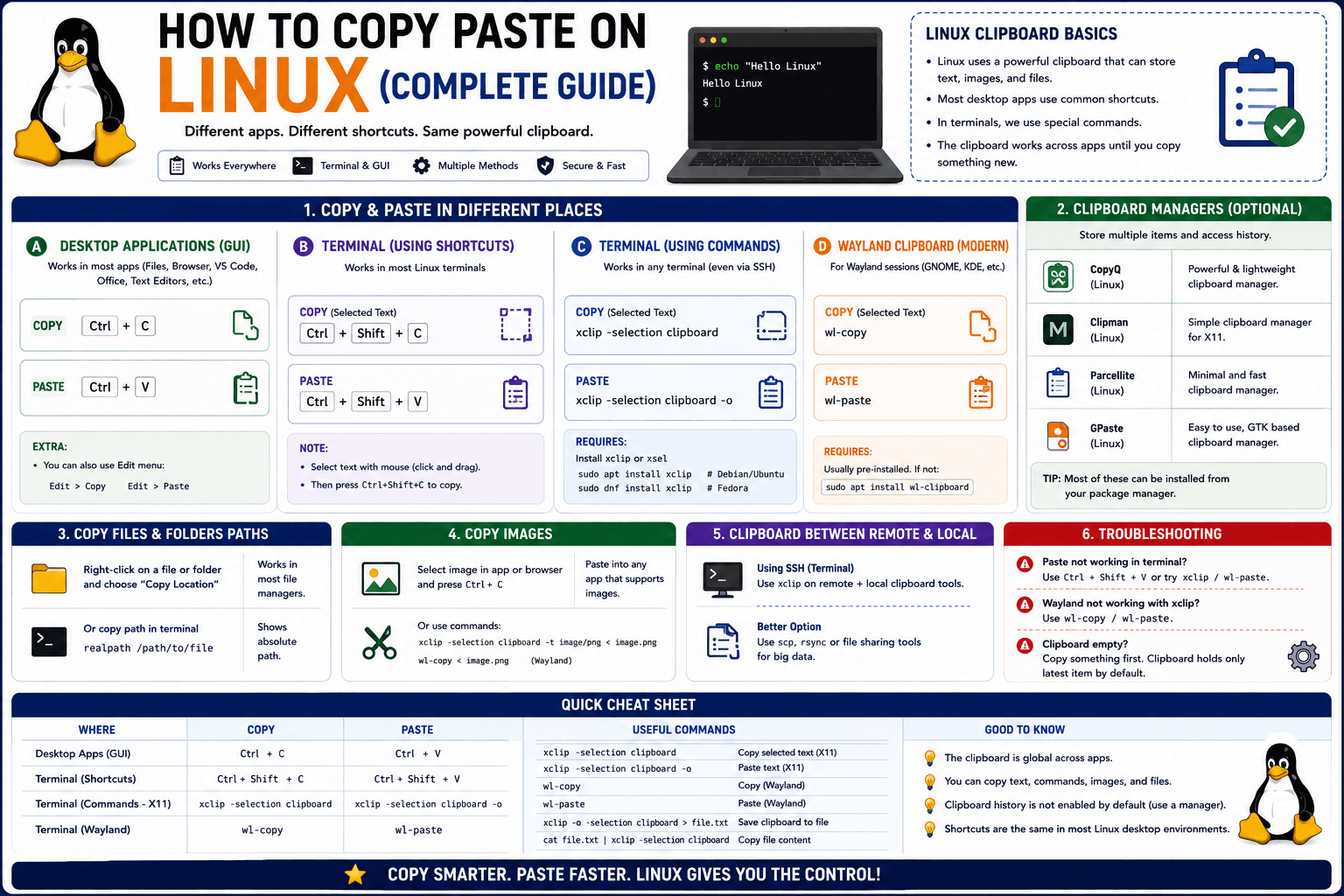
How to Copy Paste on Linux (Complete Guide)
Linux quietly runs two separate clipboards at once. Understanding both explains most copy-paste confusion, plus how to sync with other operating systems.
Read article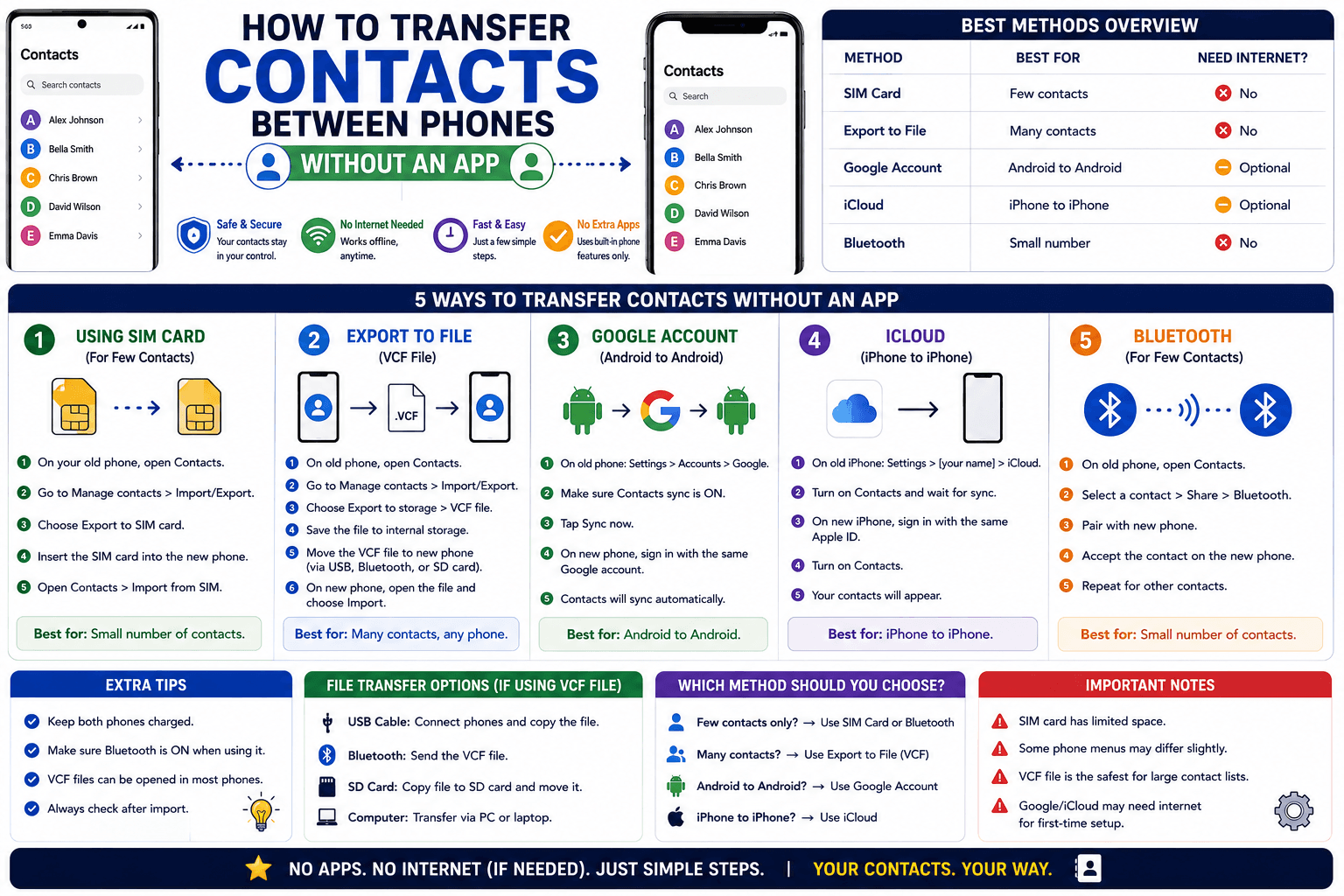
How to Transfer Contacts Between Phones Without an App
Moving to a new phone does not require a third-party transfer app. Here is how to move contacts using built-in sync or a quick vCard file export.
Read article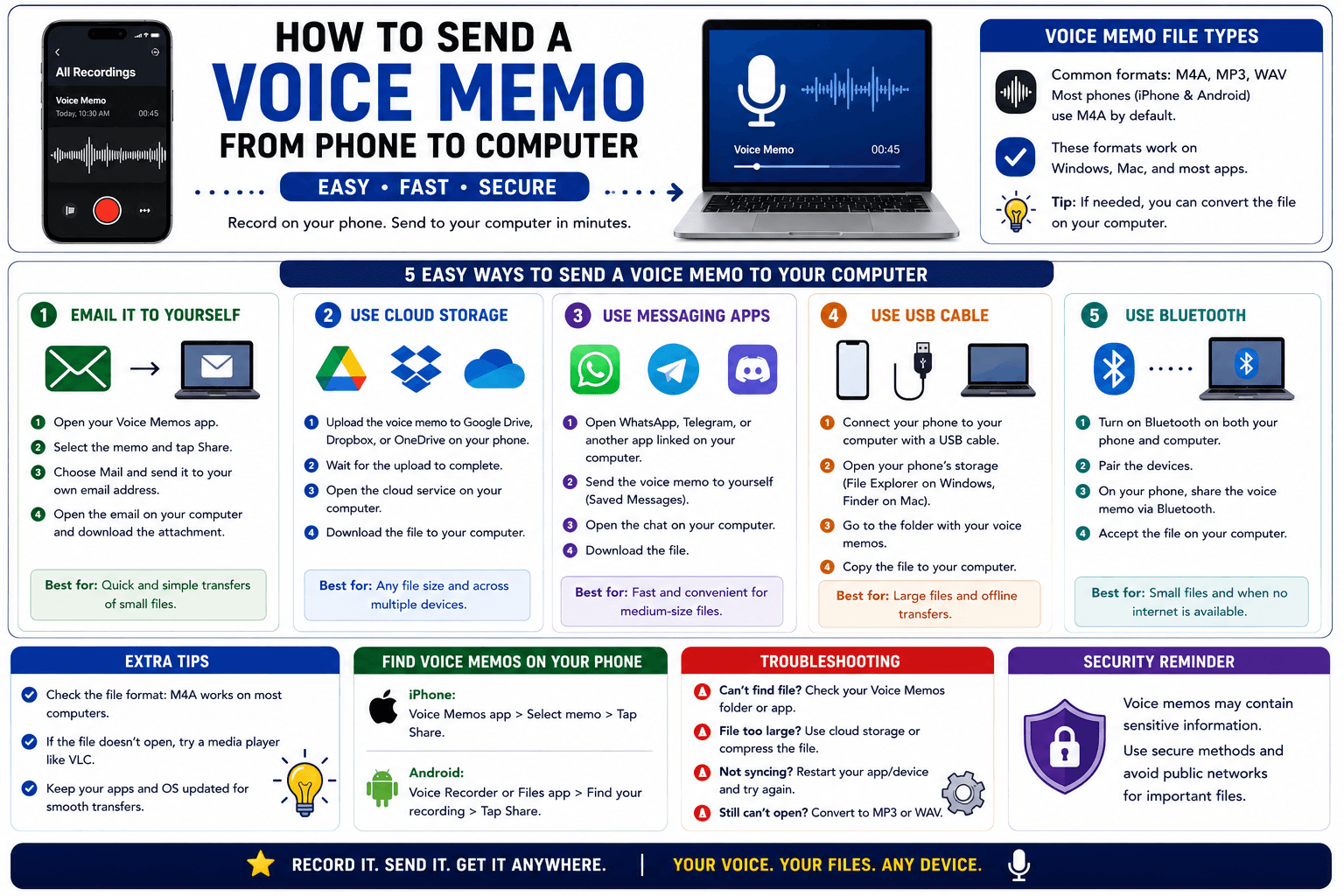
How to Send a Voice Memo From Phone to Computer
Voice memos are locked inside their app until you export them. Here is how to move a recording from your phone to your computer quickly once exported.
Read article