
Why Is "Paste" Grayed Out? How to Fix a Missing Paste Option
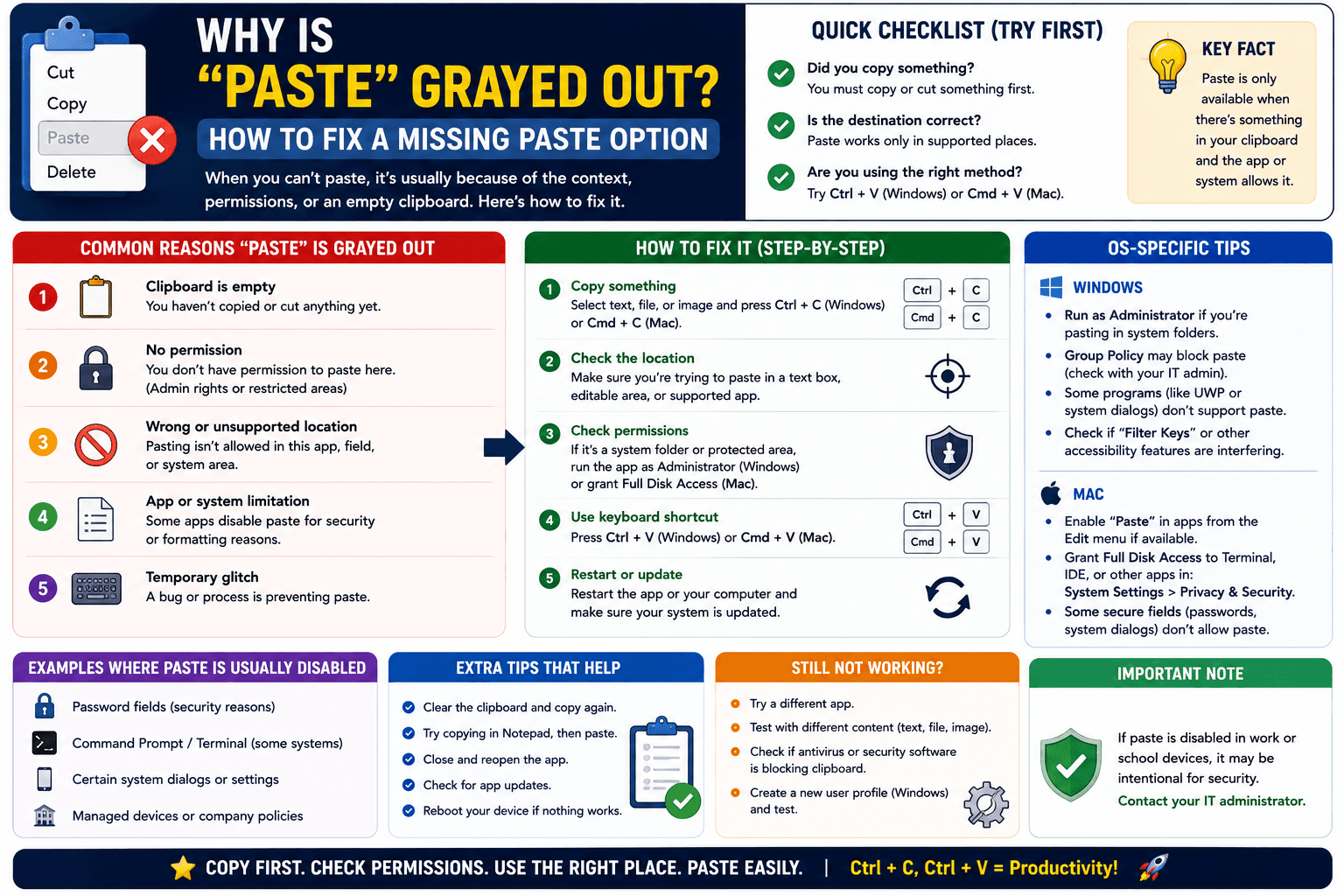
You right-click, and "Paste" is sitting there grayed out, unclickable, while everything else in the menu works fine. There is no error message, just a paste option that refuses to activate. This has a small handful of actual causes, and the fix is usually quick once you know which one applies.
The most common cause: nothing is actually on the clipboard
A grayed-out Paste option almost always means the application believes there is nothing valid to paste, even if you are sure you copied something. Test this directly: open a plain text field (like a search bar or Notepad) and try pasting there. If it works there but not in the original app, the problem is specific to that application, not your clipboard as a whole.
Cause 2: the app only accepts certain content types
Some fields only accept specific formats — a phone number field might reject pasted text containing letters, for example, or an image field will gray out Paste if your clipboard currently holds text instead of an image. Check what you actually copied matches what the destination field expects.
Cause 3: a permissions or focus issue
Occasionally, an application loses "focus" in a way that disables its clipboard access temporarily — clicking directly into the exact field you want to paste into (rather than just clicking somewhere in the window) often resolves this instantly.
Cause 4: the copy itself silently failed
If the original copy action did not actually register — a misclick, an app that intercepted the shortcut for something else — there genuinely is nothing to paste, which is why the option is disabled rather than just failing when clicked. Go back and redo the copy, then confirm before trying to paste again.
Step-by-step troubleshooting
- Test pasting into a plain text field to confirm whether your clipboard has content at all.
- If it works elsewhere but not the original app, restart that specific application.
- Confirm the content type you copied matches what the destination field accepts.
- Click directly into the destination field before attempting to paste again, rather than assuming focus carried over from a previous click.
- If nothing works, restart the device — this resolves a stuck clipboard service more often than any individual step above.
Tip: on Windows specifically, a grayed-out Paste in File Explorer right after a Cut command often means the cut file was moved or deleted before you pasted it — File Explorer disables Paste once the source file it was tracking no longer exists.
A workaround while troubleshooting
If you need to move the content between two devices while sorting out a stubborn grayed-out Paste option on one of them, a browser-based tool like CopyPaster works independently of whatever is causing the local issue, since it operates entirely inside the browser tab rather than relying on the operating system's clipboard service.
The bottom line
A grayed-out Paste option is the application telling you, indirectly, that it does not see valid content to paste — checking what is actually on your clipboard and whether it matches the destination field resolves the majority of these cases quickly.
Frequently Asked Questions
QWhy is the paste option grayed out?
This usually means the application does not detect valid content on the clipboard, either because the copy did not register, the content type does not match what the field accepts, or the app temporarily lost clipboard focus.
QHow do I check if my clipboard actually has content?
Try pasting into a plain text field like Notepad or a search bar. If it works there but not in the original app, the issue is specific to that application.
QWhy is paste grayed out in File Explorer after a cut?
This often means the cut file was moved or deleted before pasting, since File Explorer disables Paste once the source file it was tracking no longer exists.
Related articles
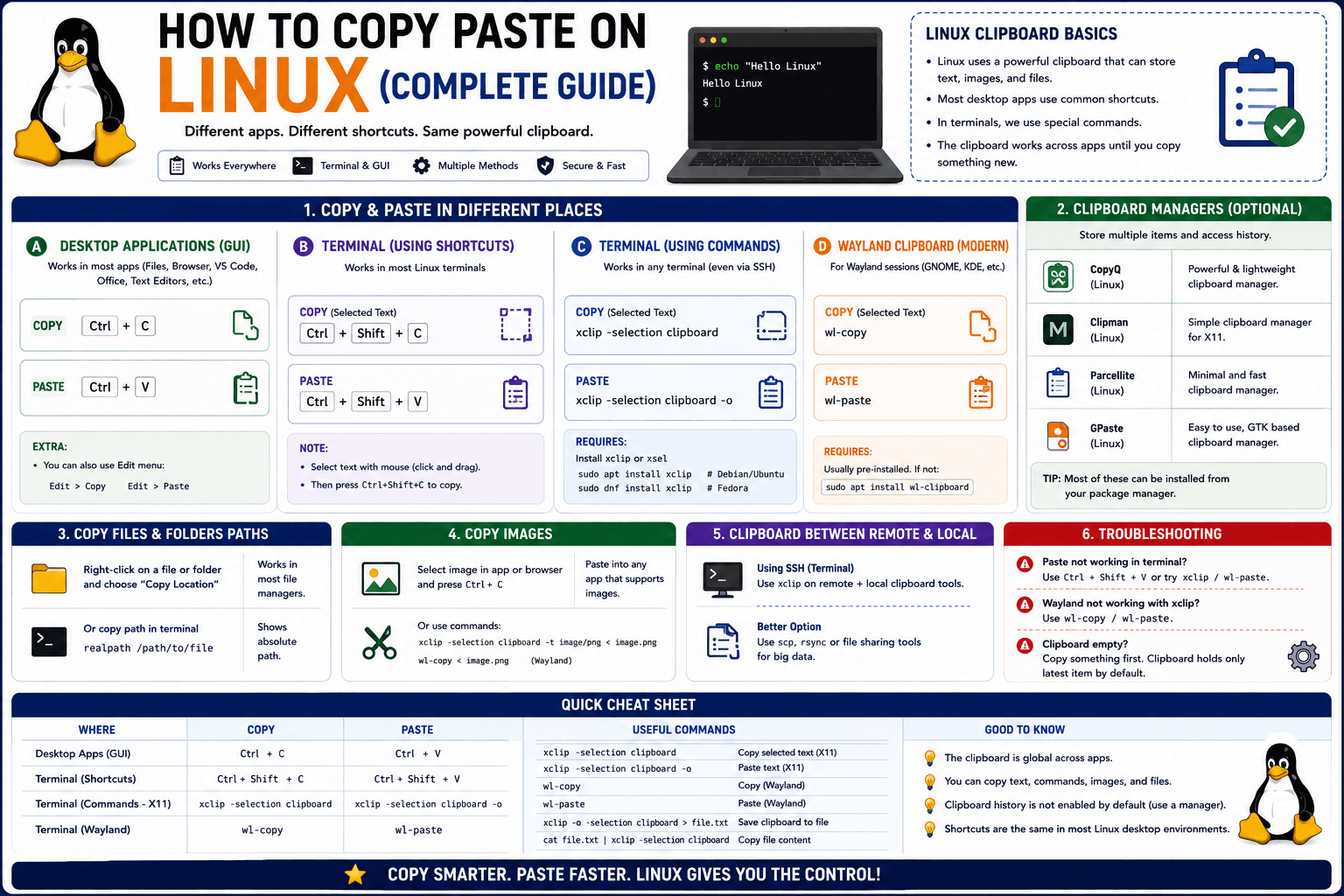
How to Copy Paste on Linux (Complete Guide)
Linux quietly runs two separate clipboards at once. Understanding both explains most copy-paste confusion, plus how to sync with other operating systems.
Read article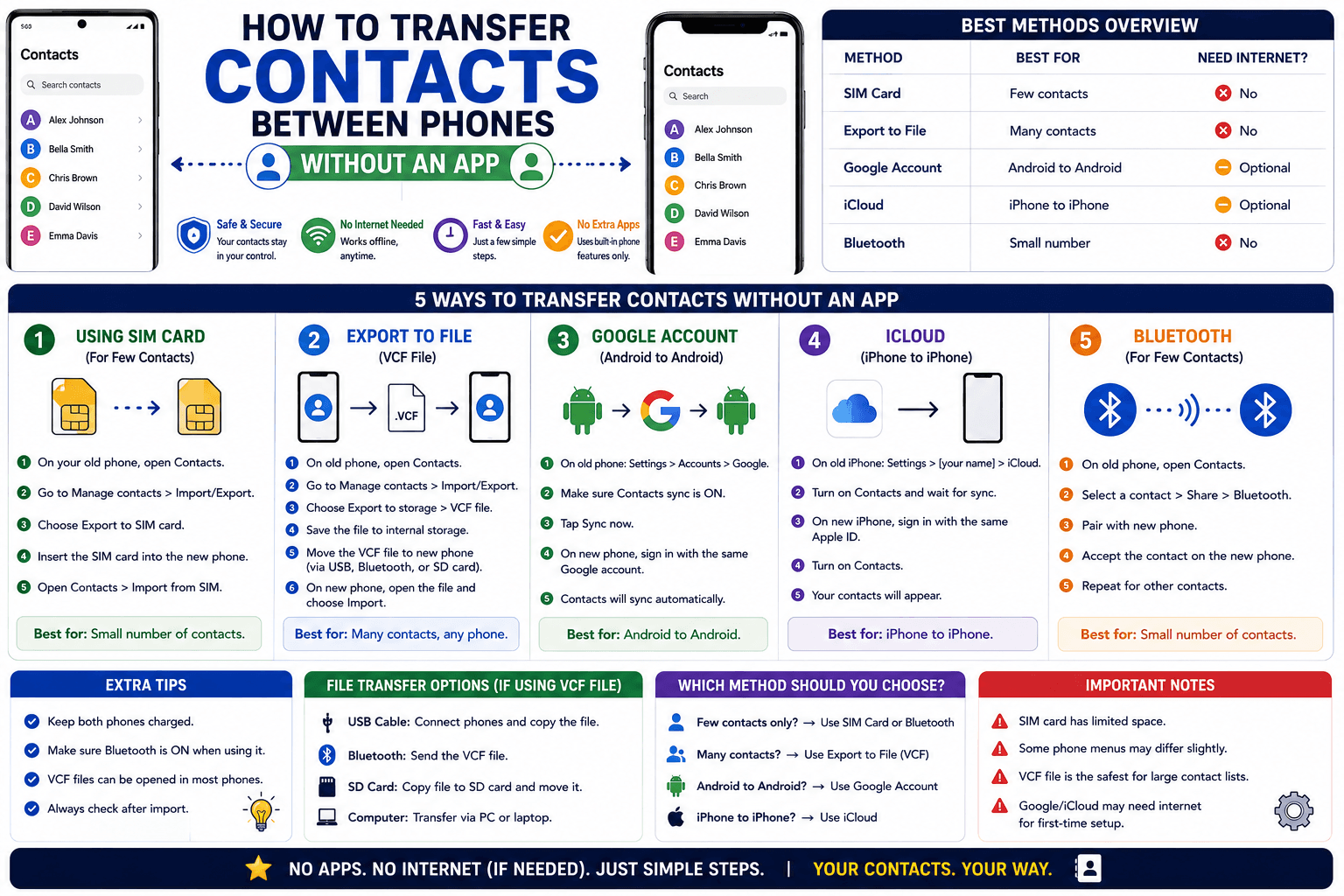
How to Transfer Contacts Between Phones Without an App
Moving to a new phone does not require a third-party transfer app. Here is how to move contacts using built-in sync or a quick vCard file export.
Read article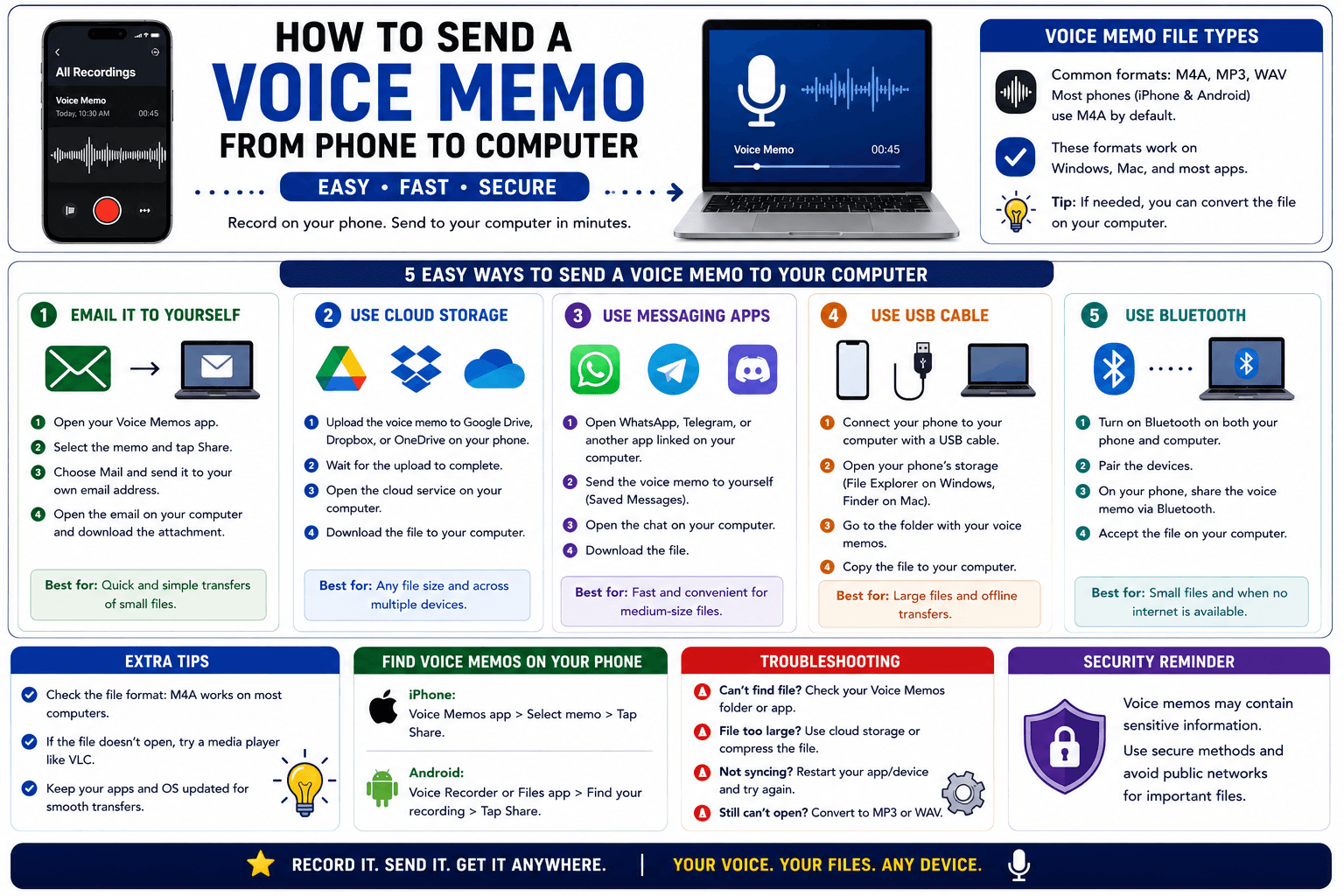
How to Send a Voice Memo From Phone to Computer
Voice memos are locked inside their app until you export them. Here is how to move a recording from your phone to your computer quickly once exported.
Read article