
Send Links, Notes, and Text Instantly Without Email
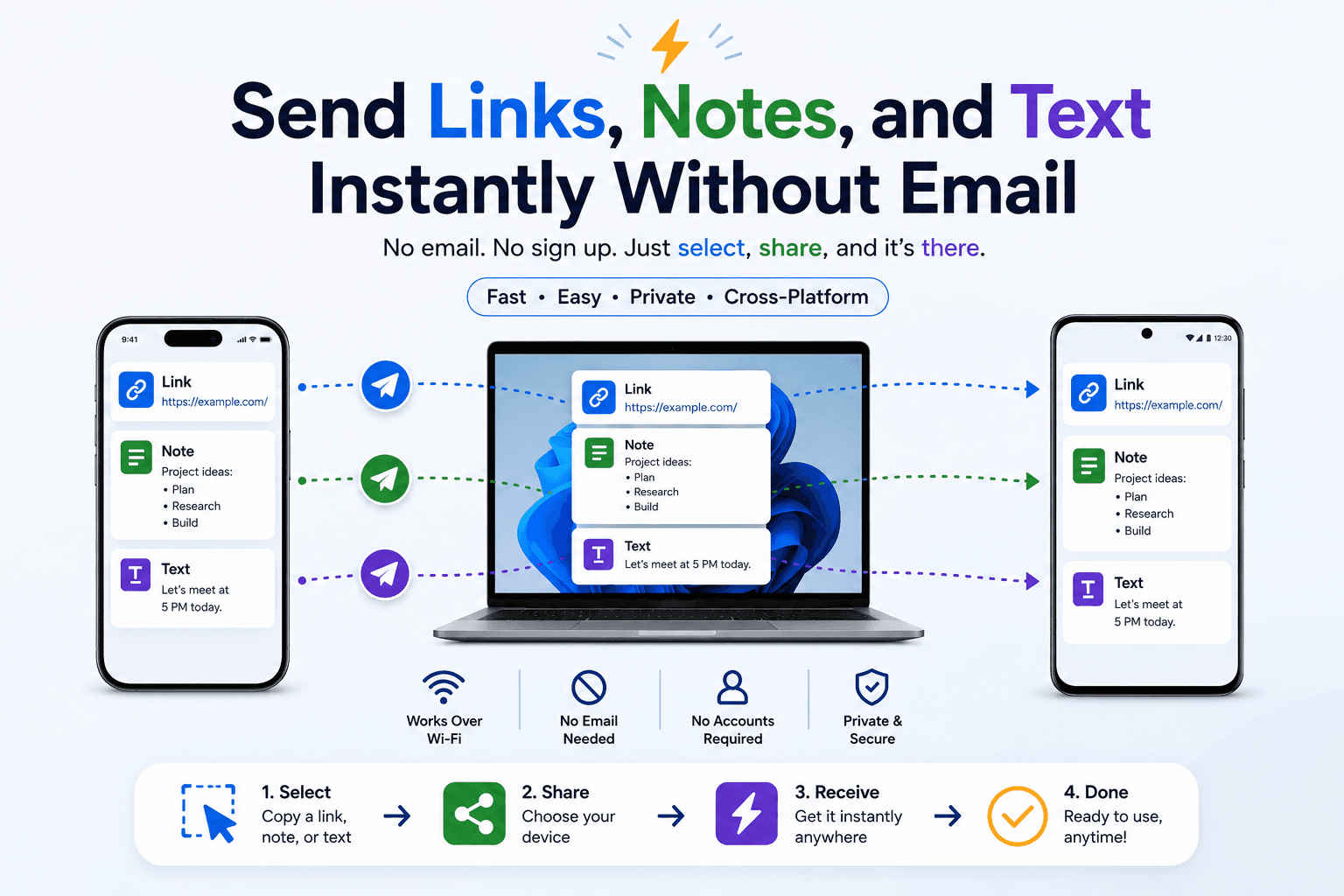
Emailing a link to yourself is one of those habits almost everyone has and nobody actually likes. It clutters your inbox, it is slower than it feels, and half the time you cannot find the message again when you need it. If "email it to myself" is your default way of moving a URL or a note between your own devices, there are faster, cleaner options that do not involve your inbox at all. Here is how to send links, notes, and text instantly without email.
Why "email it to myself" is the wrong tool
Email was designed for correspondence between people — threaded messages, subject lines, attachments, a permanent record. None of that is what you want when you are simply trying to get a link from your phone onto your laptop. You are not writing to anyone; you are shuttling a scrap of data across the room.
Used as a transfer pipe, email adds friction at every step. You open the compose window, type your own address, paste the content, send it, switch devices, open your mail app, wait for it to sync, find the message, and finally copy the link back out. Every self-email also adds noise to an inbox you are probably already fighting to keep under control, and it quietly routes your text through a mail server you do not own. For a quick transfer, that is a lot of machinery for a very small job.
1. A shared browser room
The fastest replacement is a real-time room. Open CopyPaster on both devices while they are connected to the same network, and they join the same room automatically — no sign-in, no pairing. Paste a link on your phone and it appears on your laptop almost immediately. There is no message to compose, no subject line to invent, and nothing left sitting in an inbox afterward.
- Works across iPhone, Android, Windows, and Mac, because it only needs a browser.
- No account and no app to install.
- Closes cleanly when you are done — the session disappears with the tab.
For the everyday case of "get this onto my other screen right now," this is as direct as it gets: copy on one device, paste on the other.
2. Encrypted private notes for sensitive text
Some of what you move is not a harmless public link — it is a draft, a code snippet, an address, or a one-time password. For those, email is not just slow, it is a liability, because the message lingers in two mailboxes indefinitely. A self-destructing private note is the better fit. CopyPaster encrypts the note in your browser before it leaves the device and destroys it after it has been read, so the sensitive text never settles into an inbox waiting to be discovered later.
The mental model is simple: use a real-time room for anything you would not mind a stranger glancing at, and an encrypted note for anything you would.
3. Pinned chat-to-self (the fallback)
If what you really want is a permanent, searchable record — a running list of links you are collecting, say — a pinned "note to self" in a messaging app beats email for both speed and findability. It keeps everything in one thread you can scroll, rather than scattered across dated email subjects. But for a single, immediate transfer, it is still slower than a shared room, and it compresses images along the way.
A simple rule of thumb
If you are sending something to yourself, you almost never need email. Use a real-time room for speed, an encrypted note for privacy, and a pinned chat only when you genuinely want a lasting record. Keep your inbox for actual correspondence with other people.
Adopting that rule does two things at once: it makes each individual transfer faster, and it slowly empties your inbox of all the self-addressed clutter that should never have landed there in the first place.
What you can move this way
- Links and URLs you want to open on a different screen.
- Short notes, addresses, and reference numbers.
- Code snippets and configuration strings during setup.
- Small files and images for a quick handoff.
Try it once
The next time your thumb drifts toward the "email myself" button, stop and open CopyPaster on both devices instead. Paste the link, watch it appear on the other screen a moment later, and notice how much friction just vanished. For private text, send an encrypted note and let it self-destruct once you have read it. Do this a few times and the old habit of mailing things to yourself will start to feel like what it always was — the long way around.
Frequently Asked Questions
QWhat is faster than emailing a link to myself?
A real-time browser room. Open the same site on both devices and a link pasted on one appears on the other instantly, with no message to send or search for later.
QHow do I send private text without email?
Use an encrypted private note that is scrambled in your browser before it leaves the device and self-destructs after being read, so it never lingers in an inbox.
QDo I need an account to share between my own devices?
No. A browser room based on your shared network requires no account or installation — just open the site on each device.
Related articles
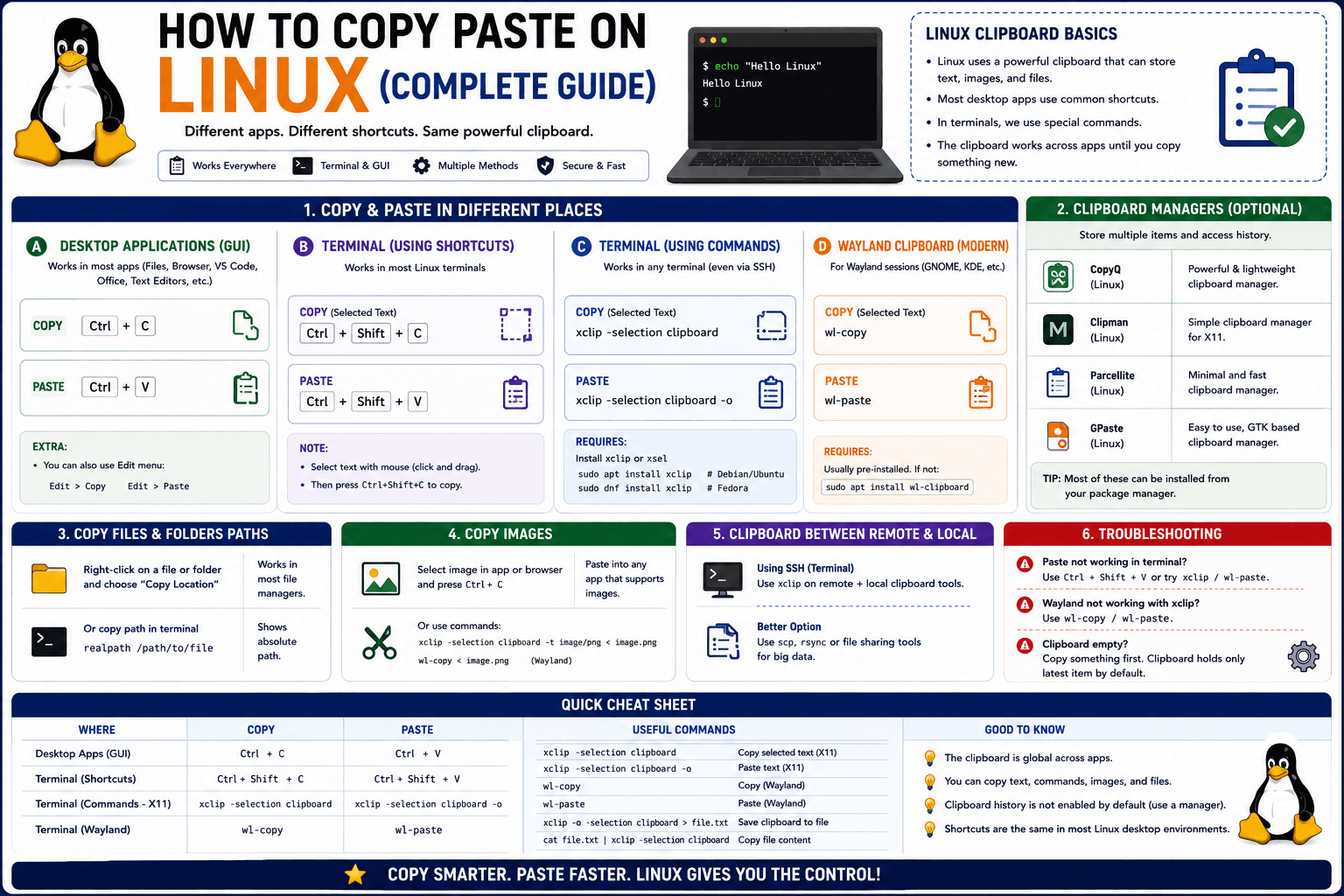
How to Copy Paste on Linux (Complete Guide)
Linux quietly runs two separate clipboards at once. Understanding both explains most copy-paste confusion, plus how to sync with other operating systems.
Read article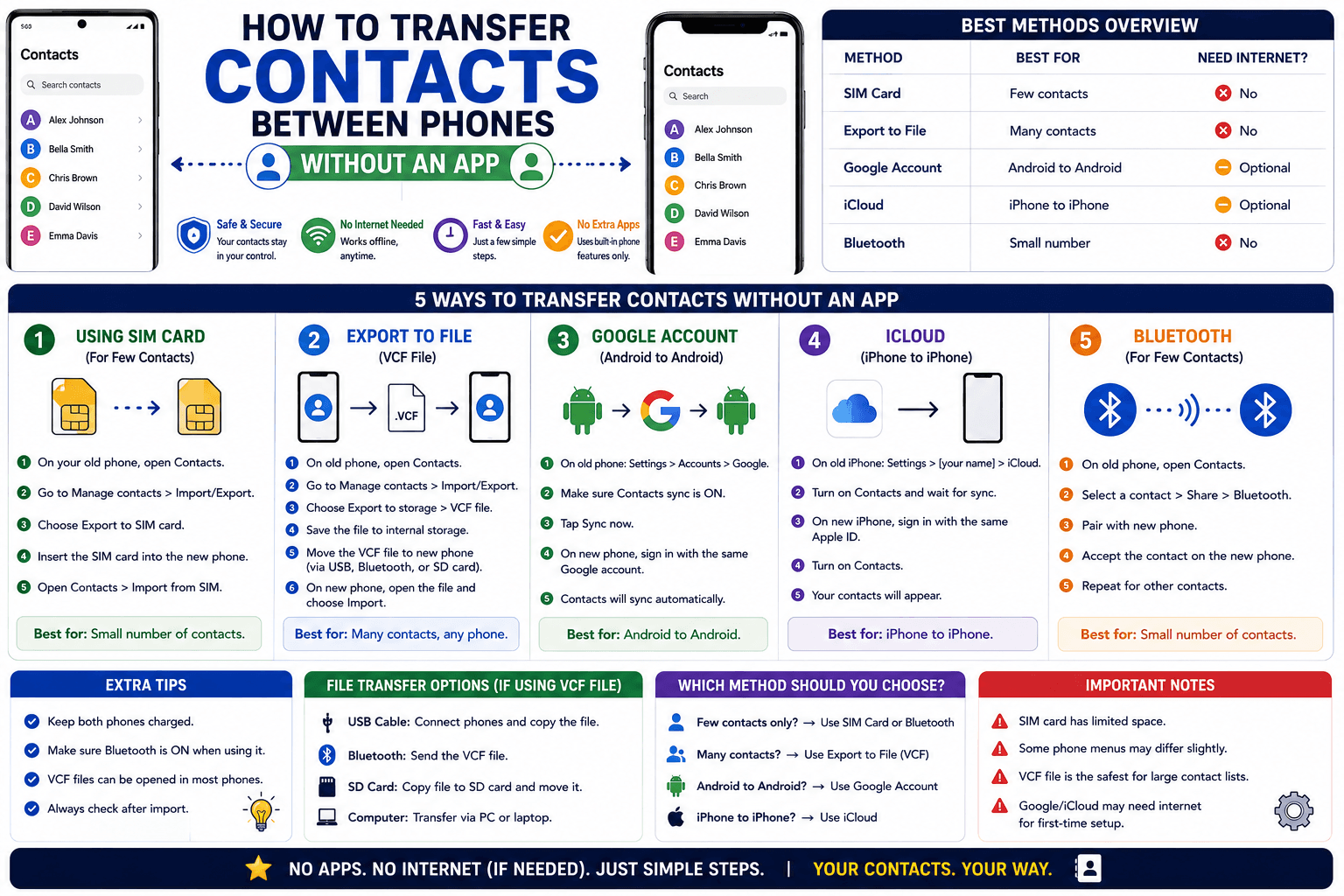
How to Transfer Contacts Between Phones Without an App
Moving to a new phone does not require a third-party transfer app. Here is how to move contacts using built-in sync or a quick vCard file export.
Read article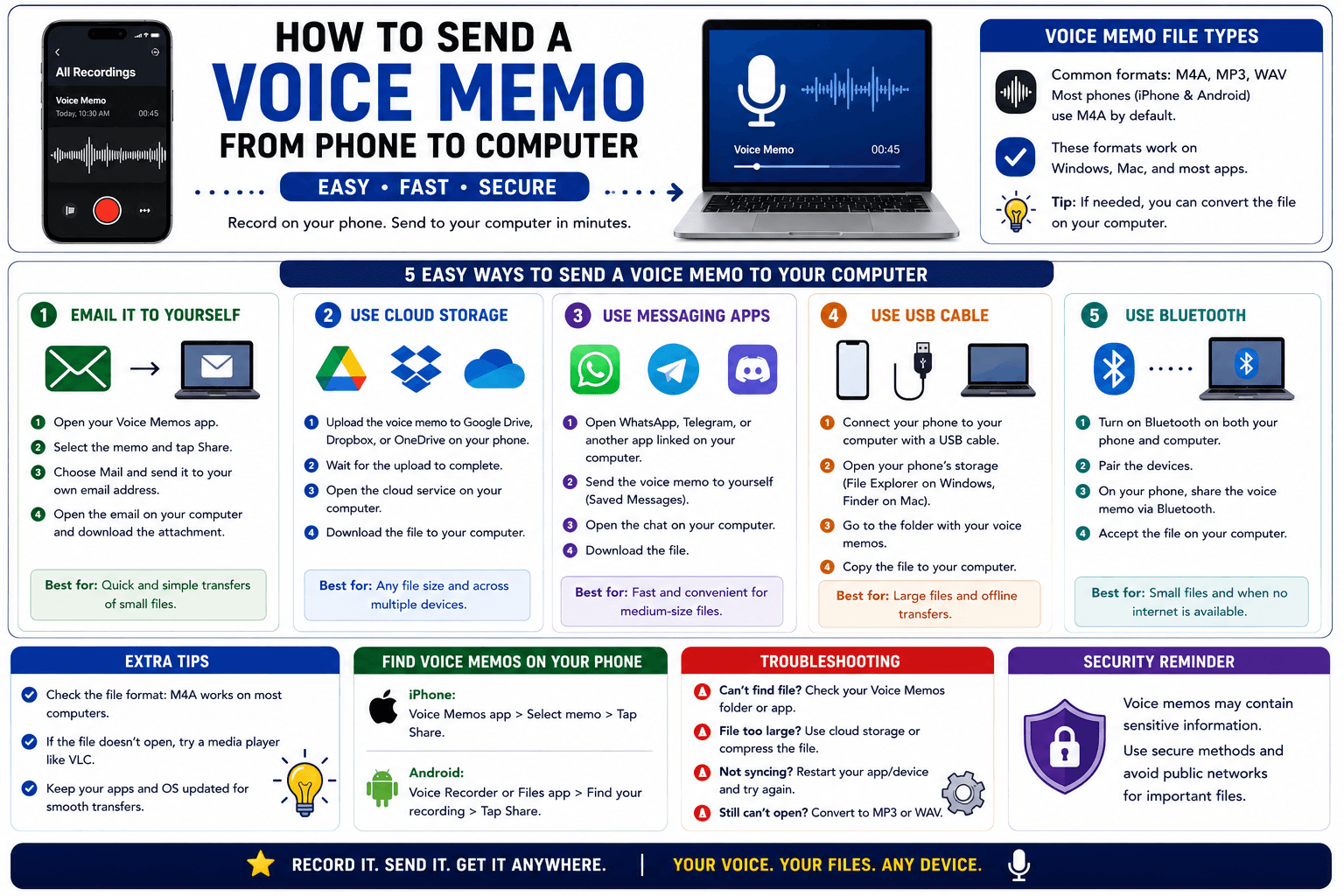
How to Send a Voice Memo From Phone to Computer
Voice memos are locked inside their app until you export them. Here is how to move a recording from your phone to your computer quickly once exported.
Read article