
Temporary File Sharing Without Email: How It Works
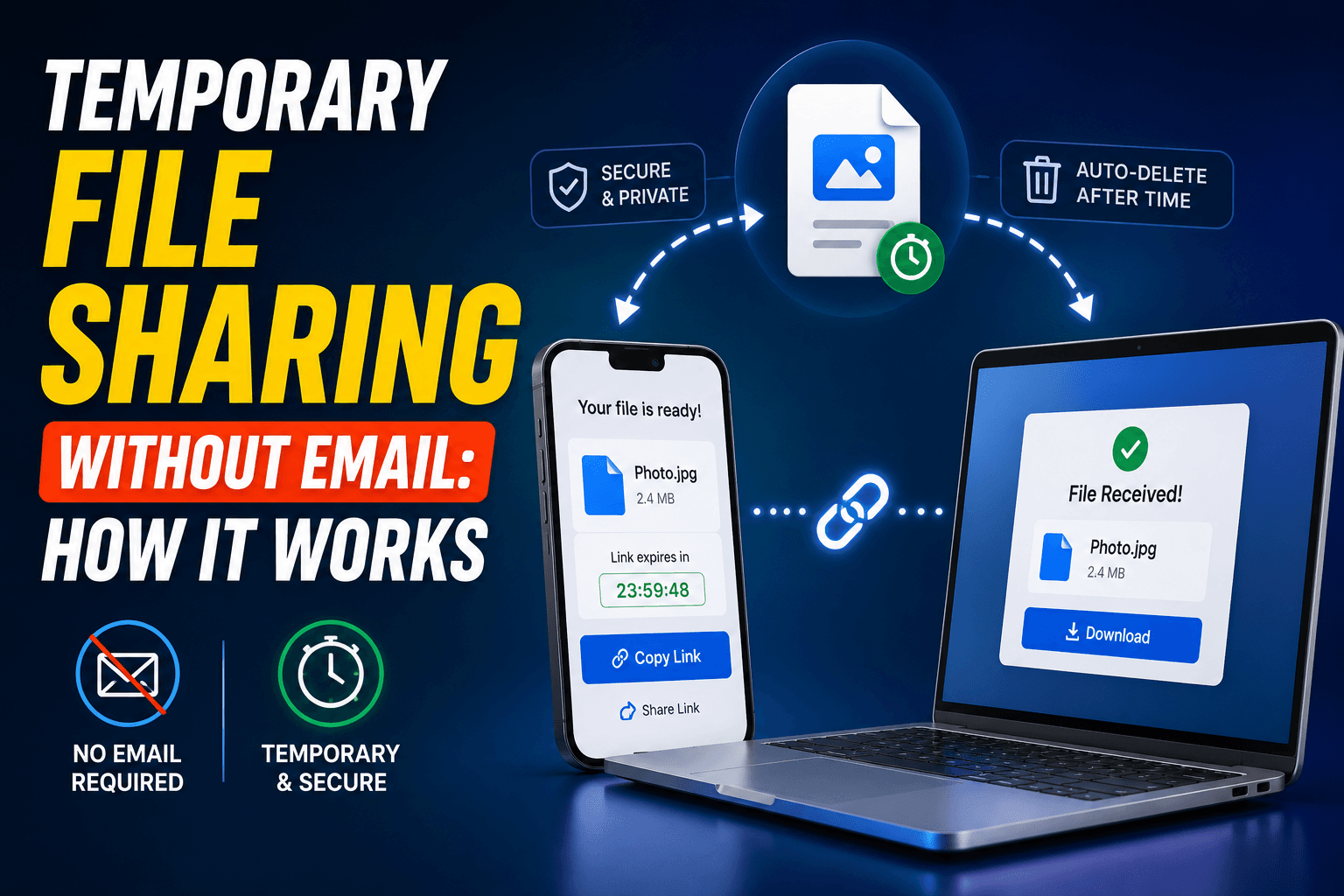
Sending yourself a file by email works, right up until you remember it means composing a message, attaching the file, waiting for it to send, switching devices, opening your inbox, finding the email among everything else in there, and downloading the attachment. That is a lot of steps for something that should take five seconds. Here is what temporary file sharing looks like without email in the loop at all, and why it is generally the better default.
The hidden cost of "just email it to yourself"
Email was not built for quick device-to-device handoffs — it was built for asynchronous, permanent correspondence. Every file you email yourself sits in your inbox indefinitely afterward, quietly adding to storage limits and making your own inbox harder to search through later. Attachment size limits (often 25MB) also make it a poor fit the moment a file is even moderately large.
There is also a small but real security gap: an email with an attachment sits in your inbox, your sent folder, your backups, and your provider's servers, all for something you may have only needed for thirty seconds.
What "temporary" file sharing actually means
Temporary file sharing tools are built around the opposite assumption: the file is only needed briefly, so it should not persist any longer than that. CopyPaster's file rooms work this way — a file uploaded from one device becomes available to any other device on the same network, and it is automatically deleted after about an hour, whether or not anyone downloads it again.
Step by step
- Open CopyPaster on the device with the file.
- Open the same site on the device that needs it, connected to the same Wi-Fi.
- Switch to the Files tab and upload.
- Download it on the other device — done.
- Ignore it from there; it clears itself automatically.
No inbox entry, no attachment size negotiation, and nothing left to delete manually afterward.
Where this beats emailing yourself
- Photos and screenshots you need on a computer right away, without a permanent record in your inbox.
- Documents you are handing off once and do not need archived in your email history.
- Any transfer where the file itself is only useful for the next few minutes.
- Situations where you would rather not create a new "sent to self" pattern cluttering your email search results for years.
Tip: because the room clears automatically, there is no cleanup step to remember later — unlike an email attachment, which sits in your sent folder until you go back and delete it yourself.
Getting the most out of temporary sharing
- Treat the expiry as a feature, not a limitation. Download what you need promptly rather than treating the room as a place to store things.
- Use it for the handoff, not the archive. If you will need the file again next month, save it somewhere permanent — a cloud drive, not a temporary room.
- Match your network. Both devices need to be on the same Wi-Fi for the room to sync correctly.
When email is still worth using
Email remains the right tool when you need a permanent record of having sent something, when the recipient is not on your network, or when you are sending something you genuinely want archived — a signed contract, a receipt for tax purposes. Temporary sharing is for the file you need right now and will not think about again next week.
The bottom line
Most files you send yourself do not need to live in your inbox forever — they just need to get from one device to another. A temporary, self-clearing file room does that in a fraction of the steps, with nothing left over afterward to manage or delete.
Frequently Asked Questions
QHow can I share a file without emailing it to myself?
Use a temporary file-sharing tool like CopyPaster, which lets any device on the same Wi-Fi upload and download a file directly, with the file automatically deleted after about an hour.
QIs temporary file sharing safe?
It is well suited to everyday, non-sensitive files. For anything confidential, an encrypted private note or a permission-controlled cloud drive is a better fit.
QWhat happens to the file after I download it?
The file remains available to other devices on the same room until it expires automatically, typically after about an hour, so there is nothing to manually delete afterward.
Related articles
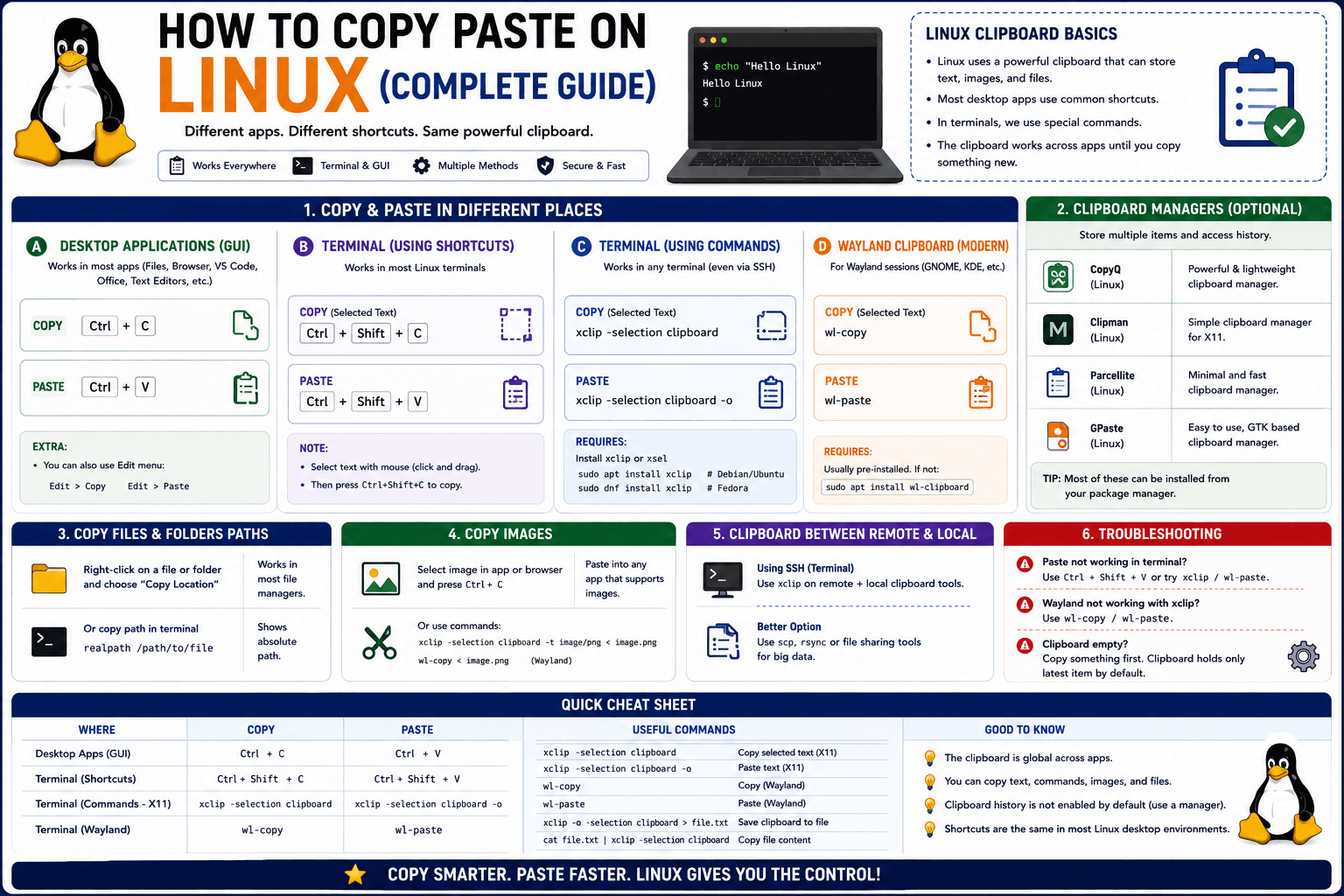
How to Copy Paste on Linux (Complete Guide)
Linux quietly runs two separate clipboards at once. Understanding both explains most copy-paste confusion, plus how to sync with other operating systems.
Read article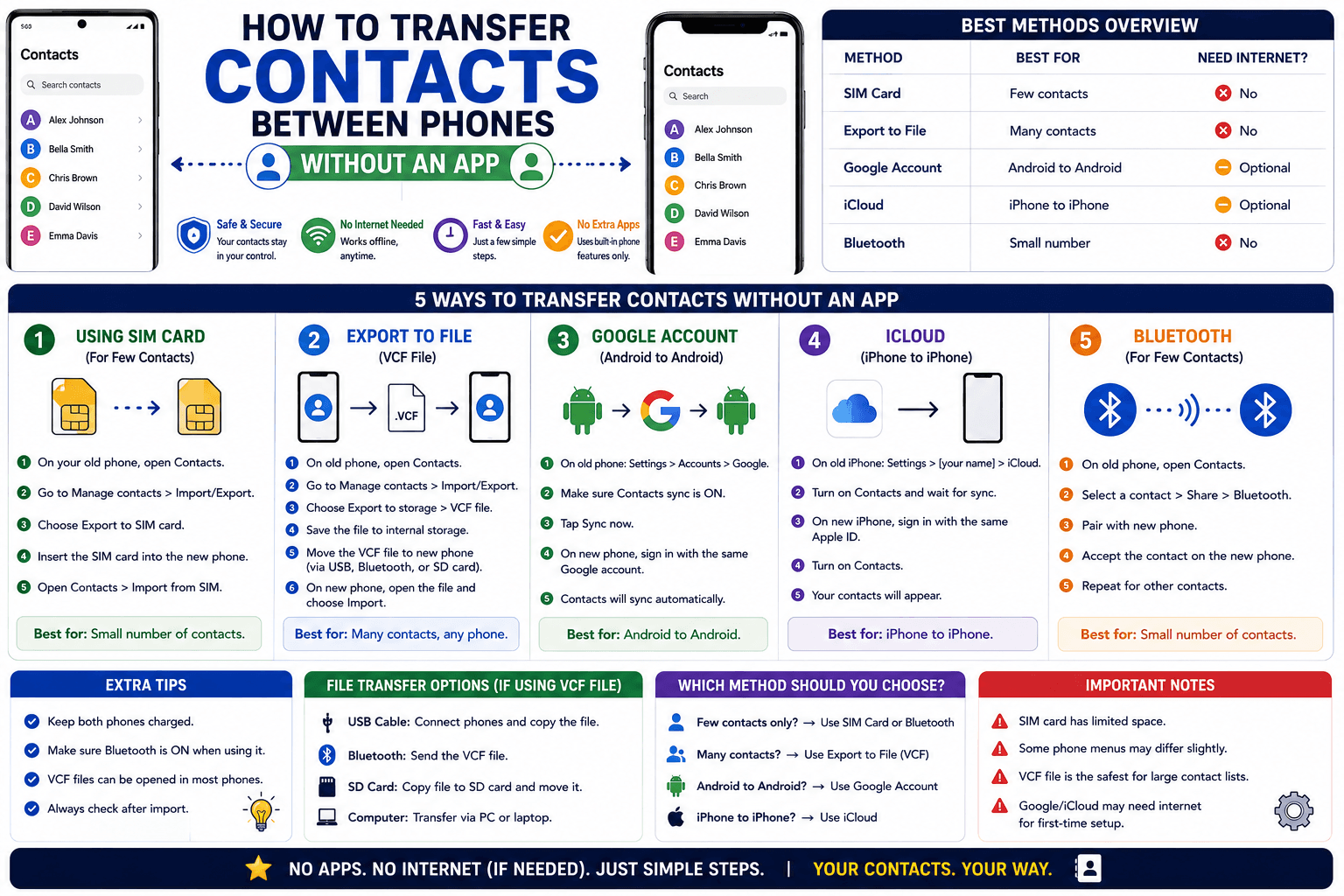
How to Transfer Contacts Between Phones Without an App
Moving to a new phone does not require a third-party transfer app. Here is how to move contacts using built-in sync or a quick vCard file export.
Read article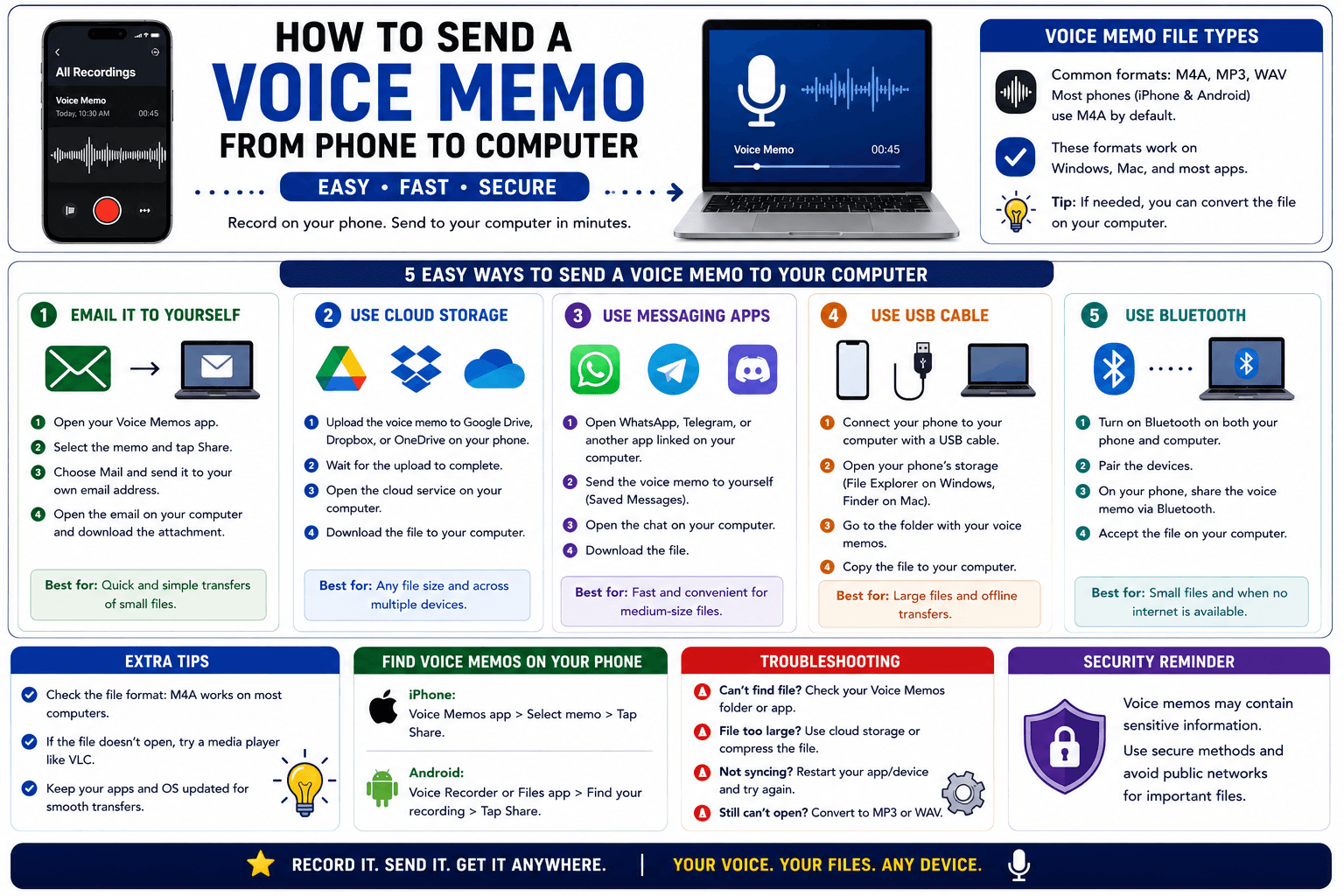
How to Send a Voice Memo From Phone to Computer
Voice memos are locked inside their app until you export them. Here is how to move a recording from your phone to your computer quickly once exported.
Read article