
How to Transfer Files Between Android and iPhone
AirDrop only works between Apple devices. Nearby Share only reliably works between Android devices. The moment you need to send a photo from an Android phone to an iPhone, or the other way around, both of the "obvious" built-in tools quietly stop being an option. Here is what actually works across that divide.
Why AirDrop and Nearby Share don't help here
Both tools rely on proprietary protocols built specifically for their own ecosystem — AirDrop uses Apple's own Bluetooth and Wi-Fi handshake, Nearby Share uses Google's equivalent. Neither company has built cross-compatibility with the other, so an iPhone and an Android phone simply cannot see each other through either tool, no matter how the settings are configured.
Option 1: A browser-based tool that works on any device
Since the two ecosystems will not talk to each other directly, the simplest fix is a tool that does not rely on either one — just a browser and a shared Wi-Fi network.
Step by step with CopyPaster
- Connect the Android phone and the iPhone to the same Wi-Fi network.
- Open CopyPaster in Chrome on the Android phone and in Safari on the iPhone.
- Switch to the Files tab and upload the photo or file from whichever phone has it.
- Download it on the other phone — done, with no app install required on either device.
Because both platforms have a capable browser and both support the same web standards, this works identically regardless of which phone is sending and which is receiving.
Option 2: Messaging apps that work across platforms
WhatsApp, Telegram, and Signal all work identically on iPhone and Android, and are a reasonable option if you already use one of them with the other person — though photo and video quality is often compressed in the process, which a direct file transfer avoids.
Option 3: Cloud storage links
Uploading to Google Drive, Dropbox, or iCloud and sharing a link works across platforms too, though it requires an upload step and, for iCloud specifically, may prompt the Android recipient to create an account to access it — an unnecessary hurdle for a one-time file.
Which option to use
- Photos or documents, both phones present, need it now — a browser-based tool over Wi-Fi, no quality loss.
- Already messaging the other person — send through whatever cross-platform app you already both use.
- Sending to someone not physically nearby — a cloud storage link works regardless of location.
Tip: if you regularly send files between an Android phone and an iPhone — a shared household, a mixed-device family — bookmark a browser-based tool on both so it is one tap away instead of re-searching for a solution every time.
The bottom line
AirDrop and Nearby Share were never designed to talk to each other, and that is not going to change. A browser-based tool that does not depend on either ecosystem is the most direct way to move files between an iPhone and an Android phone without quality loss or extra accounts.
Frequently Asked Questions
QCan I AirDrop from an iPhone to an Android phone?
No, AirDrop only works between Apple devices. Use a browser-based tool like CopyPaster over the same Wi-Fi to transfer files between an iPhone and an Android phone instead.
QHow do I send photos from Android to iPhone without losing quality?
A direct browser-based transfer over Wi-Fi avoids the compression that messaging apps like WhatsApp often apply to photos and videos.
QDo I need to install an app to transfer files between Android and iPhone?
No, a browser-based tool works in Chrome on Android and Safari on iPhone without any app installation, as long as both devices are on the same Wi-Fi network.
Related articles
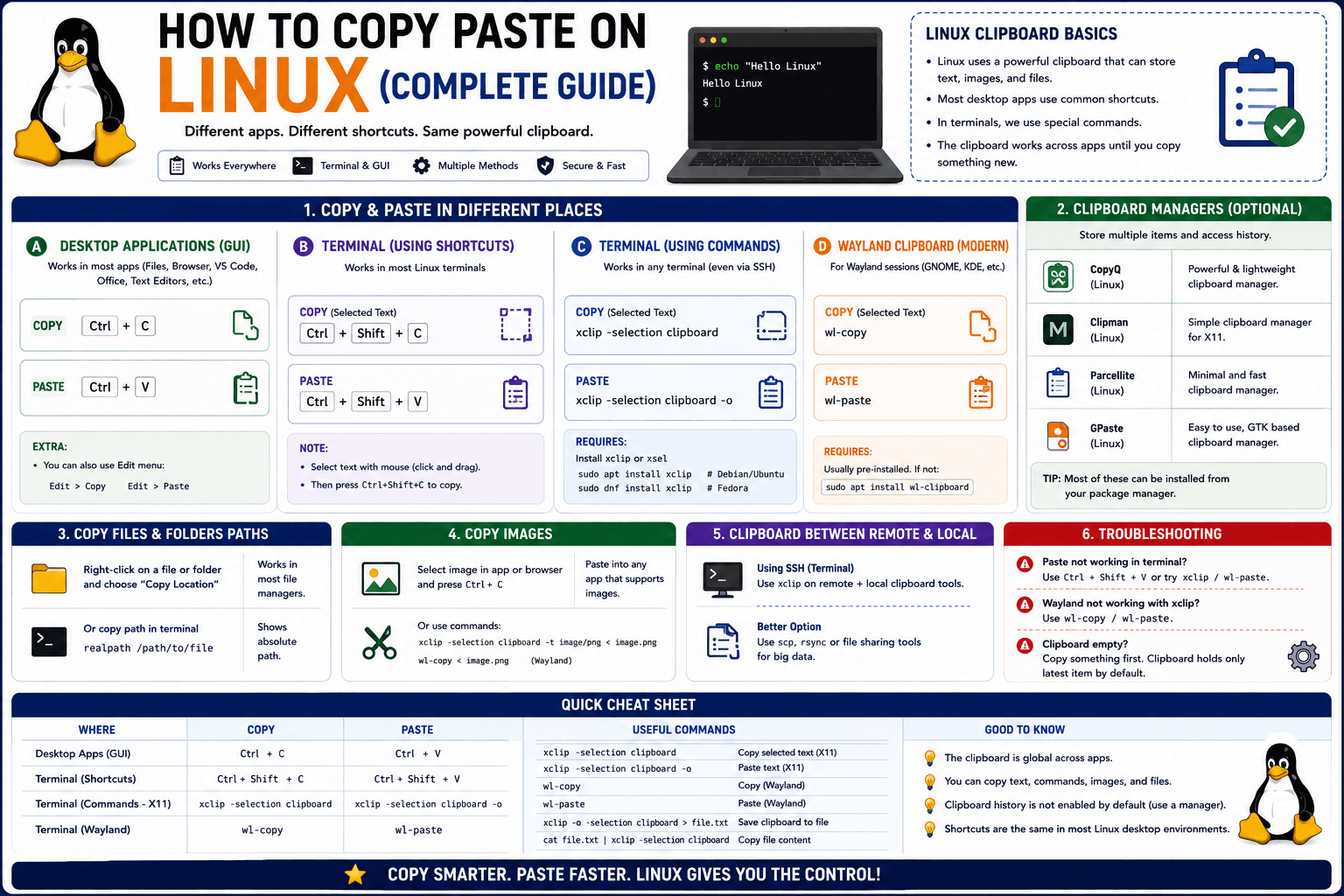
How to Copy Paste on Linux (Complete Guide)
Linux quietly runs two separate clipboards at once. Understanding both explains most copy-paste confusion, plus how to sync with other operating systems.
Read article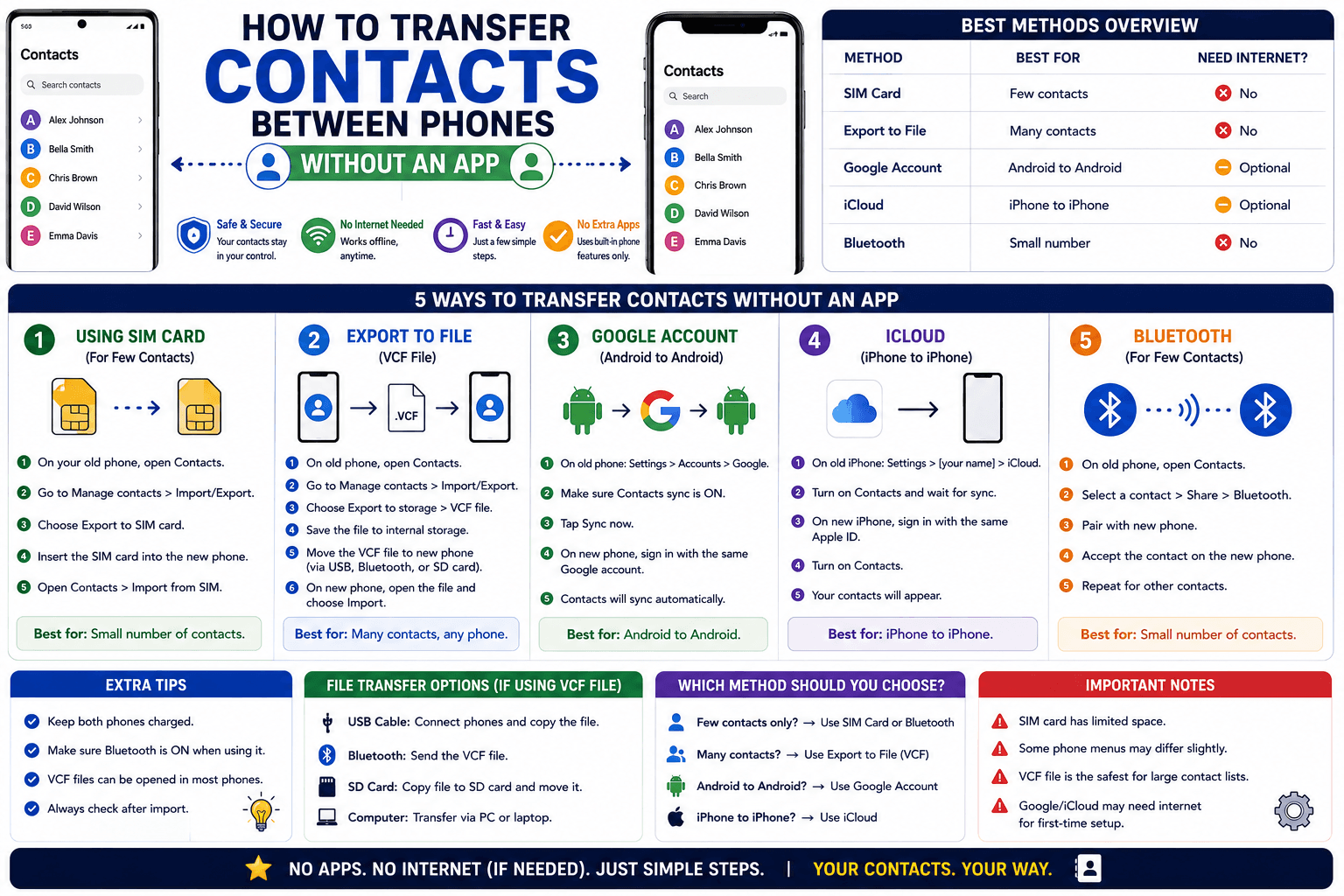
How to Transfer Contacts Between Phones Without an App
Moving to a new phone does not require a third-party transfer app. Here is how to move contacts using built-in sync or a quick vCard file export.
Read article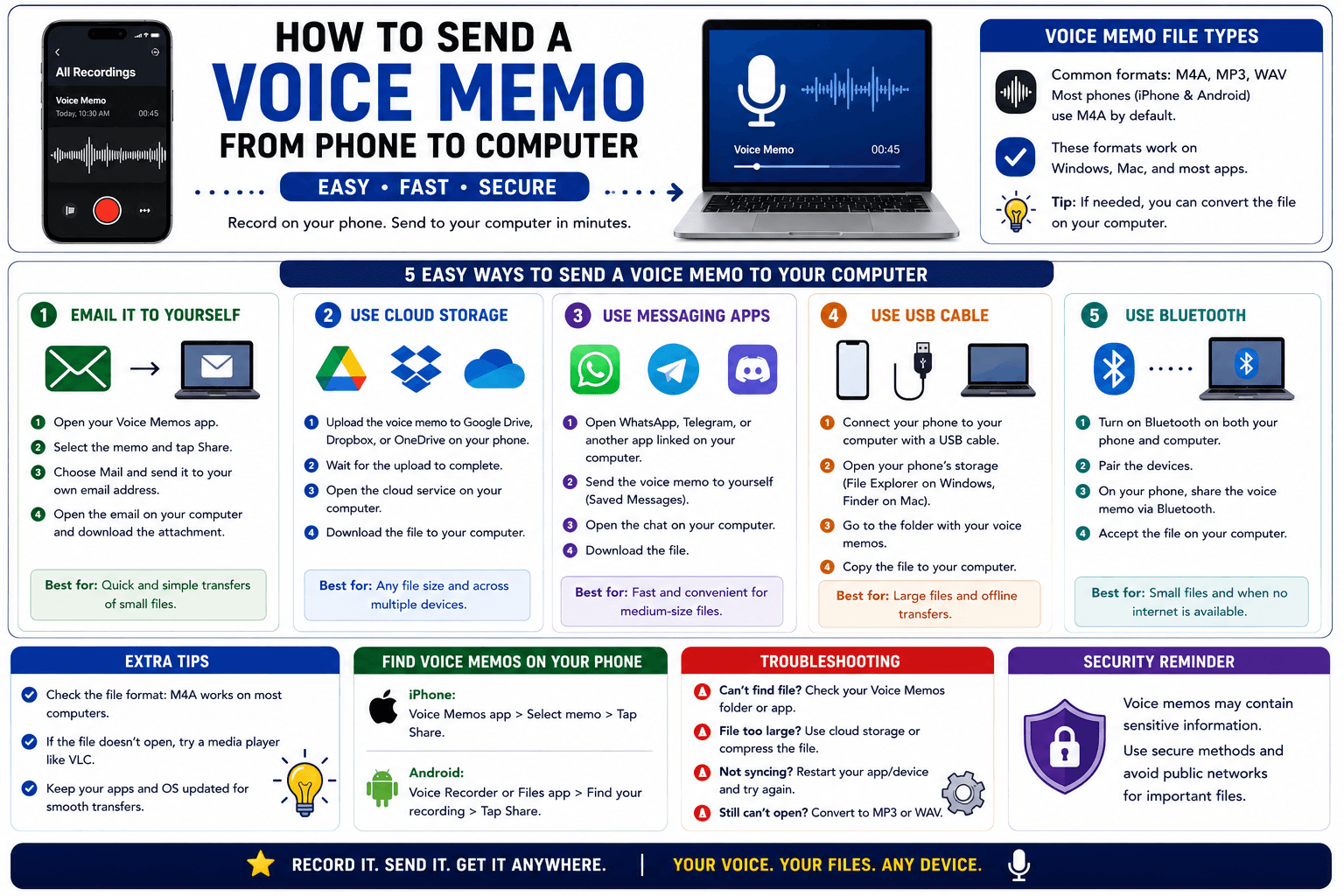
How to Send a Voice Memo From Phone to Computer
Voice memos are locked inside their app until you export them. Here is how to move a recording from your phone to your computer quickly once exported.
Read article