
The Best Universal Clipboard for Windows and Android
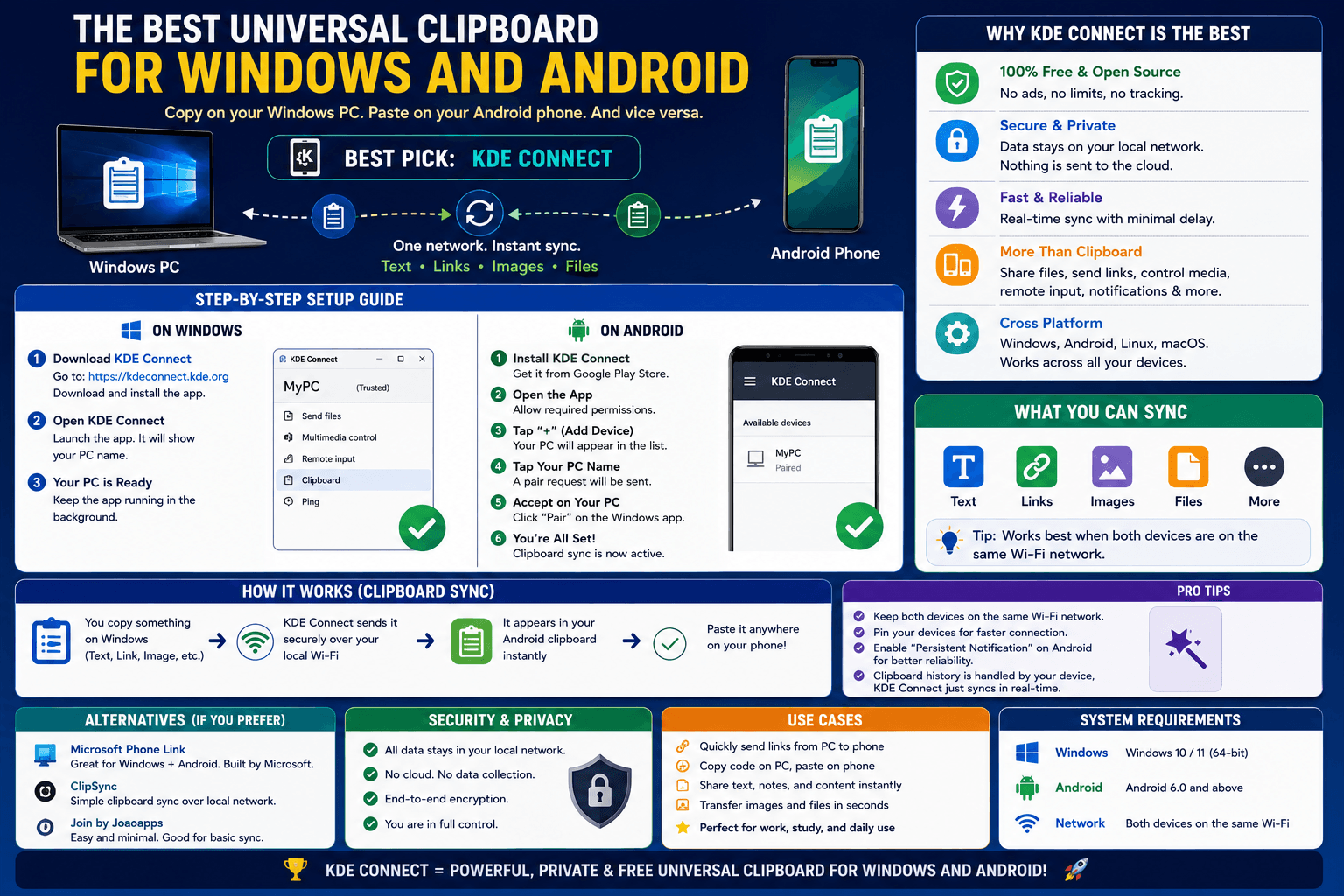
Apple users have had Universal Clipboard for years — copy on an iPhone, paste on a Mac, no extra steps. Windows and Android users, using devices from two different companies that have no interest in building that bridge for each other, have mostly been left without an equivalent. Here is what actually closes that gap.
Why Windows and Android don't have their own "Universal Clipboard"
Apple can build Universal Clipboard because it controls both the phone and the computer's operating system. Microsoft and Google do not have that same alignment — Windows is Microsoft's, Android is (mostly) Google's, and while Microsoft's Phone Link and Samsung's Link to Windows partially bridge specific device combinations, there is no universal, brand-agnostic equivalent that works the way Apple's version does across any Windows PC and any Android phone.
The closest thing to it: an account-based clipboard extension
CopyPaster's Chrome extension fills this specific gap. Install it on your Windows PC's Chrome browser and on Android Chrome (or any Chromium-based mobile browser that supports extensions), sign into the same account on both, and copying on one makes that text available to paste on the other — the same basic experience as Universal Clipboard, without requiring matching hardware brands.
Step by step
- Install the CopyPaster extension on Chrome on your Windows PC.
- Sign in with an email code through the extension popup.
- Do the same on your Android device's browser.
- Copy text on either device — it becomes available on the other automatically.
- Turn on auto-copy if you want it written directly into your clipboard, ready to paste with no extra tap.
How this compares to the built-in partial options
- Microsoft Phone Link / Samsung Link to Windows — works, but only for specific Samsung-to-Windows pairings, and requires both apps running and paired, which is more setup than a lightweight browser extension.
- Google Chrome sync — syncs some browser data across devices signed into the same Google account, but clipboard syncing through this route is inconsistent and not really built for the purpose.
- Manually pasting into a messaging app — works, but is the exact repetitive manual step a real clipboard bridge is meant to eliminate.
Tip: this works the other direction too — an iPhone and a Windows PC, or a Mac and an Android phone, any mismatched combination — since it depends on your account rather than which company made either device.
The bottom line
Apple built Universal Clipboard because it could — owning both ends of the connection. Everyone else needs a tool that does not care which company made your devices, just that you are signed into the same account on both. That is the actual gap an account-based clipboard extension is built to close.
Frequently Asked Questions
QIs there a Universal Clipboard for Windows and Android?
There is no official built-in equivalent from Microsoft or Google. An account-based clipboard extension like CopyPaster provides the same experience across any Windows and Android device combination.
QDoes Samsung Link to Windows work like Universal Clipboard?
It offers similar functionality, but only for specific Samsung-to-Windows device pairings, unlike a brand-agnostic extension that works across any device combination.
QCan this work between an iPhone and a Windows PC too?
Yes, since it depends on your account rather than the device manufacturer, it works across any mismatched combination, including iPhone to Windows or Mac to Android.
Related articles
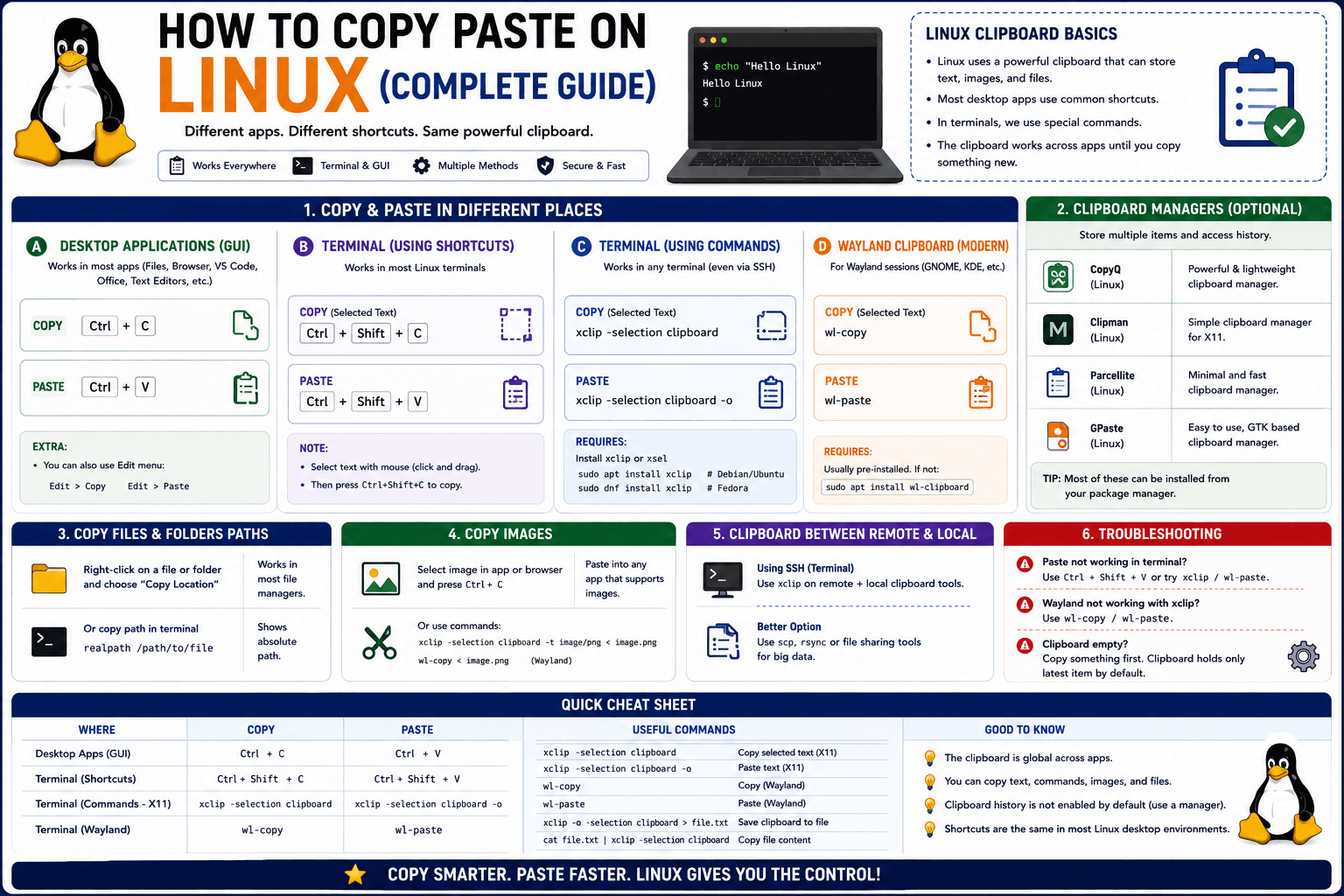
How to Copy Paste on Linux (Complete Guide)
Linux quietly runs two separate clipboards at once. Understanding both explains most copy-paste confusion, plus how to sync with other operating systems.
Read article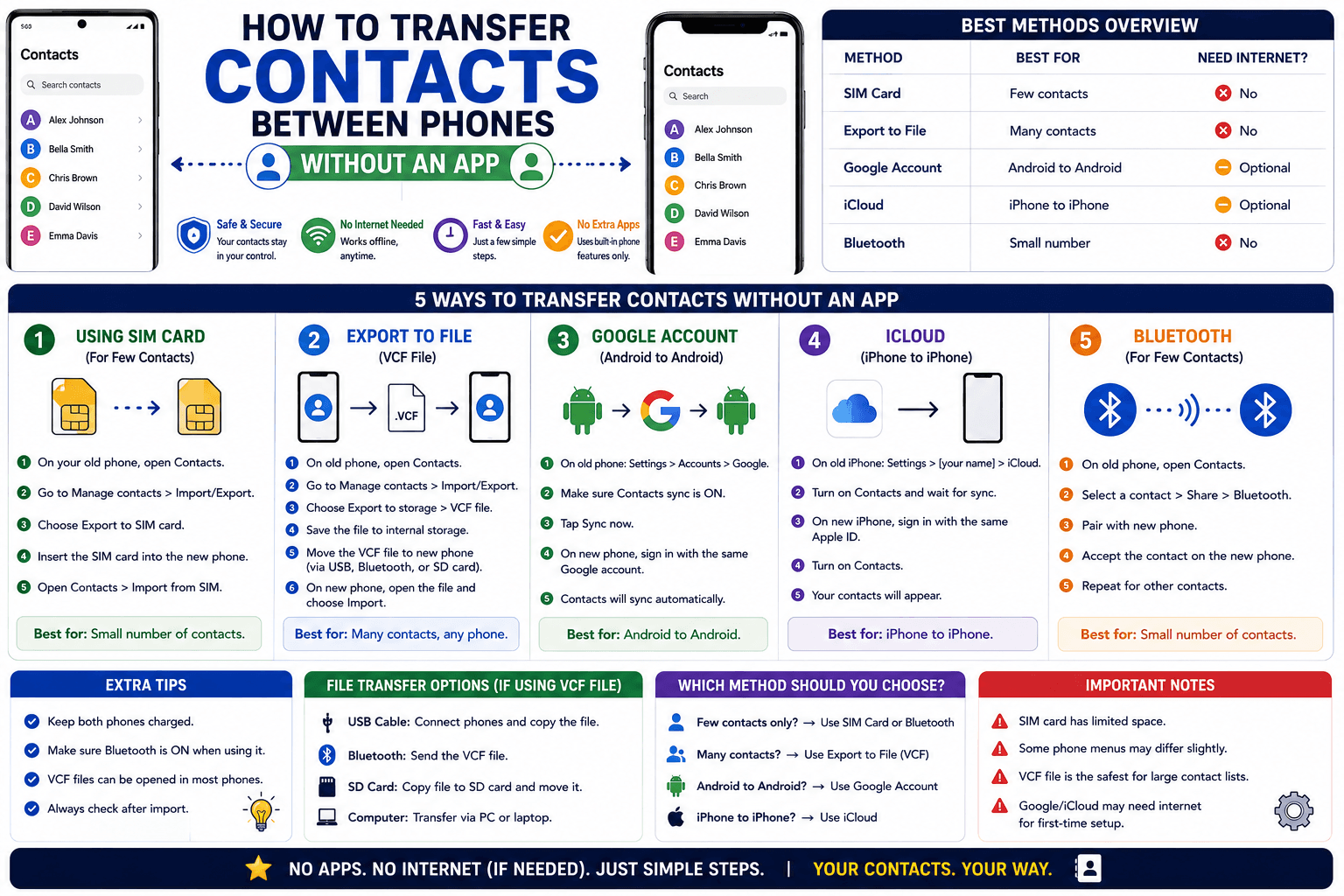
How to Transfer Contacts Between Phones Without an App
Moving to a new phone does not require a third-party transfer app. Here is how to move contacts using built-in sync or a quick vCard file export.
Read article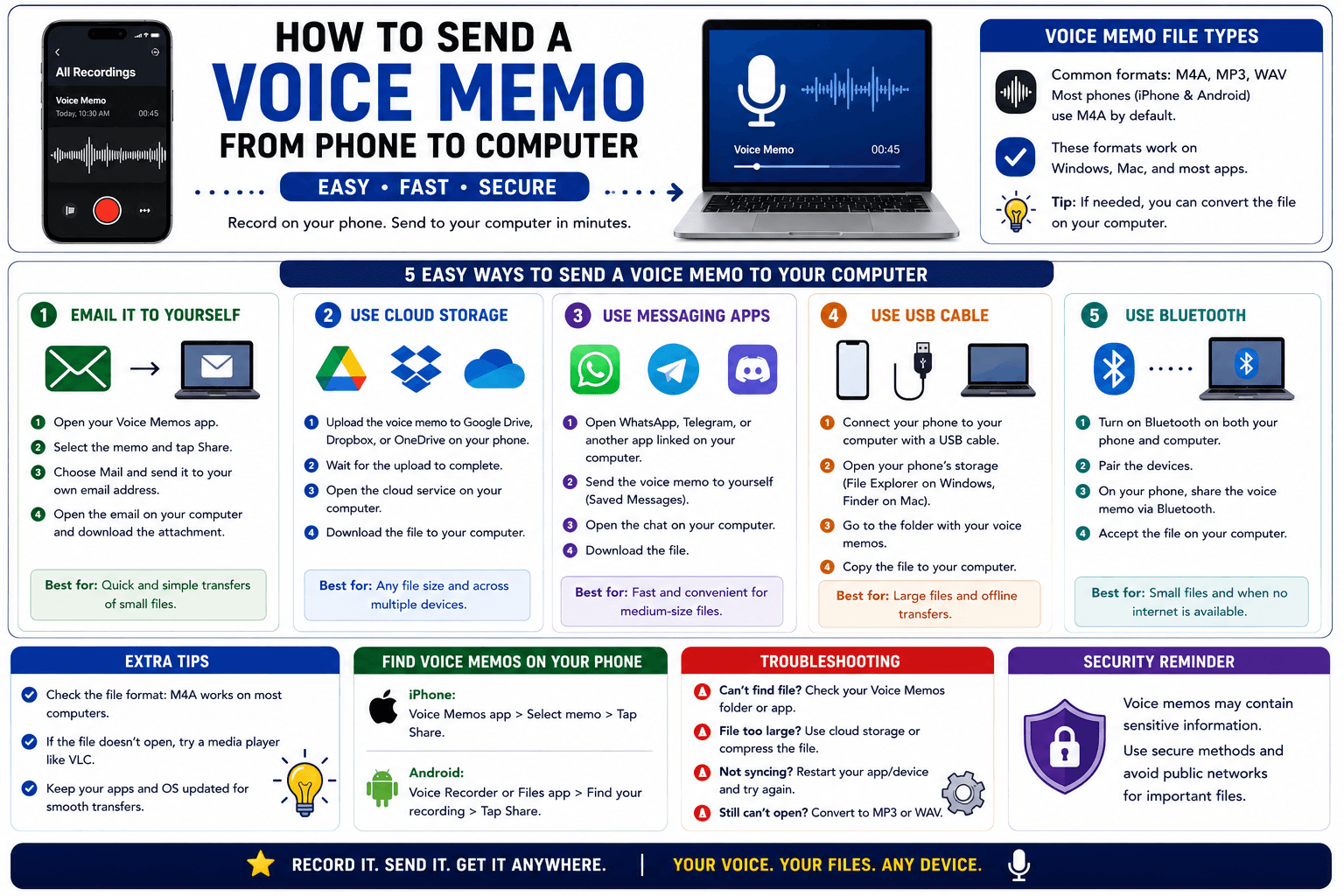
How to Send a Voice Memo From Phone to Computer
Voice memos are locked inside their app until you export them. Here is how to move a recording from your phone to your computer quickly once exported.
Read article