Learn about real-time cross-device transfer, secure local sharing protocols, and modern productivity hacks.
Published guides
Getting started
Connect two browsers, confirm your receiving device, and troubleshoot a pairing that will not open or connect.
4 min read
File transfers
Move documents, photos, archives, and other files directly between paired browsers, then save them before leaving.
5 min read
Clipboard essentials
Understand paste and copy permissions, enable focused-tab text sharing, and find a reliable fallback when your browser blocks access.
5 min read
Workflow
Choose text, files, or chat, verify the receiving browser, and finish your handoff without losing an unsaved transfer.
3 min read
Privacy
Understand the current QR-paired workspace, protect your invitation, and distinguish it from the older network-room model.
4 min read
Journal
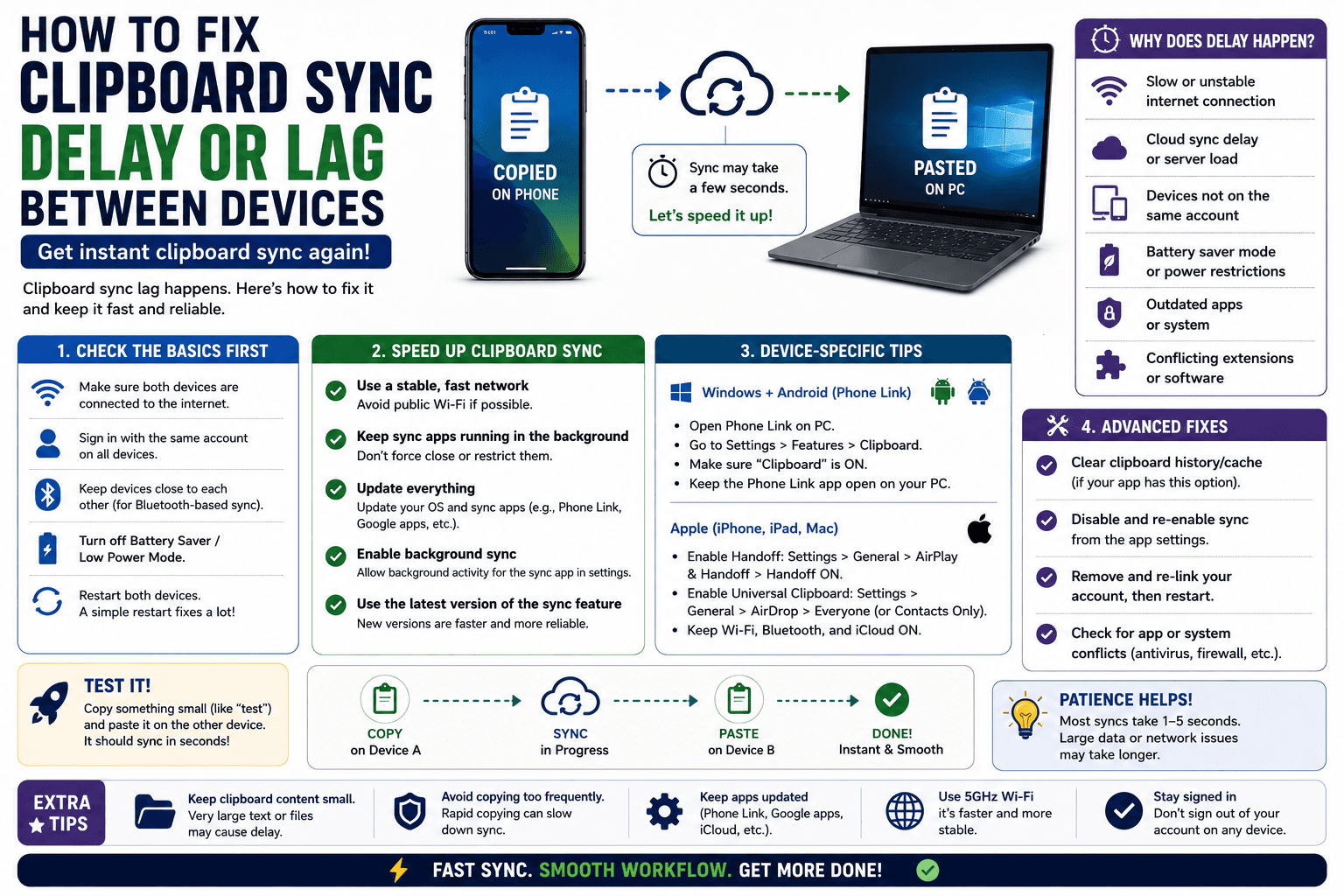
Clipboard sync that works but takes too long is a different problem than sync that fails outright. Here are the real causes of the delay, and the fixes.
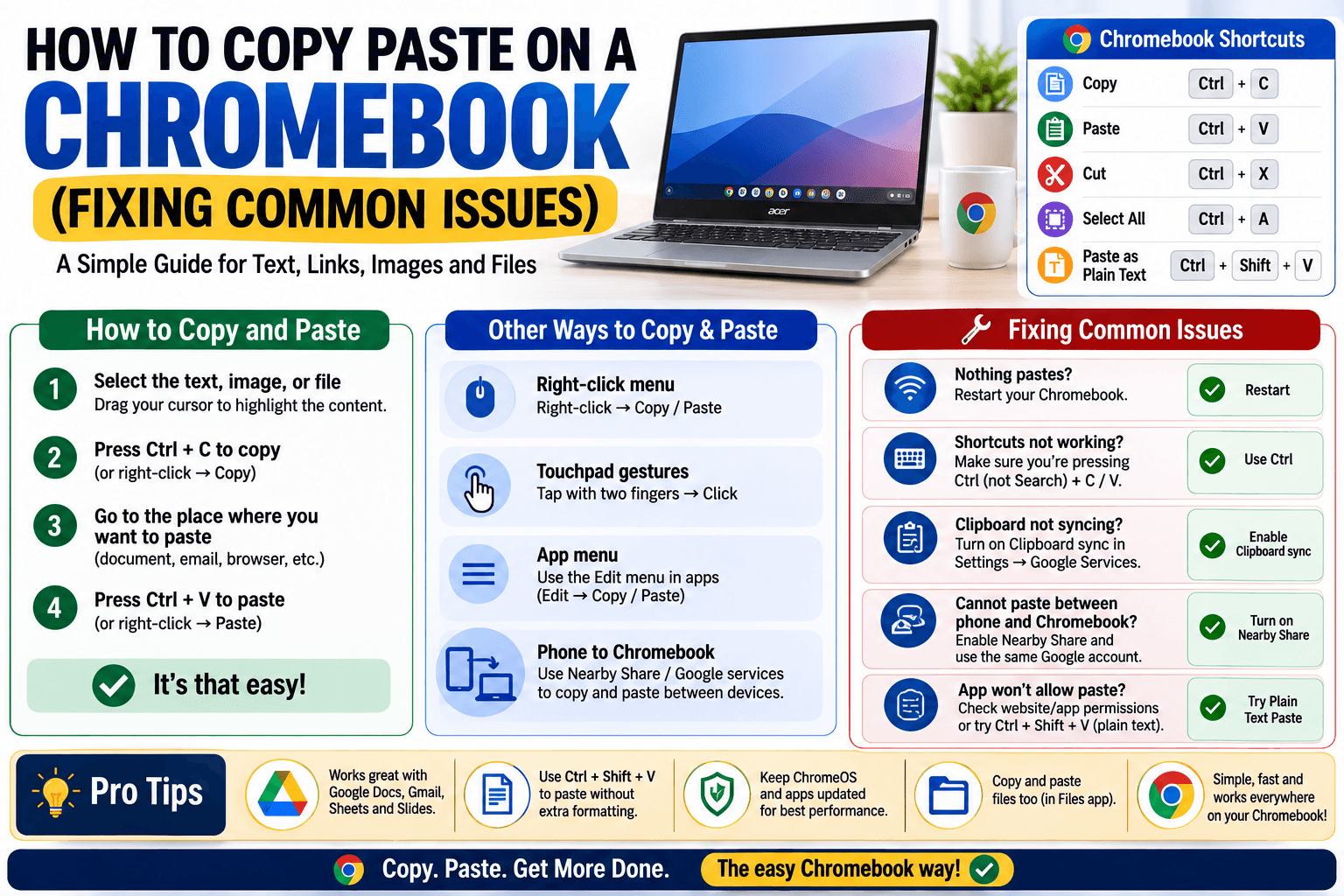
Copy paste on a Chromebook mostly matches Windows, except for a few quirks around touchscreens, cross-device syncing, and school-managed restrictions. Here is how to handle each one.
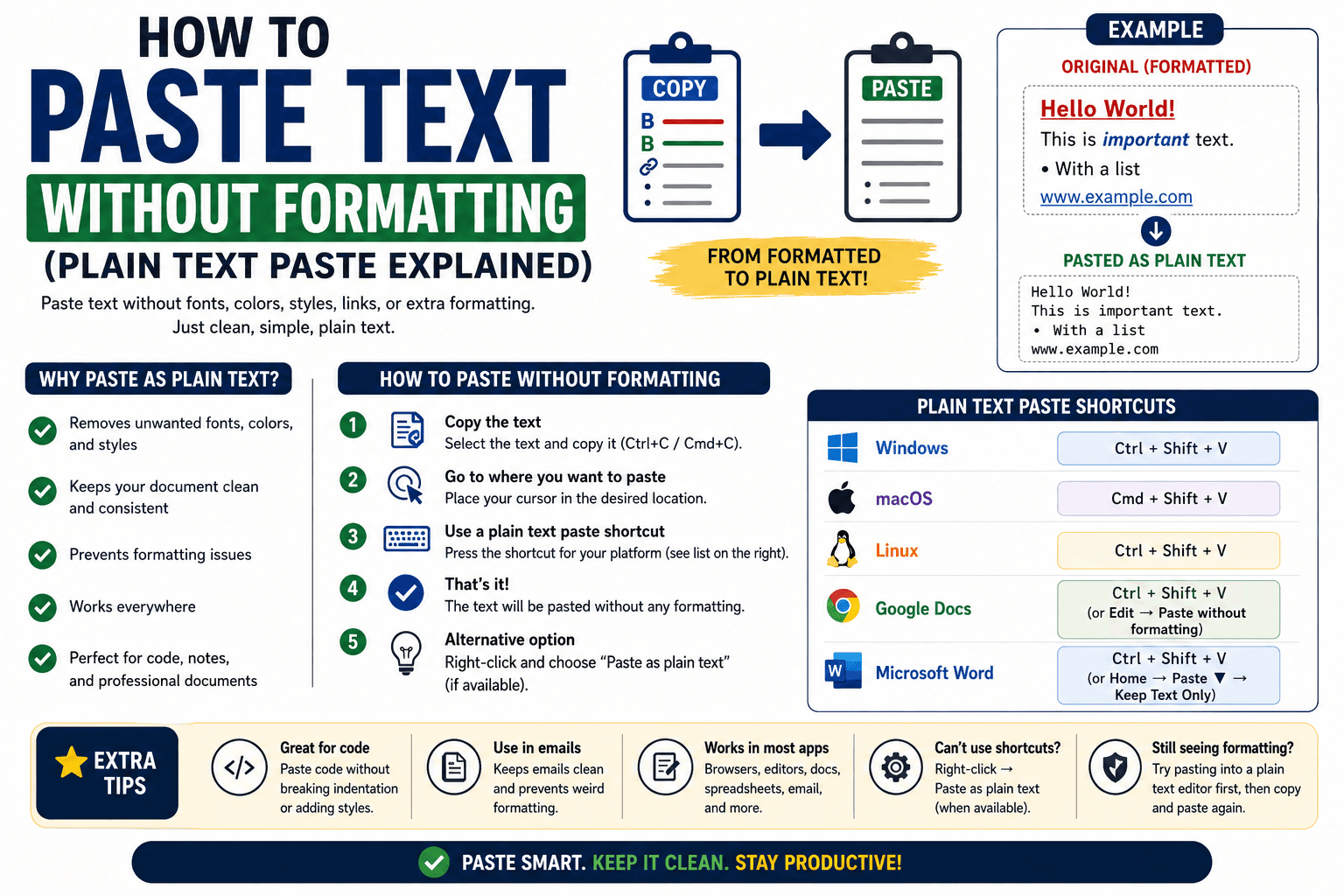
Pasted text picking up the wrong font or random hyperlink colors? Here is how to paste as plain text every time, on any device.
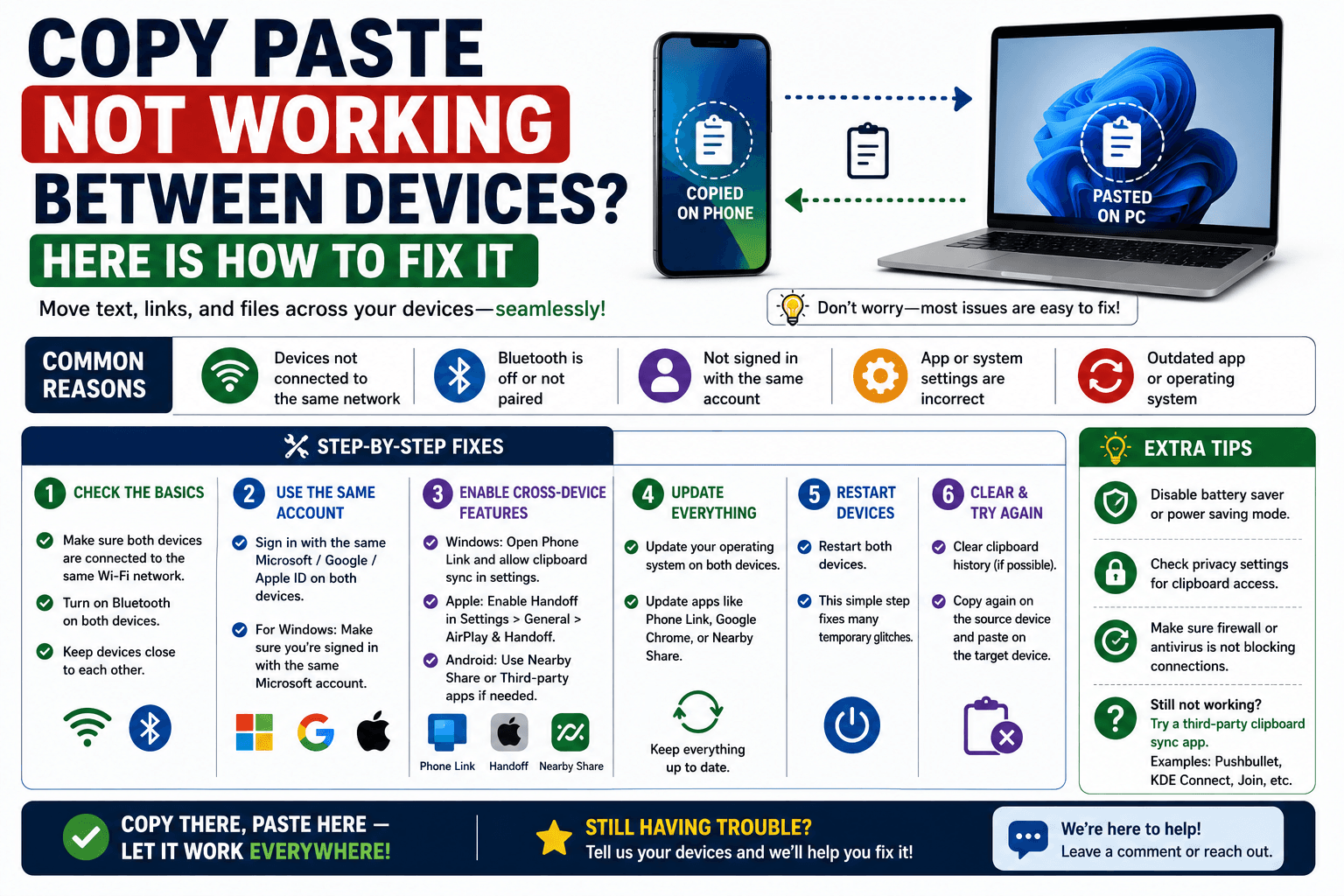
Copy-paste between your phone and computer suddenly stopped working? It is almost always a network mismatch. Here is how to actually fix it.
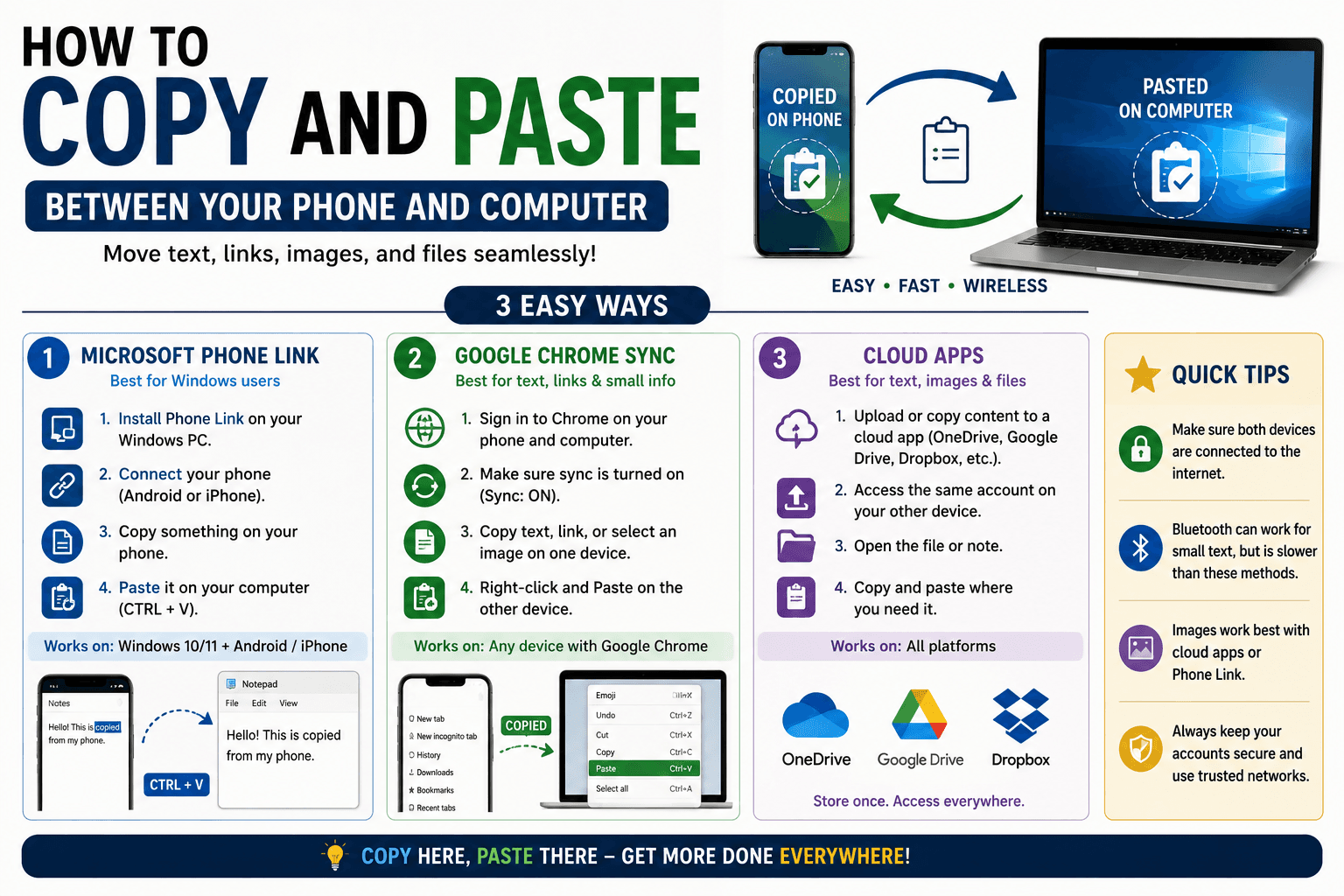
Your phone and computer do not share a clipboard by default. Here is every way to copy and paste between them, from built-in tools to a fast cross-platform method.
A virtual machine does not share a clipboard with its host by default. Here is how to enable it in VirtualBox and VMware, plus a reliable fallback.
