Learn about real-time cross-device transfer, secure local sharing protocols, and modern productivity hacks.
Published guides
Getting started
Connect two browsers, confirm your receiving device, and troubleshoot a pairing that will not open or connect.
4 min read
File transfers
Move documents, photos, archives, and other files directly between paired browsers, then save them before leaving.
5 min read
Clipboard essentials
Understand paste and copy permissions, enable focused-tab text sharing, and find a reliable fallback when your browser blocks access.
5 min read
Workflow
Choose text, files, or chat, verify the receiving browser, and finish your handoff without losing an unsaved transfer.
3 min read
Privacy
Understand the current QR-paired workspace, protect your invitation, and distinguish it from the older network-room model.
4 min read
Journal
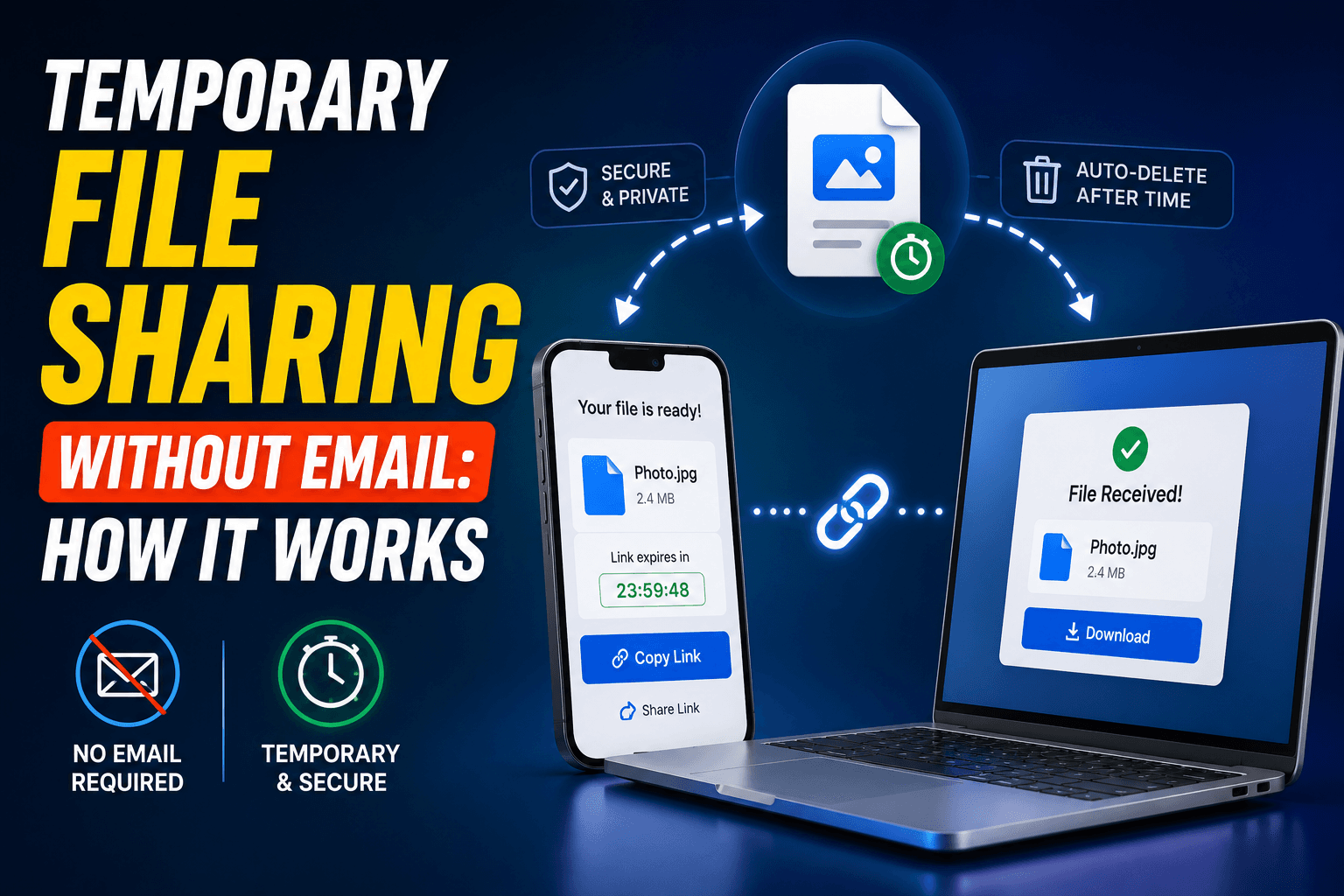
Emailing files to yourself clutters your inbox forever. Here is how temporary, self-clearing file sharing gets the same job done in far fewer steps.
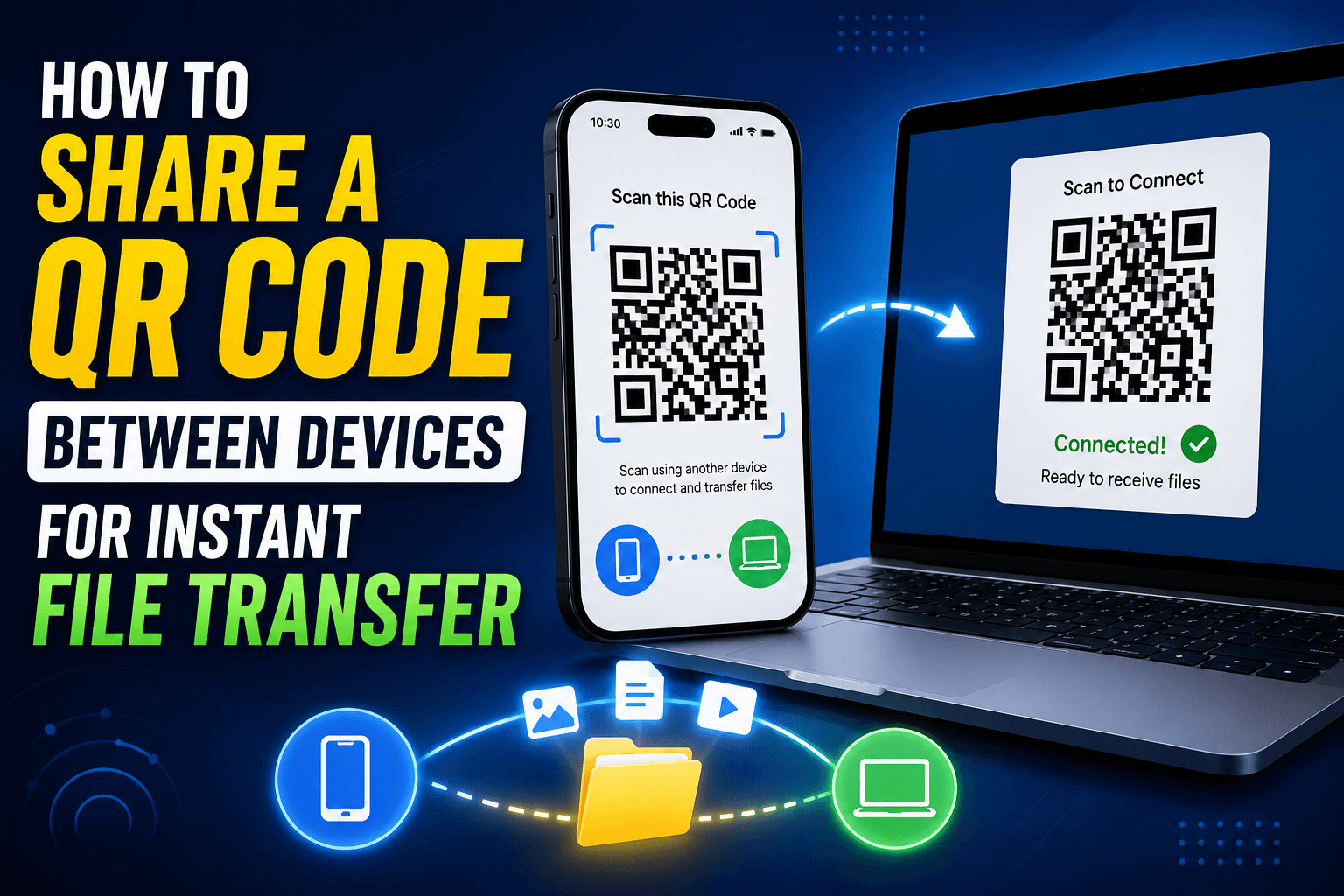
Skip typing a room code by hand. Scan a QR code with your phone to join the same file-sharing room as your computer in seconds.

Stop texting links to yourself. Paste a link on your phone and see it on your computer instantly with a shared browser tab — no app, no waiting.
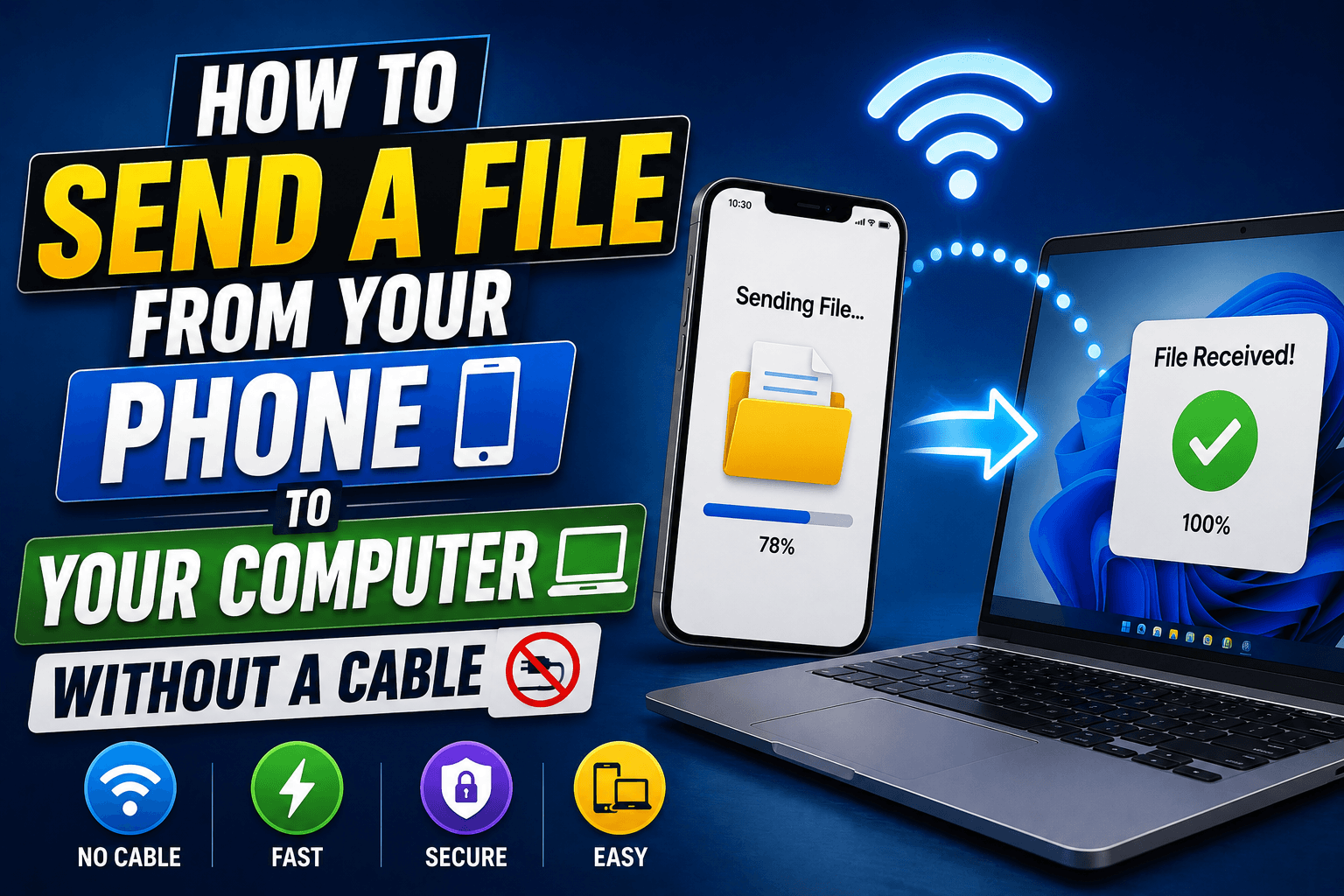
Bluetooth pairing is slow and cables get left behind. Here is the fastest browser-based way to send a file from phone to computer instantly.
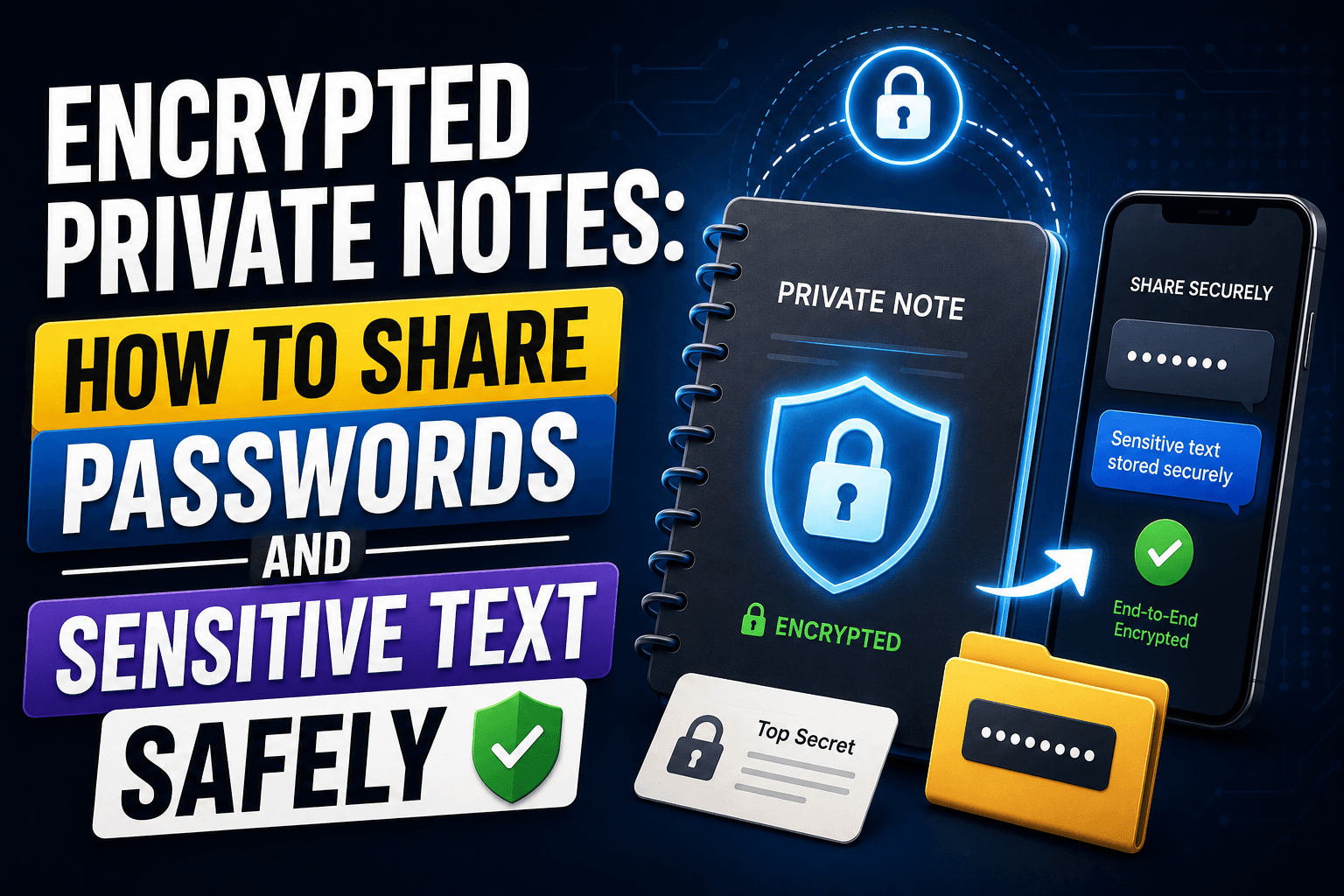
Typing a password into a chat app leaves it there forever. Here is how to send passwords and sensitive text with a note that self-destructs after being read.
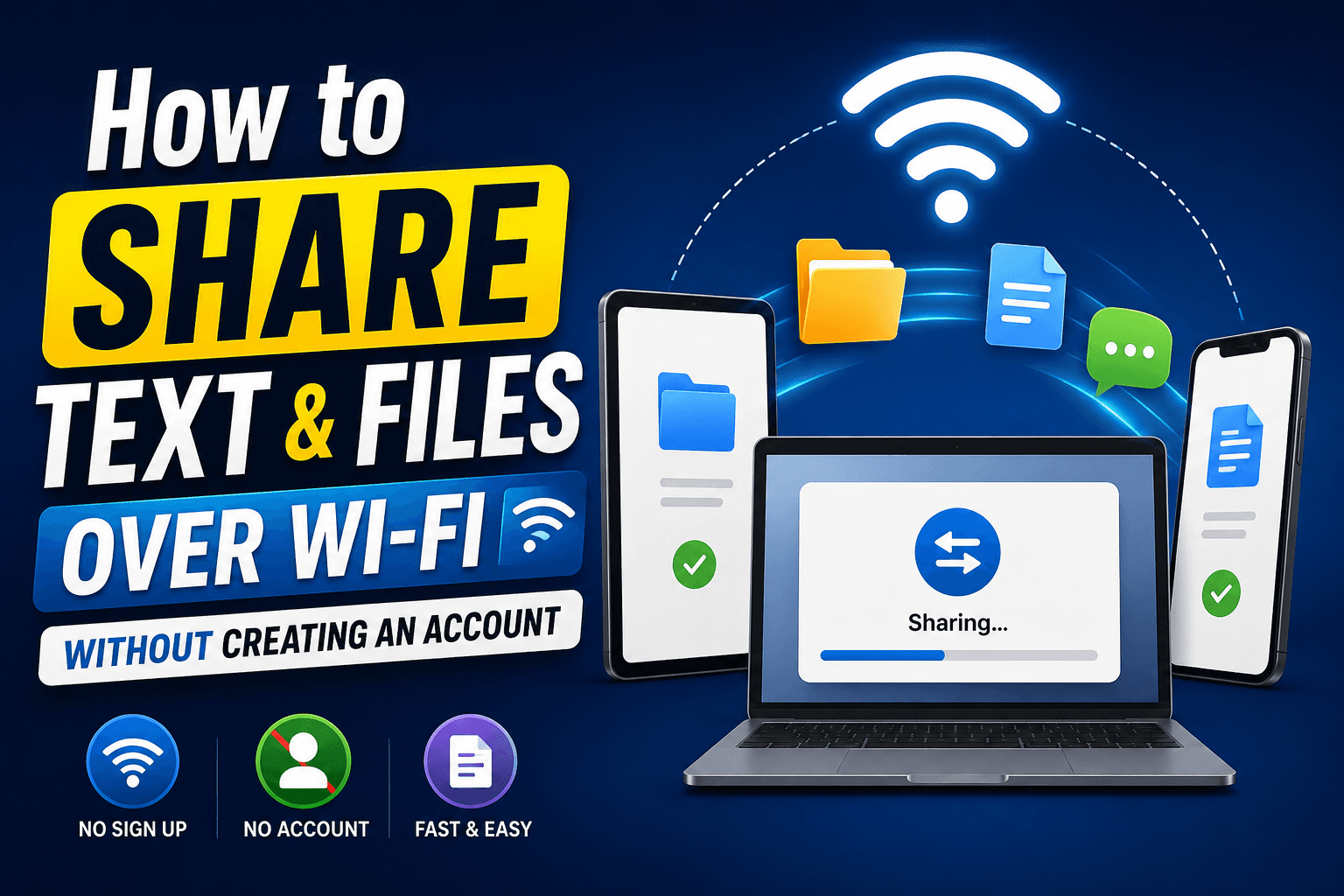
No account, no app install — just a shared Wi-Fi room that moves text and files between devices in seconds.
