Learn about real-time cross-device transfer, secure local sharing protocols, and modern productivity hacks.
Published guides
Getting started
Connect two browsers, confirm your receiving device, and troubleshoot a pairing that will not open or connect.
4 min read
File transfers
Move documents, photos, archives, and other files directly between paired browsers, then save them before leaving.
5 min read
Clipboard essentials
Understand paste and copy permissions, enable focused-tab text sharing, and find a reliable fallback when your browser blocks access.
5 min read
Workflow
Choose text, files, or chat, verify the receiving browser, and finish your handoff without losing an unsaved transfer.
3 min read
Privacy
Understand the current QR-paired workspace, protect your invitation, and distinguish it from the older network-room model.
4 min read
Journal
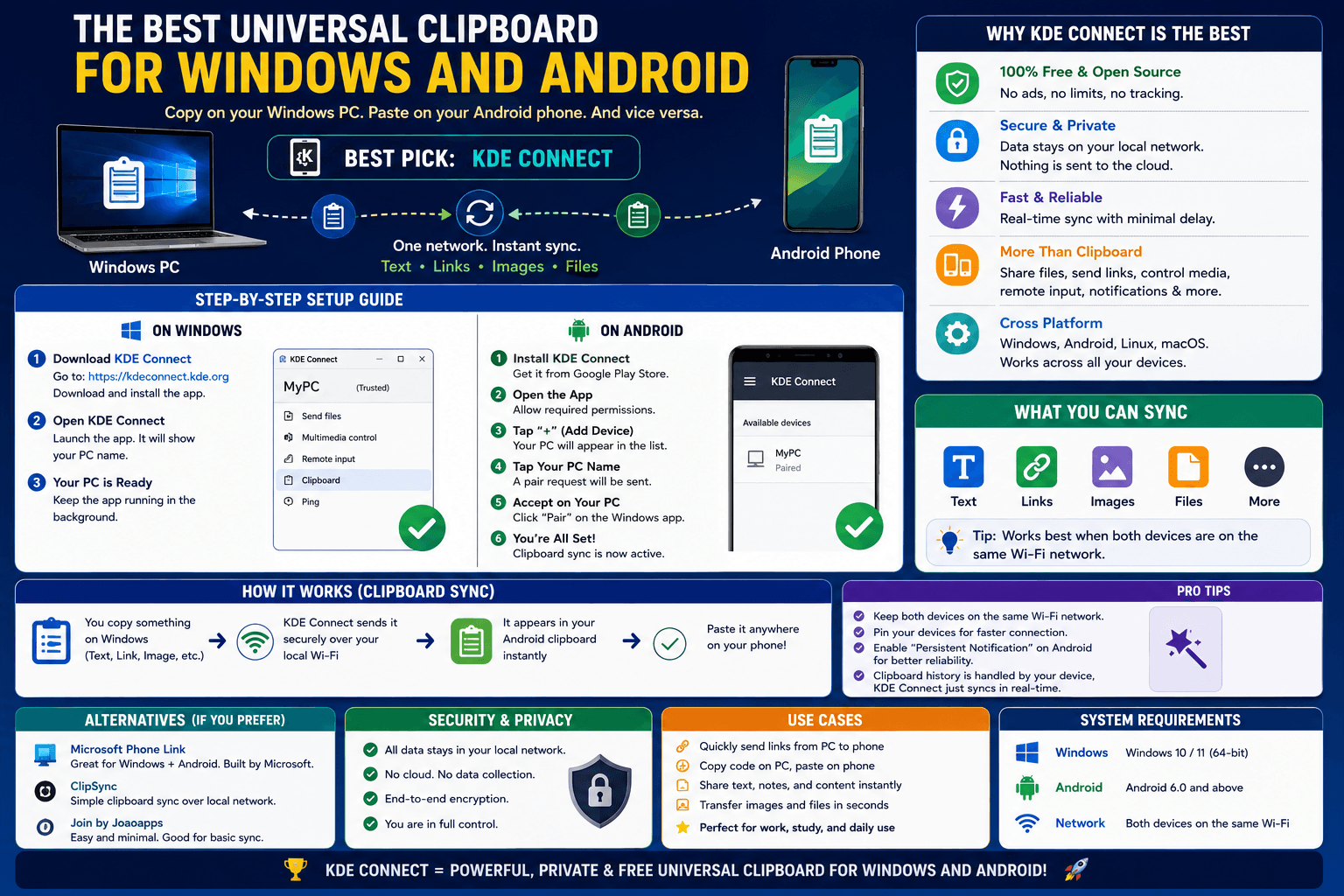
Apple has Universal Clipboard between iPhone and Mac. Here is the closest equivalent for Windows and Android, which have no official bridge of their own.
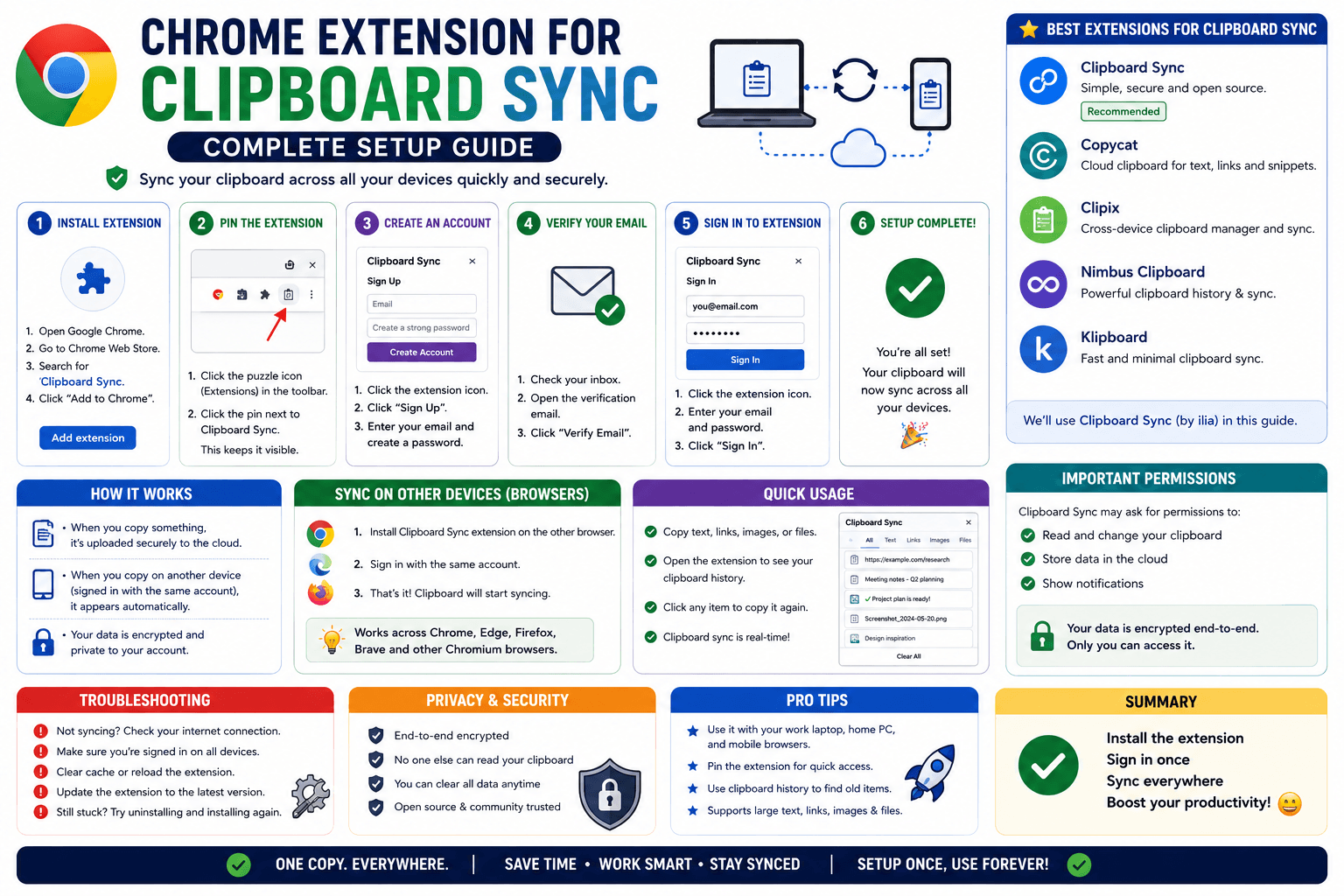
A complete walkthrough for setting up CopyPaster's clipboard sync extension, including auto-copy, confirming it works, and troubleshooting idle syncing.
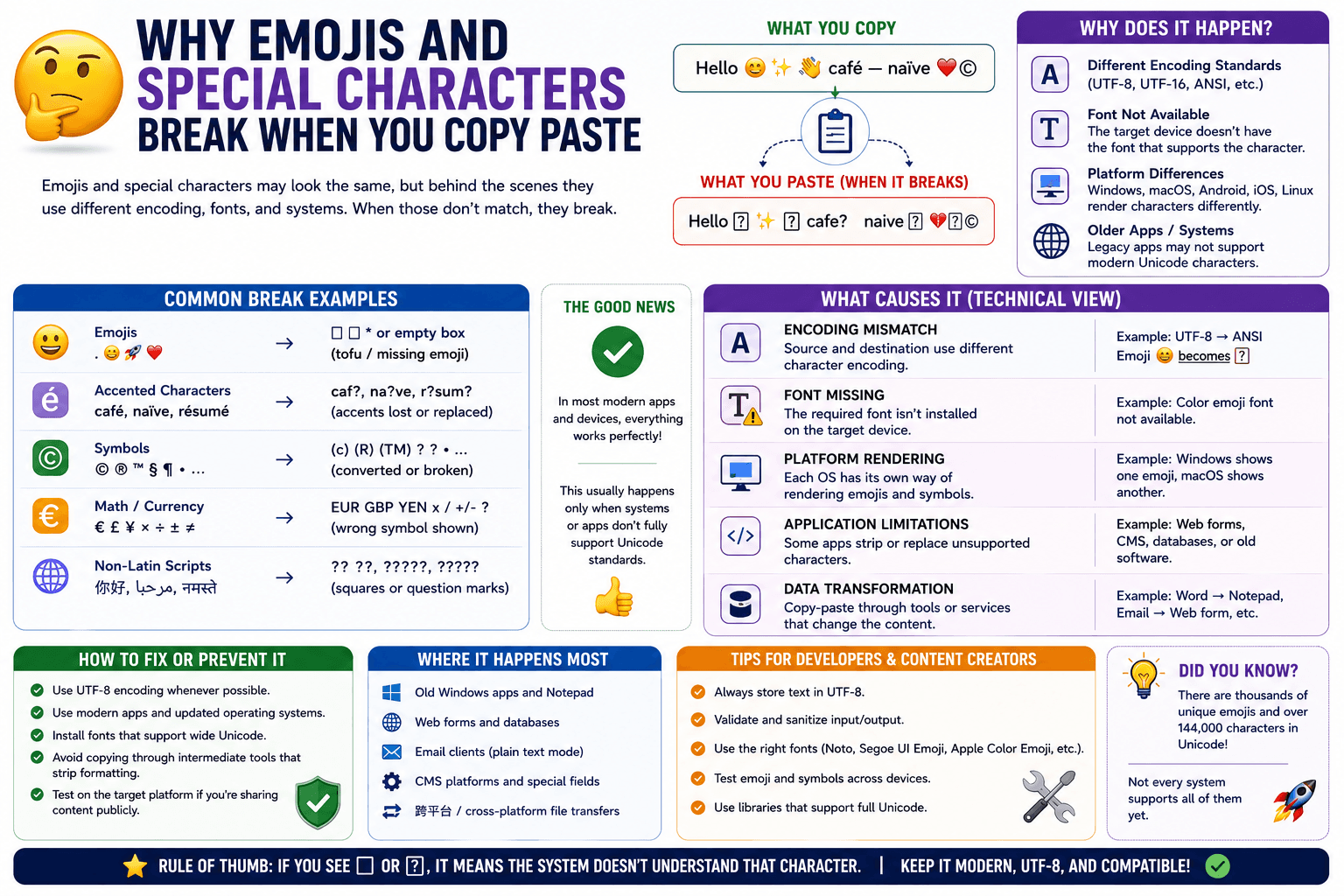
Emojis and accented characters turning into boxes or question marks after a paste is almost always a text encoding mismatch. Here is how to fix it.
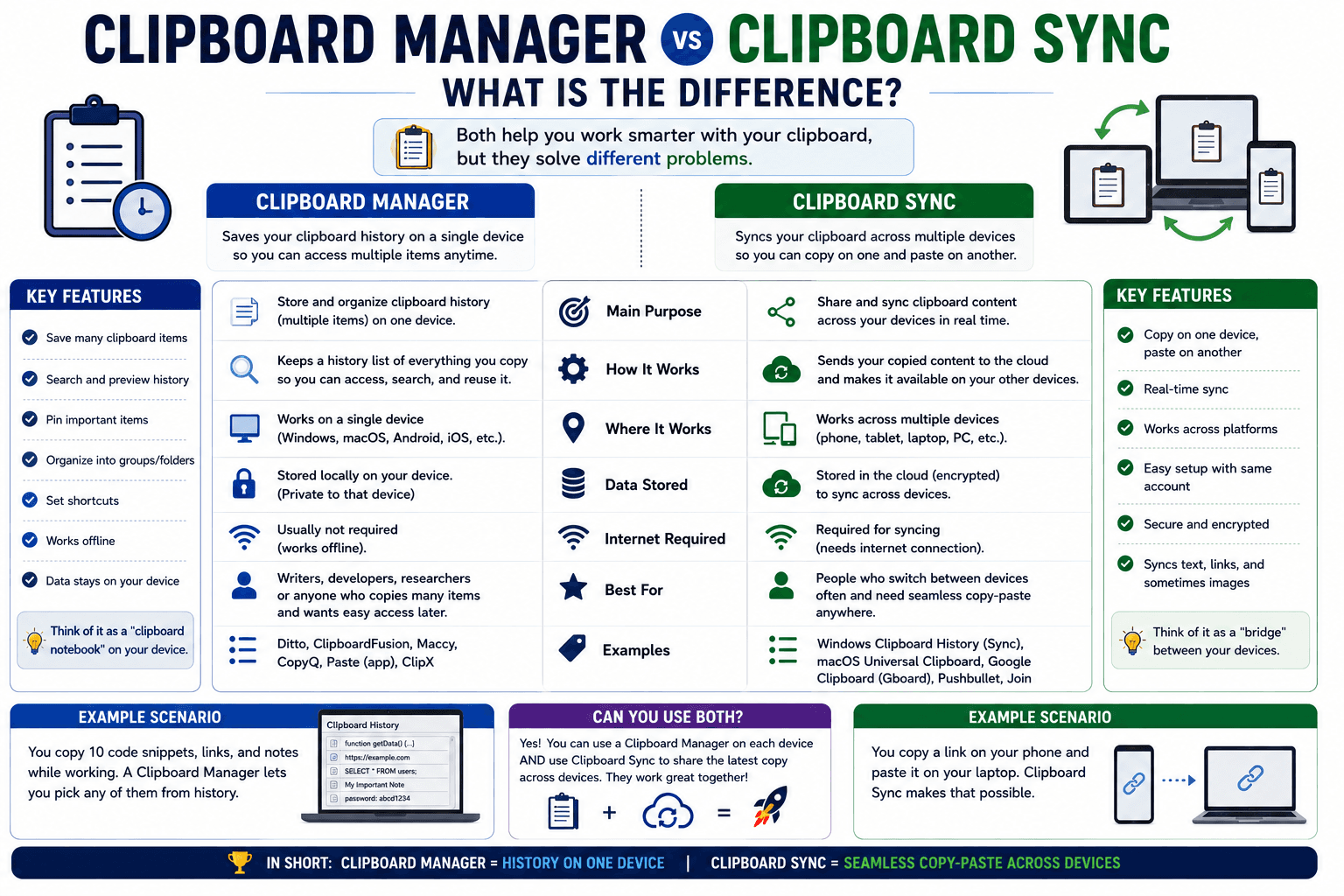
A clipboard manager remembers what you copied. Clipboard sync gets it to your other devices. Here is why they are not the same tool.
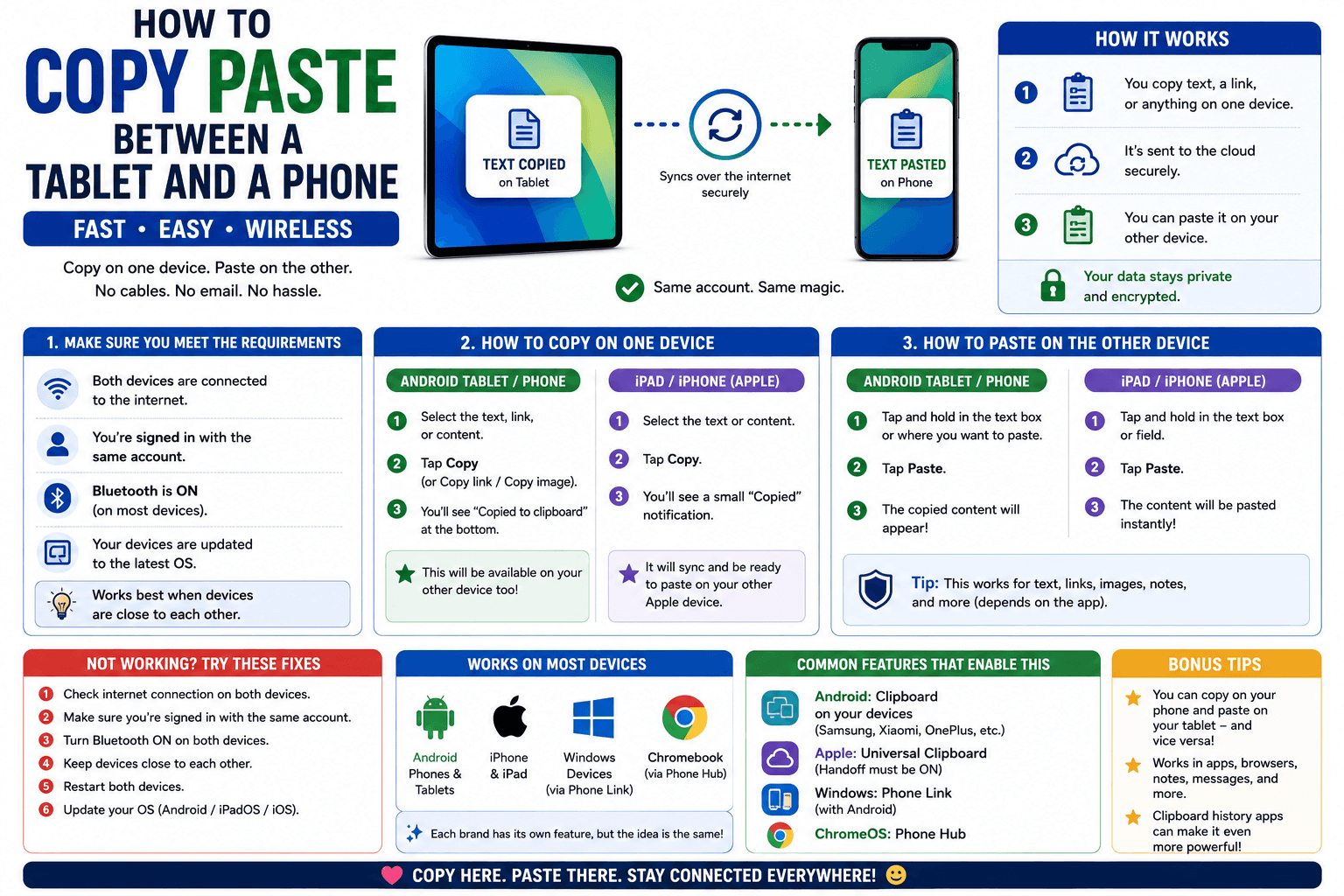
Tablet and phone copy-paste only works automatically within a matching ecosystem. Here is what to do when your devices are from different platforms.
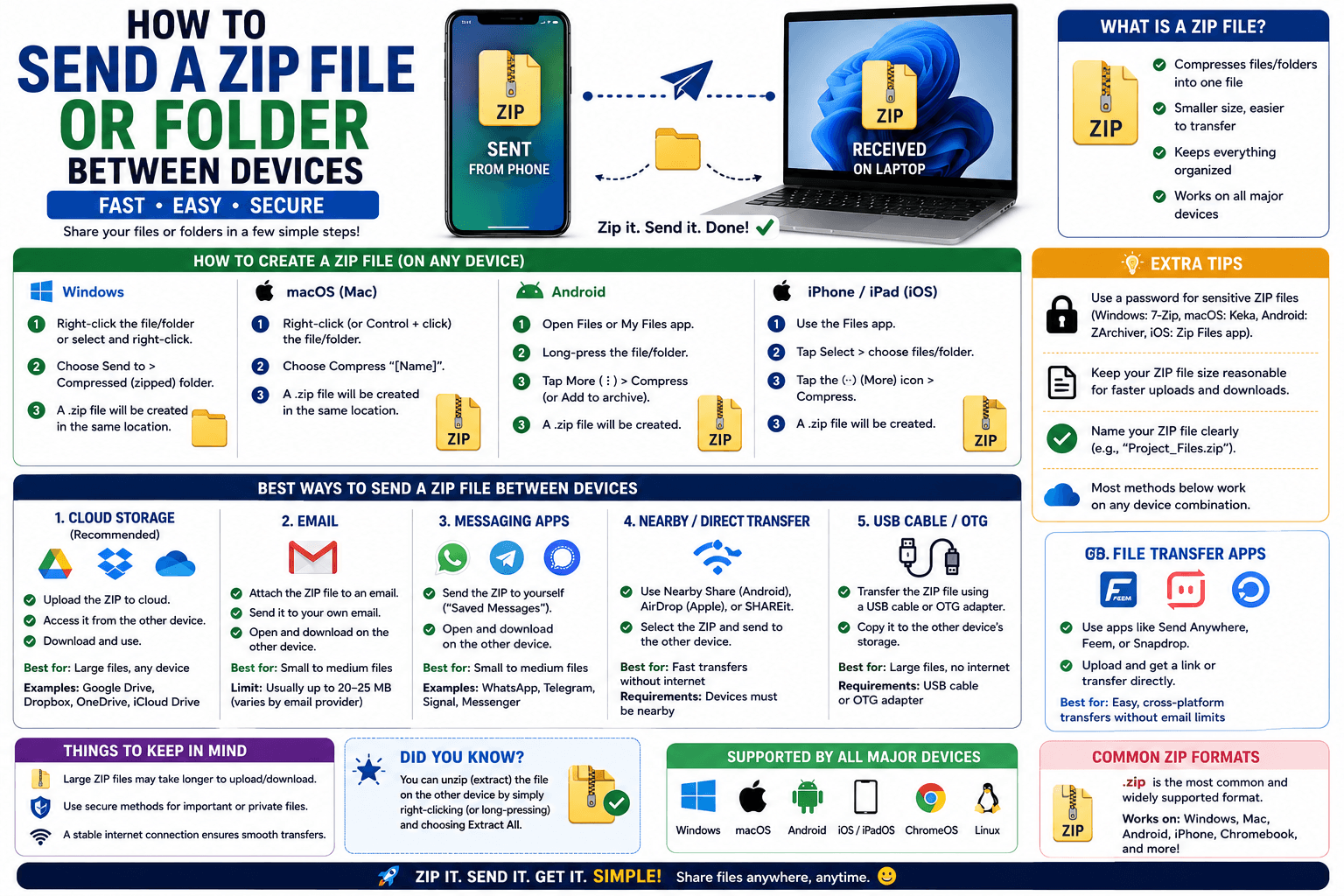
Do you actually need to zip a folder before sending it between devices? Here is when it matters, and how to do it on Windows and Mac.
